
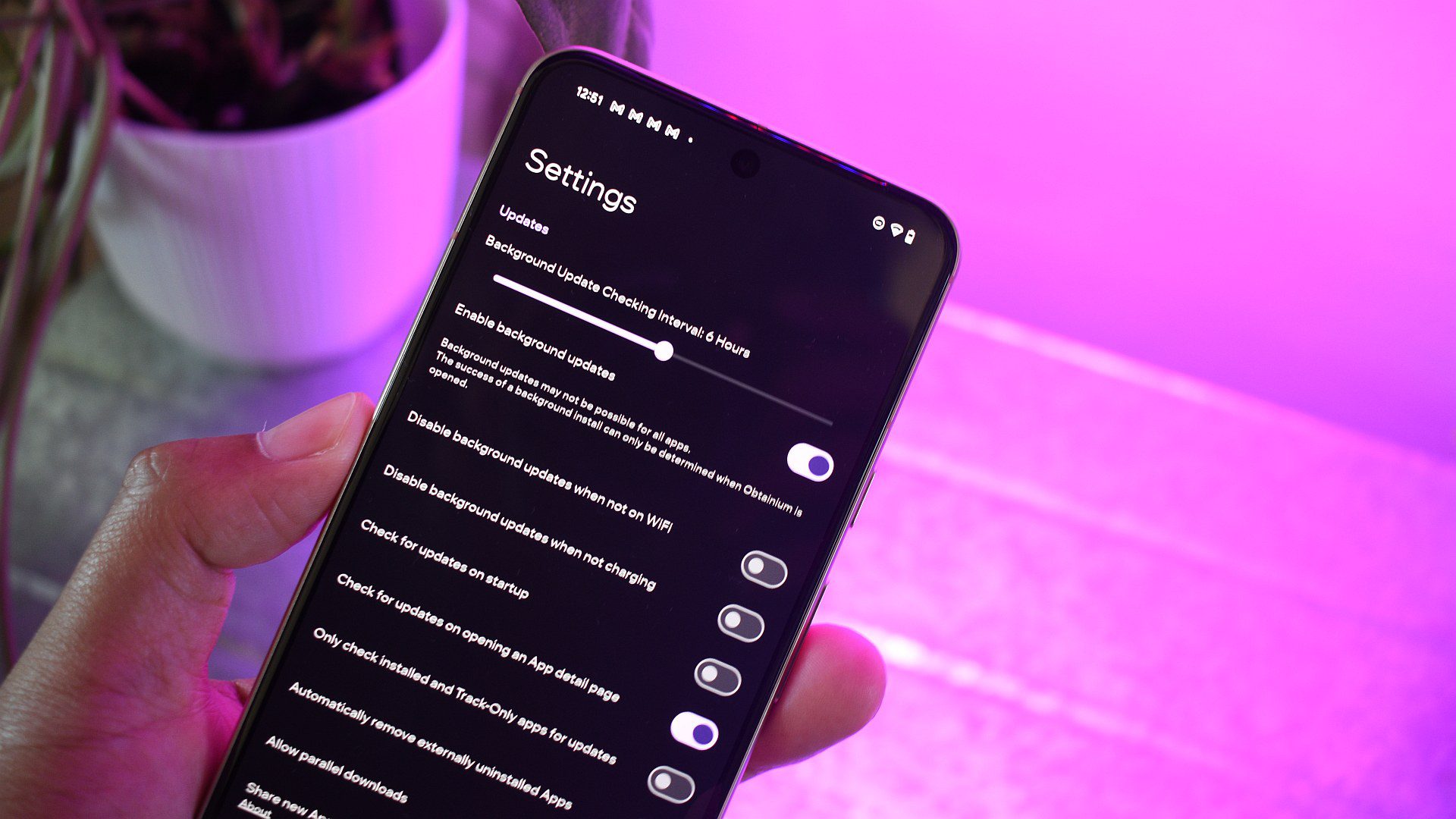
14 Essential Android Apps I Install and Update Through Obtainium
As an Android user, I’m always on the lookout for the best apps to enhance my experience. In this article, I’ll share my top 14 essential Android apps that I install and update through Obtainium, a central hub for installing, updating, and adding apps from other sources.
Why Obtainium?
Obtanium is a game-changer for Android users who want to access apps beyond the Play Store. It serves as a central hub for installing, updating, and adding apps from other sources, such as F-Droid, GitHub, or the vivo Store. With Obtanium, you can easily find and install these apps on your phone using its built-in search functionality.
The 14 Essential Android Apps
1. Breezy Weather
Breezy Weather is a fantastic open-source weather app that pairs perfectly with the look and feel of Pixel Launcher and Material 3 Expressive. It’s an incredible app that packs loads of weather detail other apps lack and can draw info from multiple sources.
2. Nobook
Nobook is a wrapper for Facebook Lite that offers ad blocking and a few additional customization options. It’s a great alternative to the Facebook app, and I use it to track traffic incidents during trips, keep up to date with local government news, and enjoy viewing content from numerous nature-loving groups and pages.
3. Forkyz
Forkyz is the best crossword puzzle app on Android. It has kept me entertained for hours of waiting, but most of all, it keeps that hamster in my brain spinning freely. It can grab various crosswords from multiple sources, including US and European newspapers.
4. Suntimes
Suntimes is an older app, but it still works a treat for tracking the lengthening and shortening of days and nights. It’s particularly useful for planning golden hour trips or pinpointing the best time to leave for a day hike. Suntimes is also one of the unique Android widgets I often place on my homescreen.
5. Canta
Canta is a crucial tool that lets me remove system-level apps from the phone, giving me the power to debloat annoying preinstalled apps on practically any device. It forms a core part of my Android security checklist.
6. Shizuku
Shizuku is a brilliant app that allows other apps that require system-level access a gateway to these powers. This allows Canta to uninstall practically any app, including SmartSpacer — an app I mention later in this article.
7. Kvaesitso
Kvaesitso is an open-source Android launcher that remains one of my favorite options. I used it as my primary home screen for years and loved its infinite vertical scrolling design, which supported my overzealous use of widgets while keeping my home screen clean and focused.
8. Tubular
Tubular is a fantastic alternative YouTube app that’s a fork of Newpipe. It includes Sponsorblock and ReturnYouTubeDislike, which enhance the video viewing experience by blocking sponsor segments, intros, and other identifiable snippets, and reintegrating the dislike counter.
9. Aurora Store
Aurora Store is a portal into the Google app repository that doesn’t require a Google account or Google services. It’s a favorite for those in de-Google circles, and I’ve found its search functionality to be far more functional and direct than the Play Store.
10. ColorBlendr
ColorBlendr opens up the limitation of modern Android’s theming system by allowing finer tuning of the predominant theme color. This means pairing a lime green wallpaper with hot pink UI elements, or any other color combination you could dream of.
11. Fennec
Fennec is essentially Mozilla Firefox without the trackers. It’s based on the latest version of the browser, so all the latest features are ready and waiting. It also supports add-ons, picture-in-picture support, and Firefox Sync.
12. SmartSpacer
SmartSpacer captures and overlays even more information on the At A Glance widget, including data from third-party apps and services. It’s a great app for those who use the At A Glance feature on their Pixel home screen.
13. Exodus
Exodus is an essential app for those who prioritize privacy. It recognizes which of the apps you’ve installed on your phone include trackers and which permissions they demand.
14. F-Droid
F-Droid is a repository of free and open-source apps that can be installed on Android devices. It’s a great alternative to the Play Store, and I use it to find and install new apps that align with my values.
Conclusion
These 14 essential Android apps are a must-have for any Android user who wants to enhance their experience. With Obtanium as the central hub, you can easily find and install these apps on your phone using its built-in search functionality. Whether you’re looking for a great weather app, a private browser, or a launcher, these apps have got you covered.
FAQs
Q: What is Obtanium?
A: Obtanium is a central hub for installing, updating, and adding apps from other sources, such as F-Droid, GitHub, or the vivo Store.
Q: What are the benefits of using Obtanium?
A: Obtanium allows you to access apps beyond the Play Store, giving you more freedom and flexibility in choosing the apps you want to use.
Q: What are some of the essential Android apps you install and update through Obtanium?
A: Some of the essential Android apps I install and update through Obtanium include Breezy Weather, Nobook, Forkyz, Suntimes, Canta, Shizuku, Kvaesitso, Tubular, Aurora Store, ColorBlendr, Fennec, SmartSpacer, Exodus, and F-Droid.








