
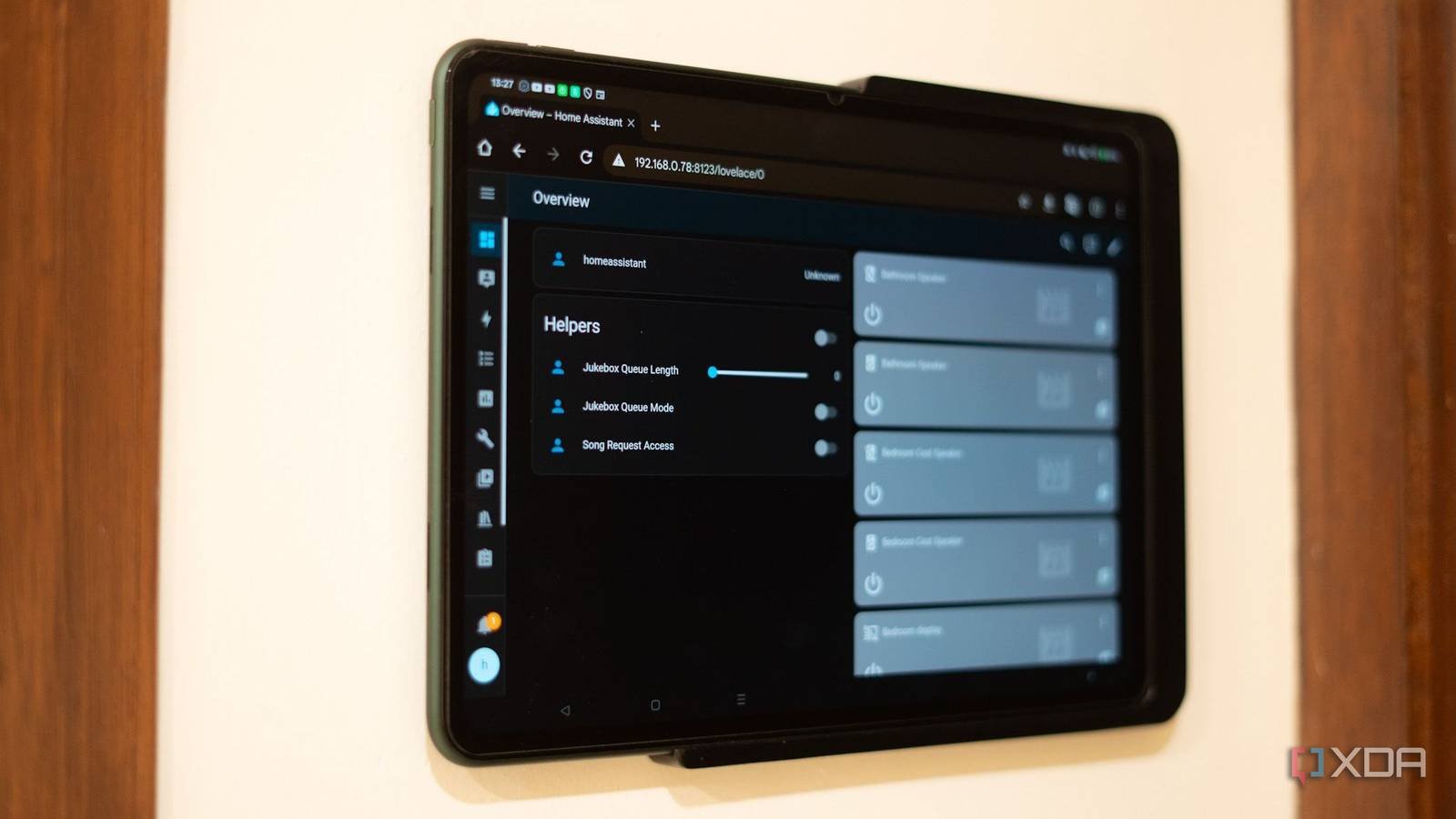
Why My 5-Year-Old Tablet Outperforms Modern Smart Home Controllers
Imagine a world where your smart home controller isn’t a sleek, cutting-edge device but a humble tablet you bought years ago. That’s my reality. A 5-year-old tablet mounted on my wall manages all my smart home devices—from lights to thermostats—with zero hiccups. Here’s why this setup works—and how you can replicate it.
The Simplicity of Older Tech
Modern smart home controllers often come with bloated software and compatibility issues. My tablet, running a stable Android version, avoids these pitfalls. It’s lightweight, responsive, and integrates seamlessly with apps like Home Assistant and IFTTT. No monthly fees, no subscription bloat—just pure functionality.
How to Turn an Old Tablet into a Smart Home Hub
- Mount it securely: Use a wall mount for easy access.
- Install essential apps: Choose open-source platforms like Home Assistant for full control.
- Optimize settings: Disable unnecessary updates and background processes.
Benefits Over Newer Devices
Older tablets often have better hardware longevity. My device handles 10+ smart devices daily without lag. Plus, no reliance on cloud services means it works offline—a critical advantage during outages. Costs? Less than $50 for a used tablet, compared to $200+ for branded controllers.
When to Upgrade
While my setup works, newer tablets with better screens or voice integration might suit advanced users. But for most households, simplicity beats complexity. Test your old devices before investing in new tech.
Conclusion: Embrace the Power of Practicality
Smart home success isn’t about the latest gadgets—it’s about what works for you. A 5-year-old tablet proves that sometimes, older tech is the best solution. Ready to simplify your smart home? Start with what you already own.
FAQs
Can any tablet work as a smart home controller? Yes, as long as it runs a stable OS and supports automation apps.
Is a smart home controller necessary? Not if you use voice assistants or app-based control directly.
How to secure an old tablet? Enable a PIN, disable location services, and avoid public Wi-Fi.
What if my tablet is too slow? Opt for lightweight apps like Tasker or Simple Home.
Why avoid modern controllers? Many require subscriptions or have limited device compatibility.








