
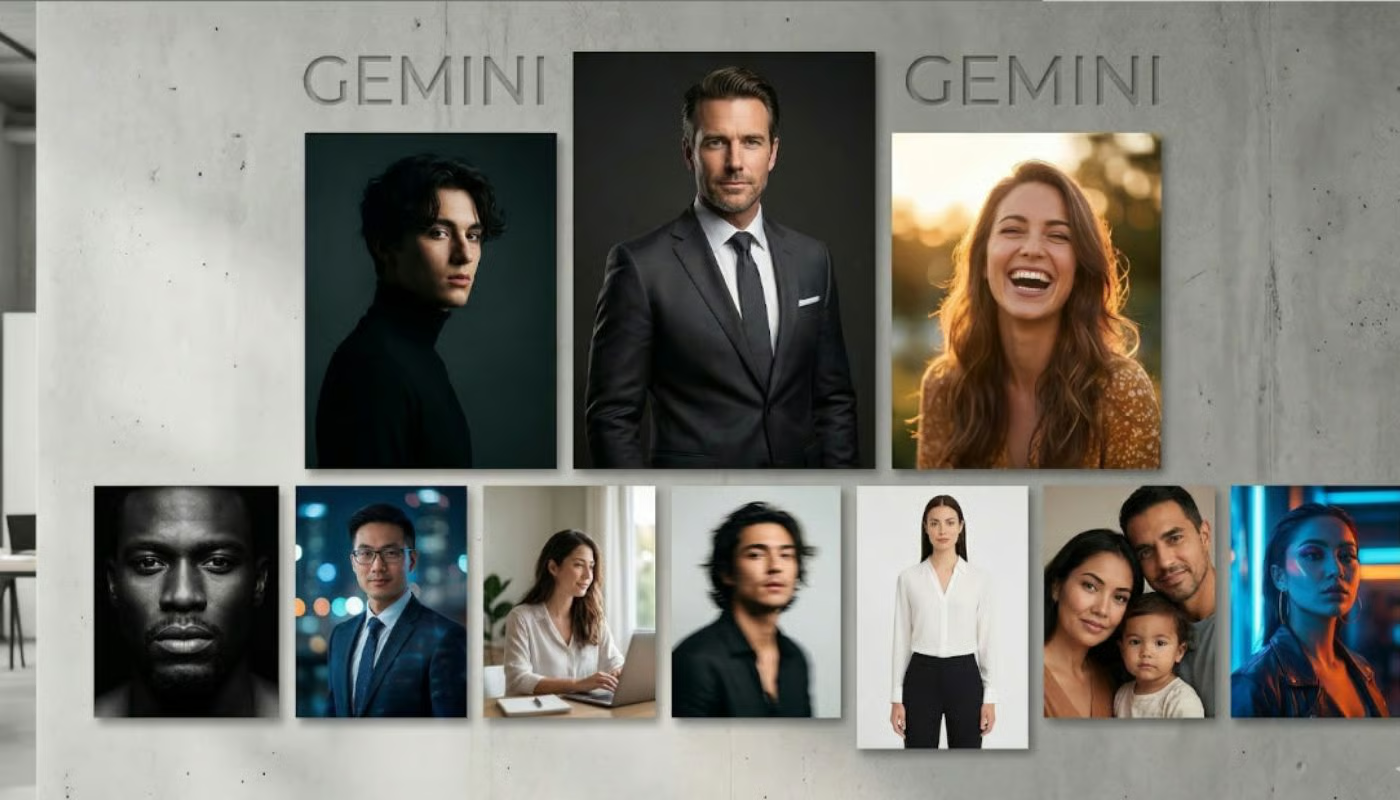
8 Gemini AI Prompts That Turn Ordinary Photos Into Professional Portraits
Imagine transforming a blurry smartphone snapshot into a crisp, studio-quality portrait. With Google Gemini’s AI tools, this isn’t just possible—it’s effortless. Whether you’re a small business owner, a freelancer, or someone looking to upgrade their LinkedIn profile, the right prompts can unlock stunning results. Here’s how to harness Gemini AI’s power for professional-grade photos.
Why Gemini AI Prompts Work for Portrait Photography
Google Gemini’s multimodal capabilities analyze lighting, composition, and facial features to enhance photos. By using targeted prompts, you can direct the AI to focus on specific improvements. The key is to be clear about your goals: do you want a dramatic black-and-white look, or a vibrant, modern aesthetic?
How to Use Gemini AI for Photo Editing
- Upload your base image to Gemini’s AI editor
- Write a prompt describing the desired outcome
- Review the AI-generated enhancements
- Refine the prompt for additional iterations
The process is iterative but intuitive. Let’s explore eight prompts that deliver consistent results.
8 Best Gemini AI Prompts for Professional Portraits
1. “Enhance lighting and reduce noise in this portrait”
Ideal for low-light photos, this prompt sharpens details while preserving natural skin tones. Use it for headshots or event photos where clarity matters most.
2. “Create a cinematic black-and-white portrait”
Transform casual photos into dramatic, high-contrast images. Perfect for LinkedIn profiles or creative portfolios.
3. “Remove background distractions and blur the edges”
Focus attention on the subject by simplifying the background. Great for isolating individuals in busy environments.
4. “Add a professional studio lighting effect”
Simulate softbox lighting to elevate flat, flat-lit photos. This works wonders for product photography and personal branding.
5. “Enhance facial features subtly for a polished look”
Refine skin texture and eye brightness without over-editing. Maintains authenticity while boosting visual appeal.
6. “Generate a vintage portrait with film grain effects”
Infuse photos with retro charm for storytelling or branding purposes. Adjust grain intensity for different eras.
7. “Create a split-toned portrait with warm highlights and cool shadows”
Modernize photos with cinematic color grading. Popular for fashion and lifestyle content.
8. “Design a minimalist portrait with clean lines and neutral tones”
Strip away complexity for a timeless, professional aesthetic. Ideal for corporate headshots and e-commerce.
Pro Tips for Better Results
- Start with high-resolution source images
- Use specific adjectives (e.g., “sharp eyes,” “soft skin”)
- Test different lighting styles before finalizing
- Combine prompts for layered effects
When to Use These Prompts
These techniques work across scenarios:
– Professional headshots for LinkedIn or job applications
– Team photos for company branding
– Product images for e-commerce
– Event photography for social media
Conclusion: Elevate Your Visual Storytelling
Gemini AI democratizes professional-grade photo editing. With these prompts, you can create polished portraits that compete with studio-quality work. Experiment with different styles to find your signature look. Ready to transform your photos? Try these prompts today and see the difference AI can make.








