
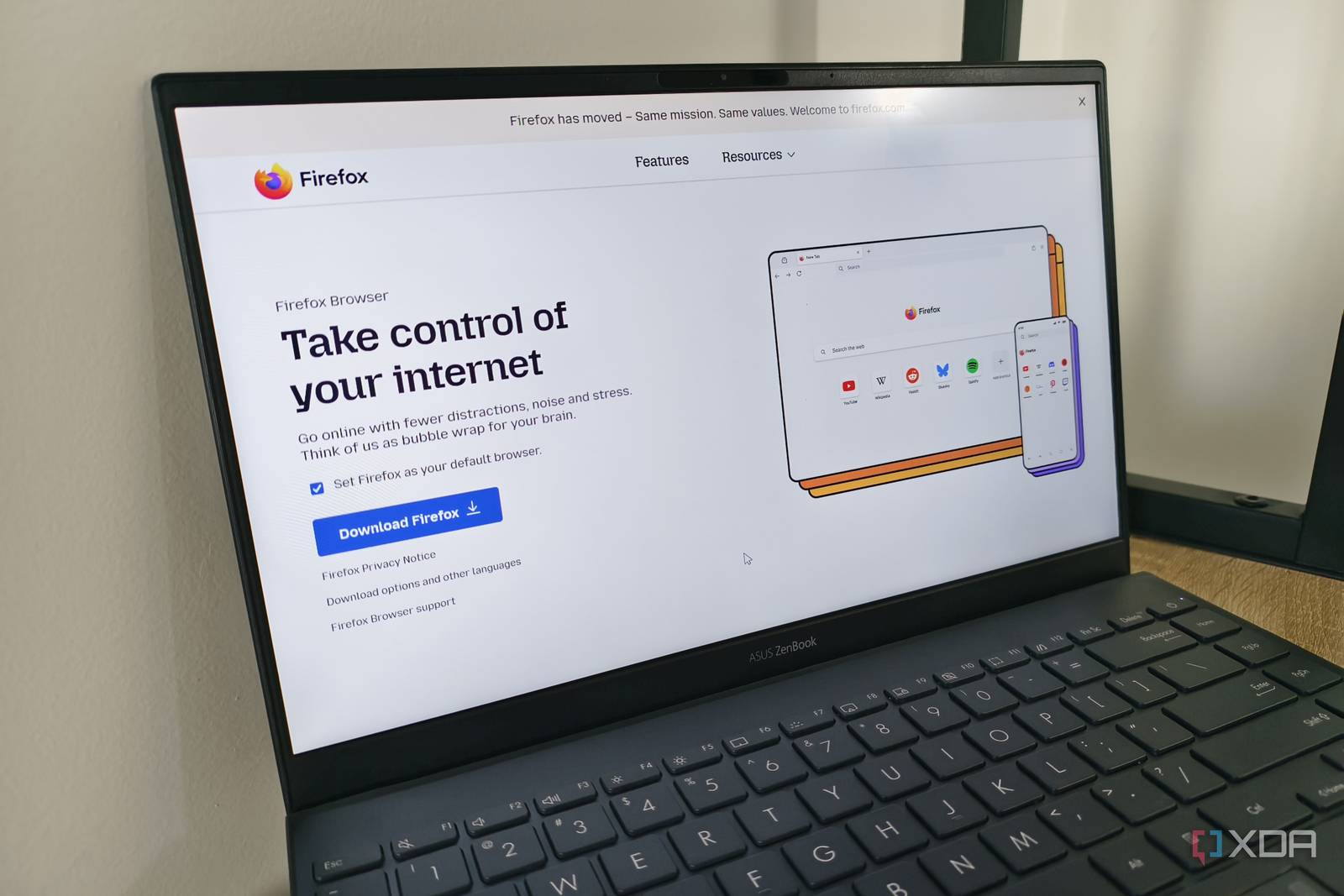
Introduction to AI Kill Switch
The recent integration of an AI kill switch by Firefox has sparked a crucial conversation about the need for such a feature in every browser. As we delve into the world of artificial intelligence, it’s essential to consider the potential risks and consequences. In this article, we’ll explore the importance of an AI kill switch and why it’s a necessary feature for all browsers.
What is an AI Kill Switch?
An AI kill switch is a feature that allows users to disable or limit the use of artificial intelligence in their browser. This can include features like AI-powered tracking, personalized ads, and other forms of AI-driven data collection. The primary purpose of an AI kill switch is to give users control over their online experience and protect their privacy.
Benefits of an AI Kill Switch
There are several benefits to having an AI kill switch in your browser. Some of the most significant advantages include:
- Improved privacy: By disabling AI-powered tracking, users can reduce the amount of personal data being collected and shared with third parties.
- Enhanced security: An AI kill switch can help prevent malicious AI-powered attacks, such as phishing and malware distribution.
- Increased transparency: By providing users with control over AI features, browsers can promote transparency and trust in the online community.
Why Every Browser Needs an AI Kill Switch
As AI technology continues to evolve, it’s essential for browsers to prioritize user privacy and security. An AI kill switch is a crucial feature that can help mitigate the risks associated with AI-powered tracking and data collection. By incorporating this feature, browsers can demonstrate their commitment to user protection and transparency.
Real-World Examples
Several browsers have already implemented AI kill switches or similar features. For example, Firefox’s AI kill switch allows users to disable AI-powered tracking and personalized ads. Similarly, Brave browser offers a feature called Shield that blocks AI-powered tracking and ads.
Conclusion
In conclusion, an AI kill switch is a vital feature that every browser should consider implementing. By providing users with control over AI-powered features, browsers can promote transparency, security, and privacy. As the use of AI technology continues to grow, it’s essential for browsers to prioritize user protection and incorporate features like an AI kill switch.
Call to Action
If you’re concerned about AI-powered tracking and data collection, consider using a browser that offers an AI kill switch or similar feature. Additionally, stay informed about the latest developments in AI technology and browser security to ensure you’re taking the necessary steps to protect your online privacy.
Frequently Asked Questions
- What is an AI kill switch, and how does it work? An AI kill switch is a feature that allows users to disable or limit the use of artificial intelligence in their browser.
- Why do I need an AI kill switch? An AI kill switch can help protect your privacy and security by limiting AI-powered tracking and data collection.
- Which browsers offer an AI kill switch? Currently, Firefox and Brave browser offer AI kill switches or similar features.
- How can I enable an AI kill switch in my browser? The process for enabling an AI kill switch varies depending on the browser. Consult your browser’s documentation for specific instructions.
- Is an AI kill switch effective in preventing AI-powered attacks? An AI kill switch can help mitigate the risks associated with AI-powered attacks, but it’s essential to use it in conjunction with other security measures.








