
Android Update Adds Kids Games to Android Auto and Sharing Tools
Google’s latest Android feature bundle brings family-friendly updates and practical tools to Android devices. From interactive games for kids to seamless location sharing, these enhancements aim to make Android more versatile for daily use. Let’s break down the key additions and how they improve your experience.
Kids Games on Android Auto: Fun for the Backseat
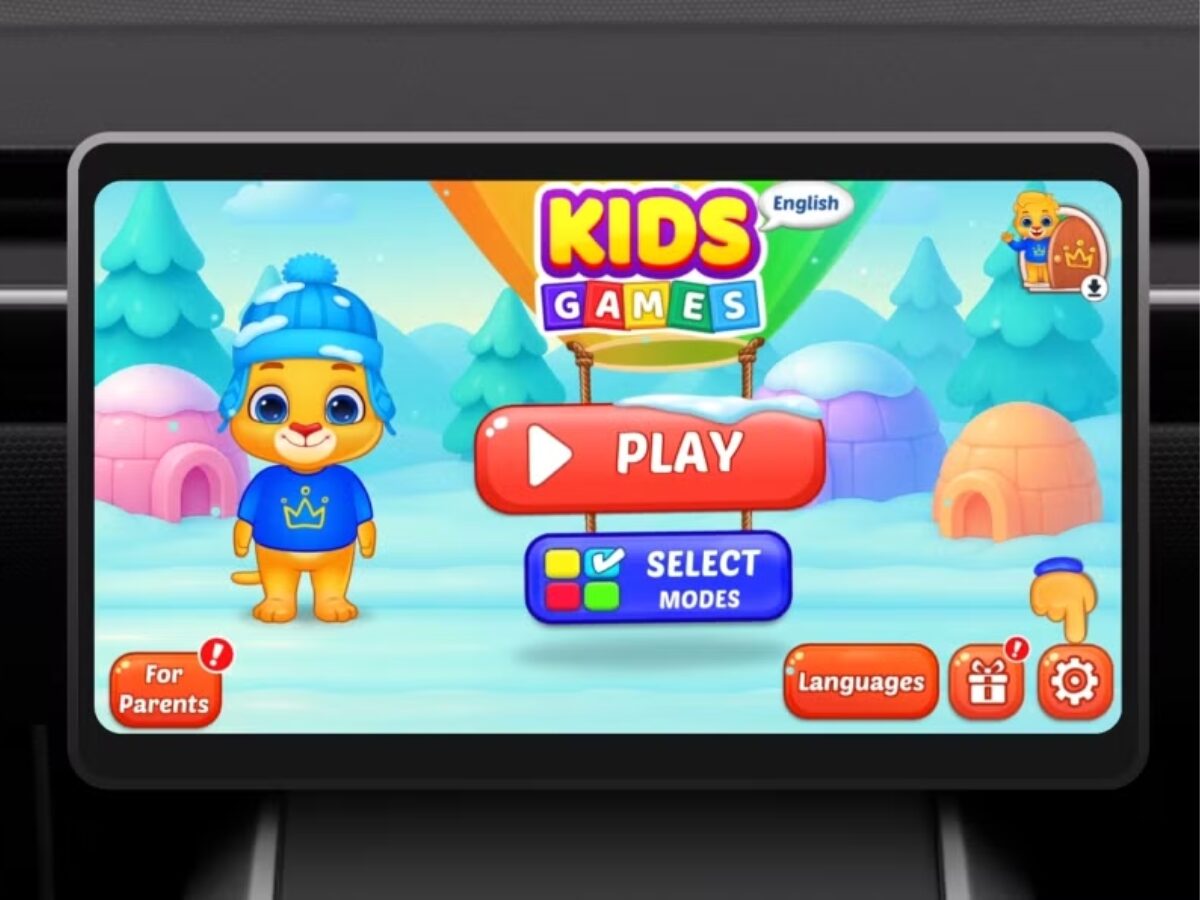
Parents, rejoice! Android Auto now includes a curated selection of “Teacher Approved” games for children aged 3 to 12. These games appear only when the vehicle is parked, transforming the dashboard into an entertainment hub. Available titles include:
- Disney Coloring World
- LetraKid: Writing ABC for Kids
- Marvel HQ: Kids Super Hero Fun
- Draw a Stickman: EPIC 3
- Kids Games: For Toddlers 3–5
This feature addresses a common pain point: keeping kids entertained during car trips. By leveraging Android Auto’s large screen, Google turns parked vehicles into interactive learning and play spaces.
Live Location Sharing in Google Messages
Sharing your real-time location just got simpler. Google Messages now integrates with Find Hub, allowing you to send live location updates directly within conversations. The feature works seamlessly: tap to share, and the recipient sees your location until you manually stop it.
Use cases range from coordinating meetups to tracking delivery drivers. The integration eliminates the need for third-party apps, streamlining communication within the Messages app.
Improved Item Tracker Sharing for Travelers
Lost luggage? Google’s new feature helps. If a bag with a compatible tracker goes missing during a flight, you can generate a secure location-sharing link and send it directly to the airline. This replaces the tedious process of describing a tracker’s location to staff.
For frequent travelers, this update reduces stress and speeds up resolution times. Airlines can access precise tracker data instantly, improving the chances of recovering lost items.
Google Play Store Gets Short-Form App Videos
Discovering new apps just got easier. The Play Store now features short-form video previews for categories like Photography, Shopping, and Wellness. These 15-second clips demonstrate app functionality, helping users decide before downloading.
This change mirrors TikTok’s success with short-form content, making app discovery more engaging and efficient. Users can scroll through curated videos to find tools that match their needs.
Personalized Calling Cards for Android
Android now lets users create custom Calling Cards that appear on devices where their contact is saved. This feature adds a personal touch to calls and messages, making it easier to recognize important contacts at a glance.
Previously, only contacts could design cards for you. Now, you can craft your own, adding a unique visual identity to your Android presence.
Why These Updates Matter
Google’s March 2026 Android update focuses on practicality and user experience. By addressing family needs, travel challenges, and app discovery, these features enhance Android’s versatility without requiring major OS upgrades.
Key Takeaways
- Kids Games on Android Auto keep passengers entertained during stops.
- Live Location Sharing in Messages simplifies real-time tracking.
- Item Tracker Sharing improves lost luggage recovery for travelers.
- Short-Form App Videos make Play Store discovery faster and more engaging.
- Personalized Calling Cards add a personal touch to Android interactions.








