
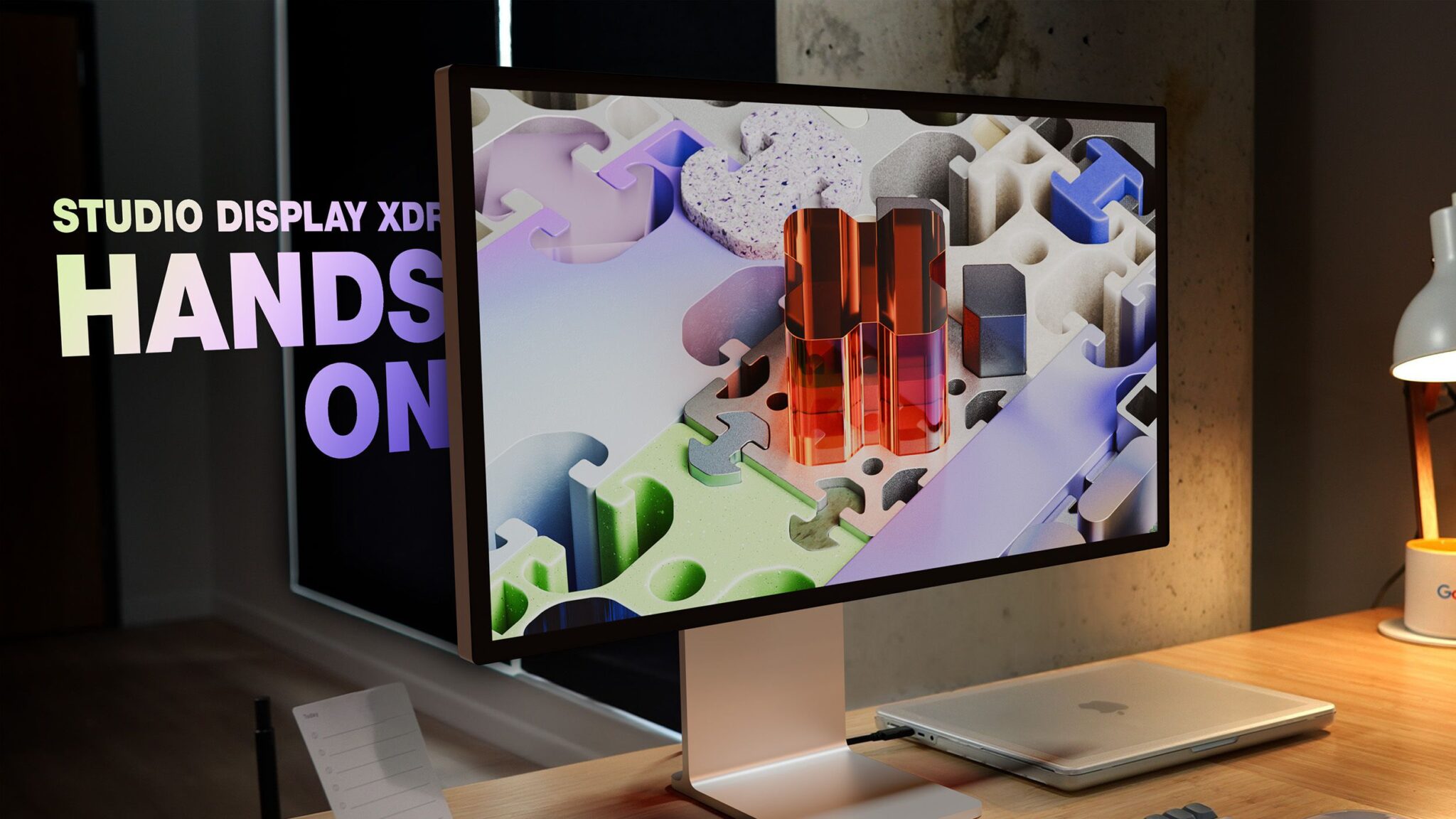
Apple Studio Display XDR Review: A Superior Upgrade for Pros
Apple’s latest Studio Display XDR has officially replaced the Pro Display XDR, offering a compelling mix of performance, design, and affordability. While the Pro Display XDR remains a benchmark for large-format displays, the Studio Display XDR improves in nearly every category—except size. Here’s how it stacks up.
Design and Size: A Trade-Off for Affordability
The Studio Display XDR retains the sleek 27-inch form factor of its predecessor, matching the 5K resolution and minimalist aesthetic. However, it falls short of the Pro Display XDR’s 32-inch, 6K screen. For professionals who rely on expansive real estate, this smaller size might feel limiting. That said, the 27-inch model excels in multi-display setups and offers a more budget-friendly $3,299 price tag.
Key Design Differences
- Plainer Back Panel: Unlike the Pro Display XDR’s vented Mac Pro-inspired design, the Studio Display XDR adopts a simpler, unified look.
- Integrated Camera and Speakers: A 12MP Center Stage camera and six-speaker system add versatility for video calls and audio tasks.
Display Tech: Mini-LED Power and Precision
The Studio Display XDR’s mini-LED panel is a game-changer. With 2,304 local dimming zones (compared to the Pro Display XDR’s 576), it delivers brighter highlights, deeper blacks, and richer HDR performance. Its peak brightness matches Apple’s mini-LED MacBook Pro, making it the ideal companion for high-end notebooks.
Adaptive Sync for Smoother Experiences
- 47Hz–120Hz Refresh Rate: Apple’s Adaptive Sync technology ensures smoother scrolling and gaming, especially noticeable when paired with a 120Hz display.
- Contrast and Color Accuracy: The XDR’s improved contrast ratio and P3 color gamut make it a top choice for photo/video editing.
Ports and Connectivity: More Versatile Than Ever
The Studio Display XDR adds dual Thunderbolt 5 ports (upstream and downstream), enabling daisy-chaining and 140W passthrough charging. Two USB-C ports round out the connectivity options, a significant upgrade from the Pro Display XDR’s single Thunderbolt port.
Port Breakdown
- Thunderbolt 5: 2 ports (1 upstream, 1 downstream)
- USB-C: 2 ports for peripherals
- Power Delivery: 140W for charging compatible Macs
Who Should Buy the Studio Display XDR?
While the Studio Display XDR is a pro-grade display, its $3,299 price point makes it less accessible for casual users. For everyday tasks, the standard Studio Display or third-party 4K monitors offer better value. However, creatives, developers, and power users will appreciate the XDR’s precision, portability, and future-proof features.
Final Verdict: A Worthy Successor
The Studio Display XDR isn’t perfect—its smaller size and plain design are trade-offs. But its mini-LED brilliance, Adaptive Sync, and expanded connectivity make it a standout choice for professionals. If you prioritize performance over screen real estate, this is Apple’s best display yet.
Ready to see the Studio Display XDR in action? Check out MacRumors’ full hands-on review on YouTube for an in-depth look.








