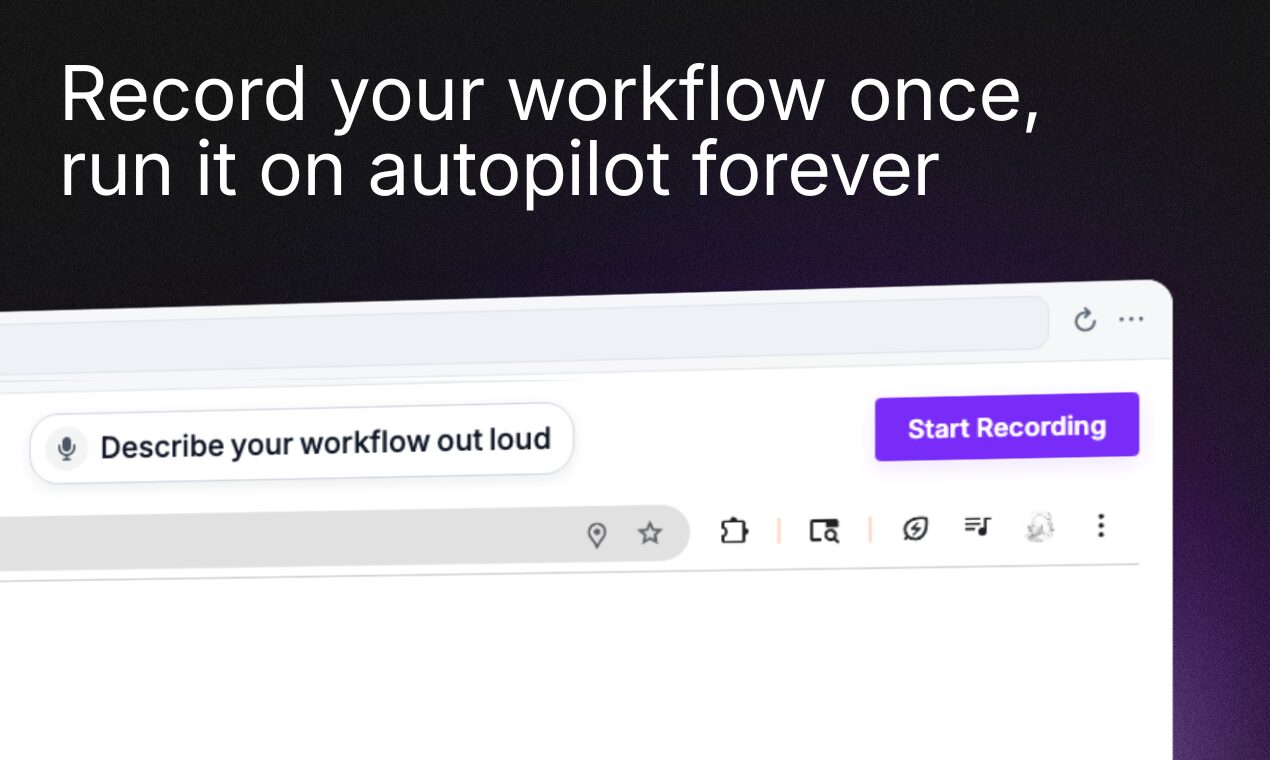
Automate Workflows by Recording Demos | Automated
Repetitive tasks eat up hours of your day. What if you could record a workflow once and let it run on autopilot forever? That’s the promise of Automated, a no-code automation tool that eliminates the need for complex integrations or coding skills. In this guide, we’ll explore how Automated works, its standout features, and real-world use cases for teams.
How Automated Works: Record Once, Automate Forever
Traditional automation tools like Zapier or n8n require setup time and technical know-how. Automated simplifies the process:
- Record your workflow: Use your browser to demonstrate the steps you want to automate.
- Cloud execution: Automated spins up its own browser instance to run the workflow in the background.
- No hosting required: Runs entirely in the cloud, freeing your local machine for other tasks.
This approach works for internal tools, legacy systems, or any site behind a login—no API access needed.
Key Features That Set Automated Apart
1. Zero Learning Curve
Unlike most automation platforms, Automated requires no configuration. If you can perform a task in a browser, you can automate it. Founder Robert Muresan explains: “The reason most automations are never built is because they take too long to setup. Automated doesn’t.”
2. Open-Source Flexibility
The tool is open-source, allowing users to self-host solutions for maximum control. This appeals to teams handling sensitive data or needing custom integrations.
3. Cross-Platform Compatibility
Automated works seamlessly with internal dashboards, SaaS platforms, and legacy systems. It’s ideal for syncing data between disconnected tools or streamlining manual processes.
Real-World Use Cases for Teams
- Operations: Sync data between legacy internal dashboards and modern tools.
- Sales/Marketing: Automate lead enrichment on platforms without APIs.
- Customer Success: Generate recurring reports or update accounts in bulk.
Early adopters report saving hours weekly. As one user notes: “I wish I had this when I was running my company! Customer support workflows alone cut our team’s workload in half.”
Why Choose Automated Over Alternatives?
Competitors like Albato or Relay.app require workflow builders or API access. Automated’s demo-recording approach removes these barriers. It’s particularly valuable for:
- Teams with limited technical resources
- Legacy systems lacking modern integrations
- Quick proof-of-concept automation
Open-source contributors can also extend functionality via GitHub, making it a community-driven solution.
Getting Started with Automated
Ready to automate your workflows? Here’s how to begin:
- Visit useautomated.com to create a free account.
- Record a simple workflow (e.g., logging into a dashboard and exporting data).
- Test the automation in the cloud and refine as needed.
For developers, the GitHub repository offers self-hosting options and customization guides.
Conclusion: Automate the Impossible
Automated redefines workflow automation by making it accessible to everyone. Whether you’re syncing data between systems or streamlining customer onboarding, this tool eliminates the friction of traditional automation. Automate any workflow by recording a demo—no coding, no integrations, just results.
Try Automated for free and reclaim hours of your week. Your team will thank you.