
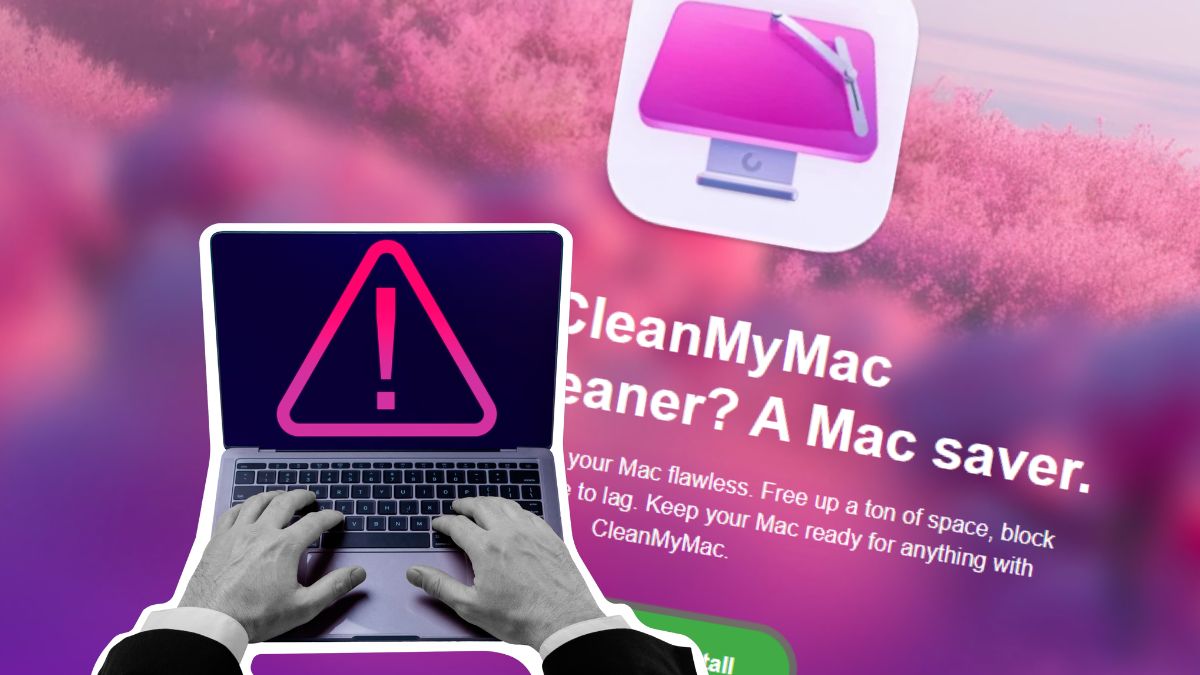
Fake CleanMyMac Malware Steals Sensitive Data
A convincing fake version of the popular Mac utility CleanMyMac is tricking users into installing malware. The site instructs visitors to paste a command into Terminal, which installs SHub Stealer, macOS malware designed to steal sensitive data.
How the Malware Works
The malware begins by printing a reassuring line to make the Terminal output look legitimate. Next, it decodes a base64-encoded link that hides the real destination. Finally, it downloads a shell script from the attacker’s server and pipes it directly into zsh for immediate execution.
Meanwhile, the malware checks the system before continuing the attack. It looks at the macOS keyboard settings to see whether a Russian-language keyboard is installed. If it finds one, the malware sends a cis_blocked event to the attacker’s server and exits without doing anything else.
Protecting Yourself
Legitimate apps almost never require you to paste commands into Terminal to install them. If a website tells you to do this, treat it as a major red flag and do not proceed. Additionally, download software only from the developer’s official website or the App Store.
For example, always be cautious when downloading software from unknown sources. Furthermore, keep your operating system and software up to date to ensure you have the latest security patches.
Finally, use strong passwords and enable two-factor authentication to protect your accounts. Therefore, it is essential to be vigilant when installing software and to prioritize your online security.
Conclusion
In conclusion, the fake CleanMyMac malware is a significant threat to macOS users. However, by being aware of the risks and taking steps to protect yourself, you can minimize the danger. Therefore, always prioritize your online security and be cautious when downloading software from unknown sources.








