
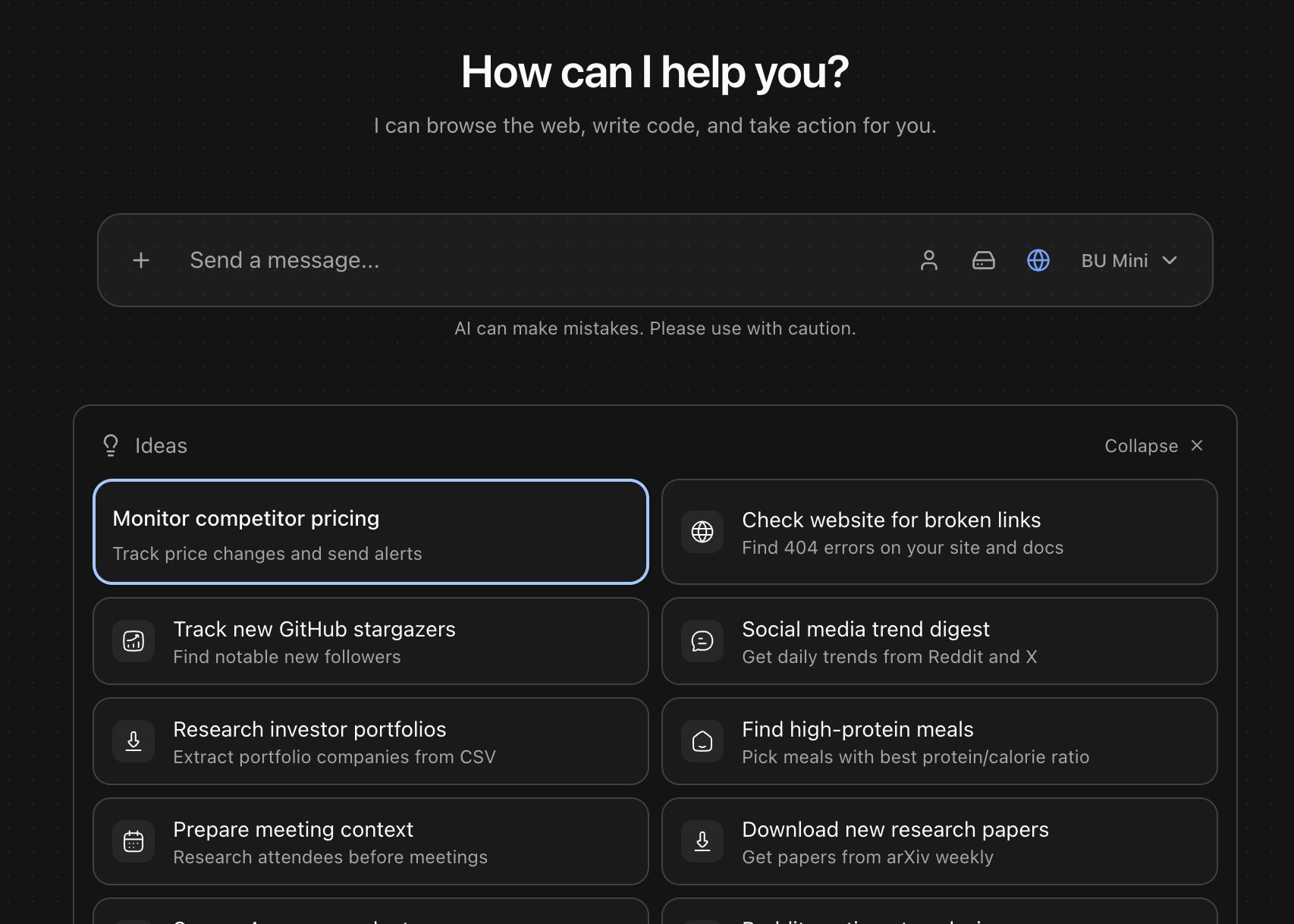
Browser Use for AI Agents: Automate Web Tasks with Ease
Imagine an AI agent that can navigate websites, fill forms, and execute commands as effortlessly as a human. With Browser Use, this vision becomes reality. This open-source tool empowers AI agents to interact with web interfaces, automate workflows, and handle complex tasks like CAPTCHA solving—all through a single API call. Whether you’re building a job application bot or a data scraping agent, Browser Use simplifies browser automation for developers and AI enthusiasts alike.
What Makes Browser Use Unique for AI Agents?
Browser Use isn’t just another browser automation library. It’s a fully autonomous agent API designed for seamless integration with AI systems. Key features include:
- Scoped Authentication: Agents start logged into websites, eliminating manual login steps.
- Persistent Workspaces: Sessions retain memory across runs, enabling continuous workflows.
- Live Session Monitoring: Track agent activity in real-time via live URLs and session GIFs.
- Cost Controls: Set spending limits to optimize resource usage.
Real-World Applications of Browser Use
Developers and startups are leveraging Browser Use for diverse tasks:
- Automated Job Applications: Navigate dynamic forms and submit applications at scale.
- Web Scraping: Extract data from SPAs and authenticated sites with ease.
- Agent-Driven Testing: Simulate user interactions for QA without custom scripts.
Why Developers Love Browser Use
Users praise its simplicity compared to tools like Selenium. The multi-modal approach—combining browser, terminal, and file system access—creates a unified environment for AI agents. Plus, integrations with Slack, Gmail, and 100+ platforms streamline task automation.
Getting Started with Browser Use
- Install via
pip install browser-use. - Define your workflow using natural language prompts.
- Monitor progress with live session URLs and chain-of-thought tracking.
- Deploy at scale with cloud-based agent clusters.
Conclusion: The Future of AI Automation
Browser Use bridges the gap between AI agents and web interactions. By handling authentication, dynamic content, and session persistence, it unlocks new possibilities for automation. Ready to transform your workflows? Visit the Browser Use website to start building your first agent today.
FAQs
How does Browser Use enhance AI agent capabilities?
Browser Use provides agents with browser, terminal, and file system access, enabling them to perform complex tasks like form submission, data scraping, and workflow automation without human intervention.
Can Browser Use handle CAPTCHAs and proxies?
Yes. It includes built-in CAPTCHA solving and supports 195+ country proxies for geo-targeted automation.
Is Browser Use open source?
Yes, with 79K GitHub stars. The open-source foundation allows developers to customize and extend its capabilities.
What integrations are available?
Slack, Gmail, Linear, and 100+ platforms are pre-integrated for seamless task automation.
How does Browser Use compare to Selenium?
Browser Use simplifies automation with a unified API and persistent memory, while Selenium requires custom scripting for similar workflows.








