
Build Your Own eBook Server with Calibre: A DIY Guide
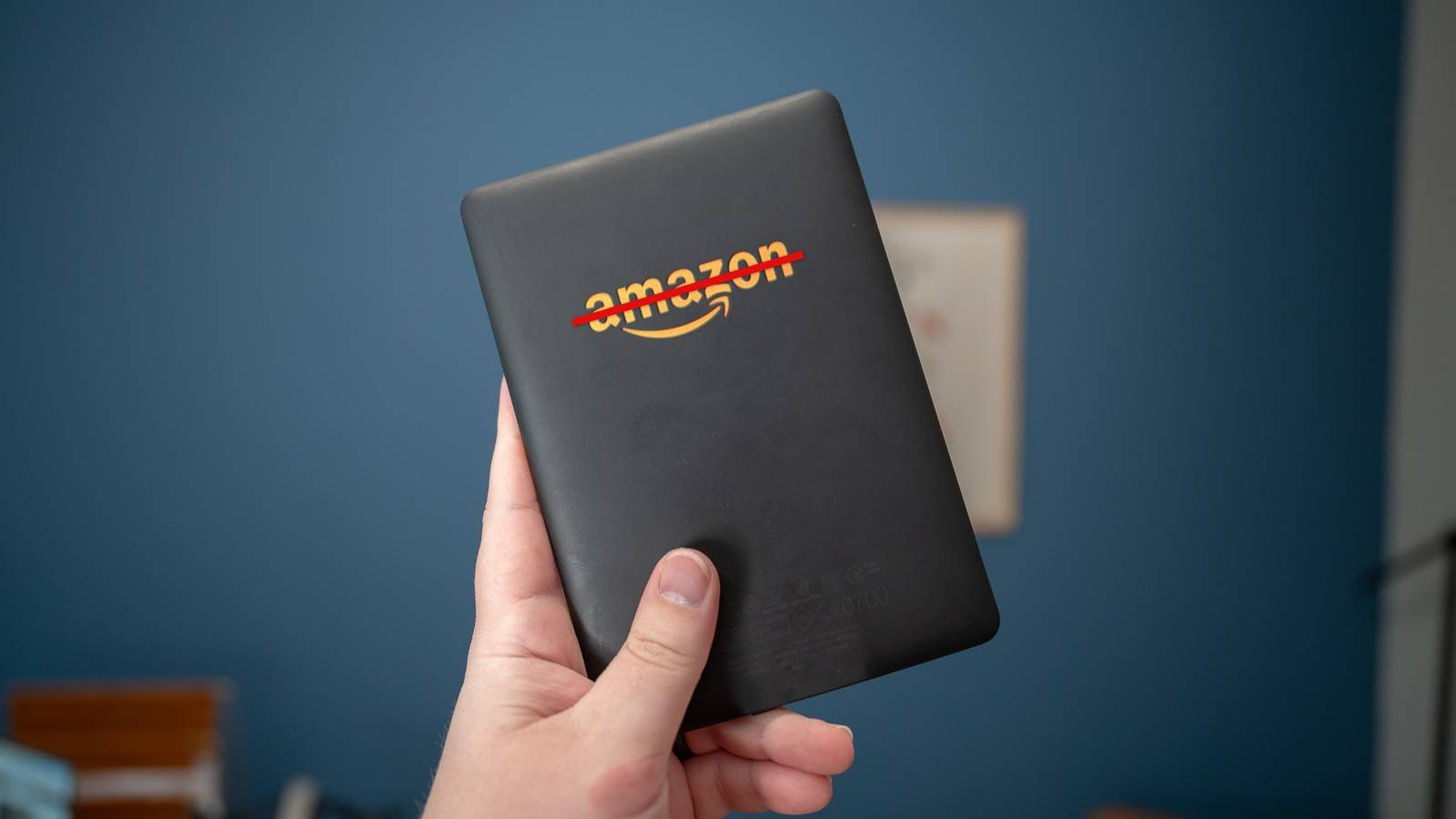
Why I Gave Up on Kindle and Created a Custom eBook Server
Commercial eBook platforms like Kindle offer convenience, but they come with limitations. When I wanted full control over my digital library—custom formats, offline access, and no subscription fees—I decided to build my own solution. Using Calibre, an open-source eBook management tool, I created a personalized eBook server that outperforms commercial alternatives. Here’s how you can do it too.
What You’ll Need to Build Your DIY eBook Server
Hardware Requirements
- A low-power PC or Raspberry Pi (e.g., Raspberry Pi 4 with 4GB RAM)
- External SSD/HDD for storage (1TB+ recommended)
- Power supply and case
Software Setup
- Install Calibre: Download the latest version from calibre-ebook.com.
- Organize Your Library: Use Calibre’s GUI to import eBooks, add metadata, and convert formats (e.g., EPUB to MOBI).
- Enable Calibre Server: Navigate to Preferences > Server and set up port forwarding for remote access.
Benefits of a Self-Hosted eBook Server
Building your own server offers unmatched flexibility:
- Custom Formats: Convert and manage eBooks in any format supported by Calibre.
- Offline Access: Sync your library to devices without relying on cloud storage.
- No Subscription Fees: Pay once for hardware and software, then enjoy free access forever.
Tips for Optimizing Your DIY eBook Server
For the best experience, follow these tips:
- Use a NAS for Redundancy: Pair your server with a network-attached storage device for backups.
- Automate Metadata: Use Calibre’s “Edit Metadata” feature to batch-tag books with genres, authors, and covers.
- Secure Your Server: Enable HTTPS and set up a firewall to protect your library from unauthorized access.
Why This Approach Works for Tech-Savvy Readers
Commercial eBook platforms prioritize convenience, but they often lock users into proprietary ecosystems. By building your own server, you gain full control over your data and formats. For example, I use my Calibre server to sync books across multiple devices, including my e-reader, tablet, and smartphone—all without relying on a single company’s infrastructure.
Final Thoughts: Take Charge of Your eBook Library
Creating a DIY eBook server isn’t just about saving money—it’s about reclaiming ownership of your digital content. With Calibre, the process is straightforward and highly customizable. Whether you’re a casual reader or a book enthusiast, this setup offers a powerful alternative to commercial platforms.
Ready to build your own eBook server? Start with the steps above, and let me know how it works for you in the comments!








