
Build Your Own Self-Hosted Grocery List with Raspberry Pi
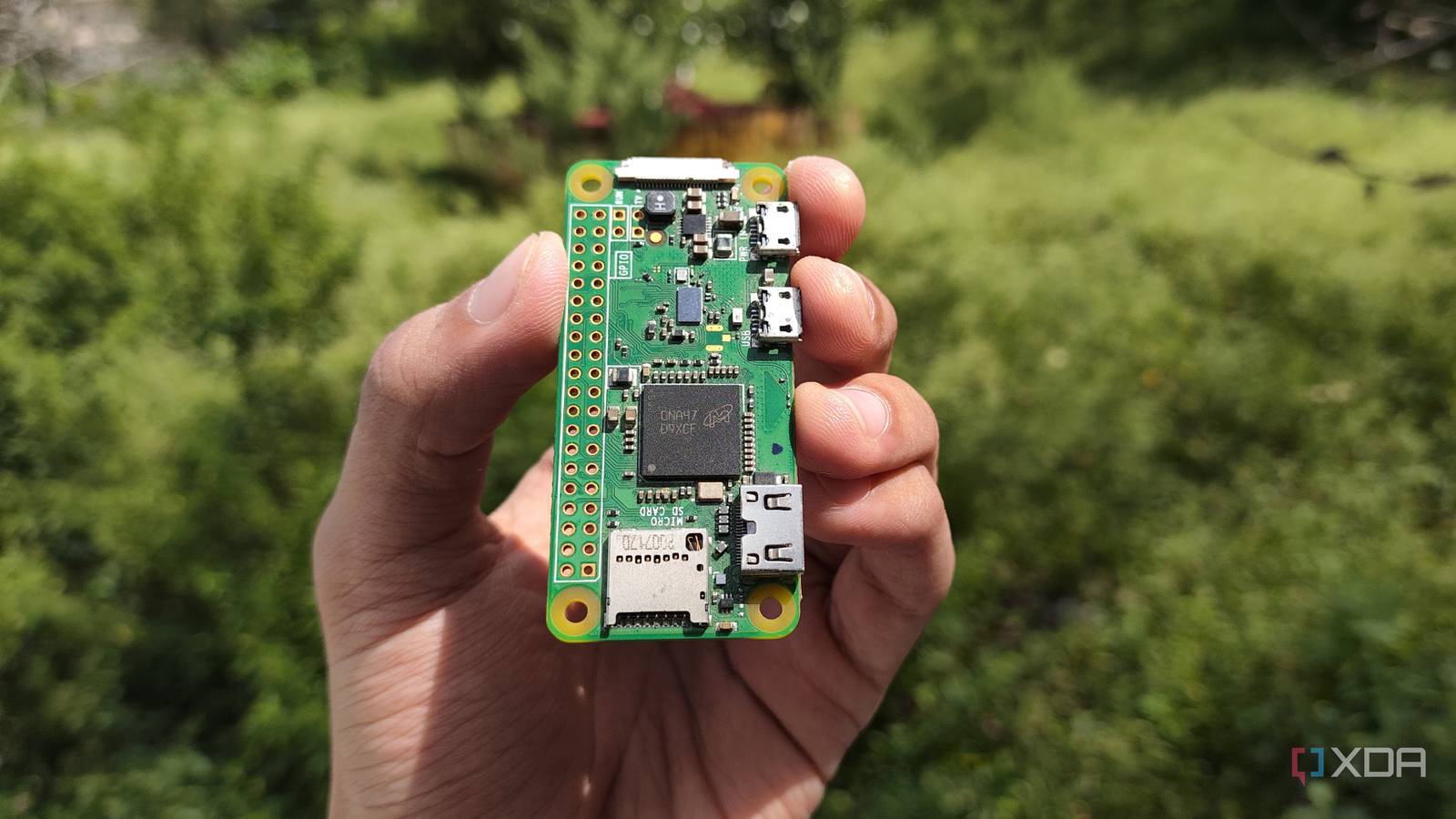
Managing household groceries often feels like a game of tag—someone always forgets to add items, and the list ends up scattered across multiple devices. Enter Koffan, a self-hosted grocery list solution that runs on a Raspberry Pi Zero W. This open-source tool lets you create a centralized, family-friendly shopping list without relying on cloud services. Let’s explore how it works and why it’s a game-changer for privacy-conscious households.
Why Choose a Self-Hosted Grocery List?
Cloud-based grocery apps often come with hidden costs: data privacy risks, subscription fees, and limited control. Koffan flips the script by letting you host the app on your own hardware. Here’s why this matters:
- Privacy First: Your data stays local, not in a third-party database.
- Zero Monthly Fees: Once set up, there are no recurring costs.
- Customizable: Tailor the interface and features to your family’s needs.
How to Set Up Koffan on Raspberry Pi
Setting up Koffan is surprisingly simple. Here’s a step-by-step guide:
- Install Raspberry Pi OS on a microSD card.
- Connect the Pi to your home network via Wi-Fi or Ethernet.
- Clone the Koffan GitHub repository and install dependencies.
- Configure the app to allow family members to access it via a shared URL.
Once running, your family can add items from any device. The Raspberry Pi Zero W’s low power consumption makes it ideal for always-on home servers.
Key Features of Koffan
Koffan isn’t just a grocery list—it’s a collaboration tool. Highlights include:
- Real-Time Syncing: Changes appear instantly across all devices.
- Multiple Users: Assign roles (e.g., admin, viewer) for better control.
- Offline Access: Edit the list even without an internet connection.
Why Raspberry Pi Stands Out
The Raspberry Pi Zero W is a powerhouse for DIY projects. At under $10, it’s affordable and energy-efficient. Pair it with a USB power bank, and you’ve got a portable grocery list server you can take anywhere.
Conclusion: Take Control of Your Shopping
Koffan proves that self-hosted solutions can outshine commercial apps. By running on your own hardware, it eliminates privacy concerns and gives you full control. Whether you’re a tech-savvy family or a home automation enthusiast, this project is worth trying. Ready to ditch the cloud? Download Koffan and start building your self-hosted grocery list today.
FAQs
1. Can I use Koffan without a Raspberry Pi?
No—Koffan requires a self-hosted environment. While it’s optimized for Raspberry Pi, you can also run it on other Linux-based systems.
2. Is technical knowledge required?
Basic Linux skills help, but the setup process is beginner-friendly. Follow the official GitHub guide for step-by-step instructions.
3. How secure is my data?
Since Koffan runs locally, your data isn’t stored in the cloud. Enable HTTPS for added security when sharing the list online.
4. Can I access the list on my phone?
Yes—Koffan works on any device with a web browser. No app downloads required.
5. What if I want to expand the app?
Koffan’s open-source code invites customization. Add features like barcode scanning or integration with smart home devices.








