
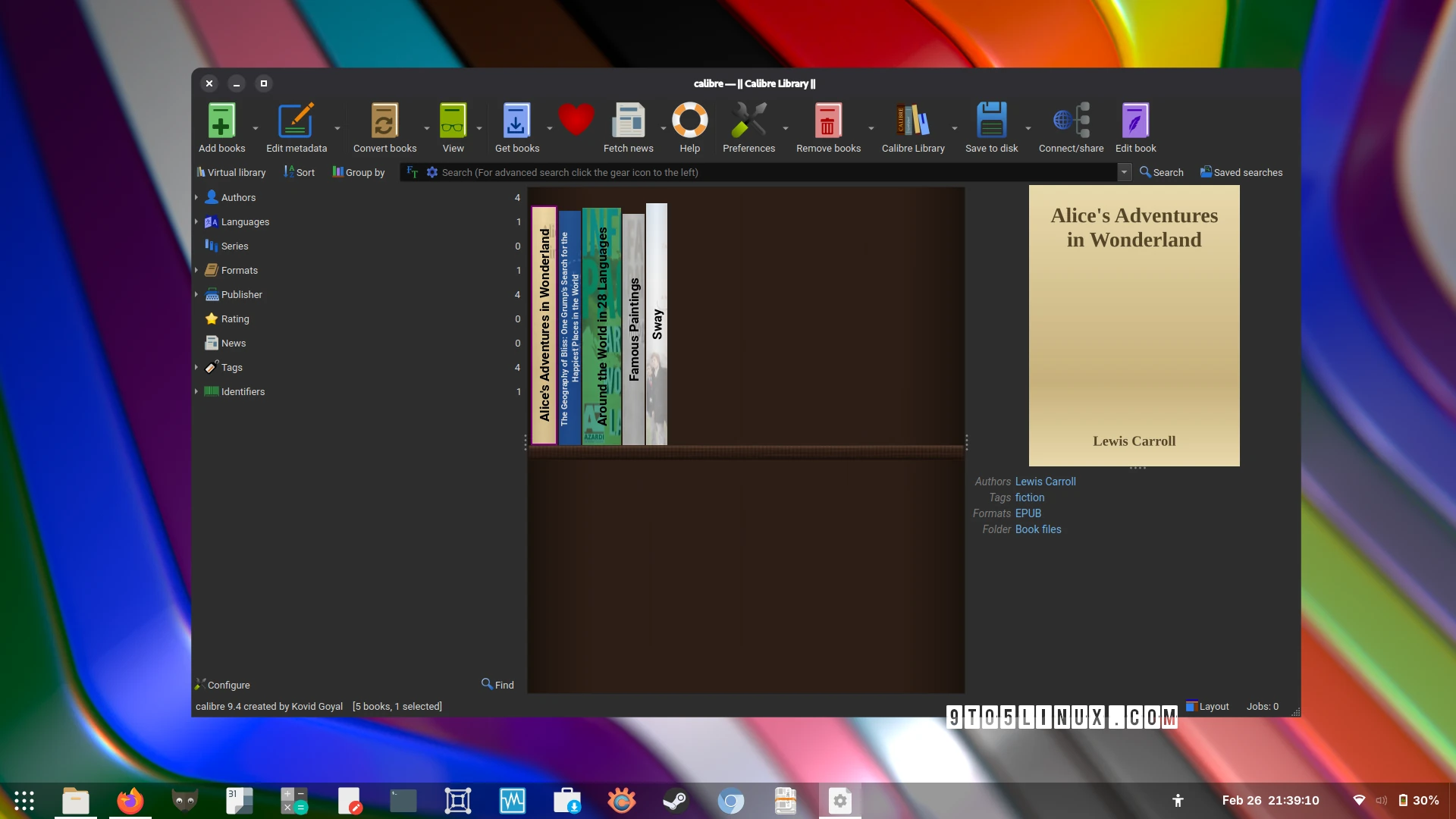
Introduction to Calibre 9.4
Calibre, the popular e-book management software, has just released its latest stable version, Calibre 9.4. This update introduces several exciting features and improvements, including reading stats, a nicer Edit book UI, and enhanced security. In this article, we’ll delve into the details of Calibre 9.4 and explore its new features.
Key Features of Calibre 9.4
The latest version of Calibre brings several notable enhancements. For instance, the E-book viewer now includes “reading stats” to show reading progress. Additionally, the Edit book UI has been revamped for changing entries in the insert tag menu. Meanwhile, the Cover grid has been updated with an option to draw text flush with the bottom of the rendered cover and an option to draw emblems on top of a cover.
Improvements to Input and Content Server
Calibre 9.4 also improves the DOCX input by fixing paragraph/list margins in documents created by LibreOffice. Furthermore, ODT input has been enhanced by fixing a regression in the previous release that broke the conversion of images. The support for WIRED Daily and TOI Print Edition news sources has also been improved. Moreover, the content server has been updated to sanitize content disposition received as a query parameter, addressing CVE-2026-27810.
Security Enhancements
In terms of security, Calibre 9.4 adds the ability to only use the IP address as the ban key when banning IPs for repeated login is enabled. This addresses CVE-2026-27824, providing an additional layer of security for users. Therefore, users can enjoy enhanced protection while managing their e-book collections.
Availability and Installation
Calibre 9.4 is now available for download from the official website as binaries for 64-bit and ARM64 Linux systems, as well as for macOS and Windows systems. Additionally, users can install Calibre as a Flatpak app from Flathub. For example, users can download the latest version and follow the installation instructions to get started with the new features.
Finally, it’s worth noting that Calibre 9.4 is a significant update that brings numerous improvements and enhancements to the popular e-book management software. With its new features and security updates, Calibre 9.4 is an essential download for anyone looking to manage their e-book collection efficiently.
Conclusion and Call to Action
In conclusion, Calibre 9.4 is a powerful update that offers a range of exciting features and improvements. Whether you’re a seasoned Calibre user or just starting out, this latest version is definitely worth checking out. To get started, simply download Calibre 9.4 from the official website and follow the installation instructions. Meanwhile, be sure to explore the new features and enhancements to take your e-book management to the next level.
Frequently Asked Questions
Here are some frequently asked questions about Calibre 9.4:
- What are the key features of Calibre 9.4? The latest version introduces reading stats, a nicer Edit book UI, and enhanced security.
- How do I download Calibre 9.4? You can download Calibre 9.4 from the official website as binaries for 64-bit and ARM64 Linux systems, as well as for macOS and Windows systems.
- Is Calibre 9.4 secure? Yes, Calibre 9.4 includes several security enhancements, including the ability to sanitize content disposition received as a query parameter and the option to only use the IP address as the ban key when banning IPs for repeated login is enabled.
- Can I install Calibre as a Flatpak app? Yes, you can install Calibre as a Flatpak app from Flathub.
- What are the system requirements for Calibre 9.4? Calibre 9.4 is available for 64-bit and ARM64 Linux systems, as well as for macOS and Windows systems.








