
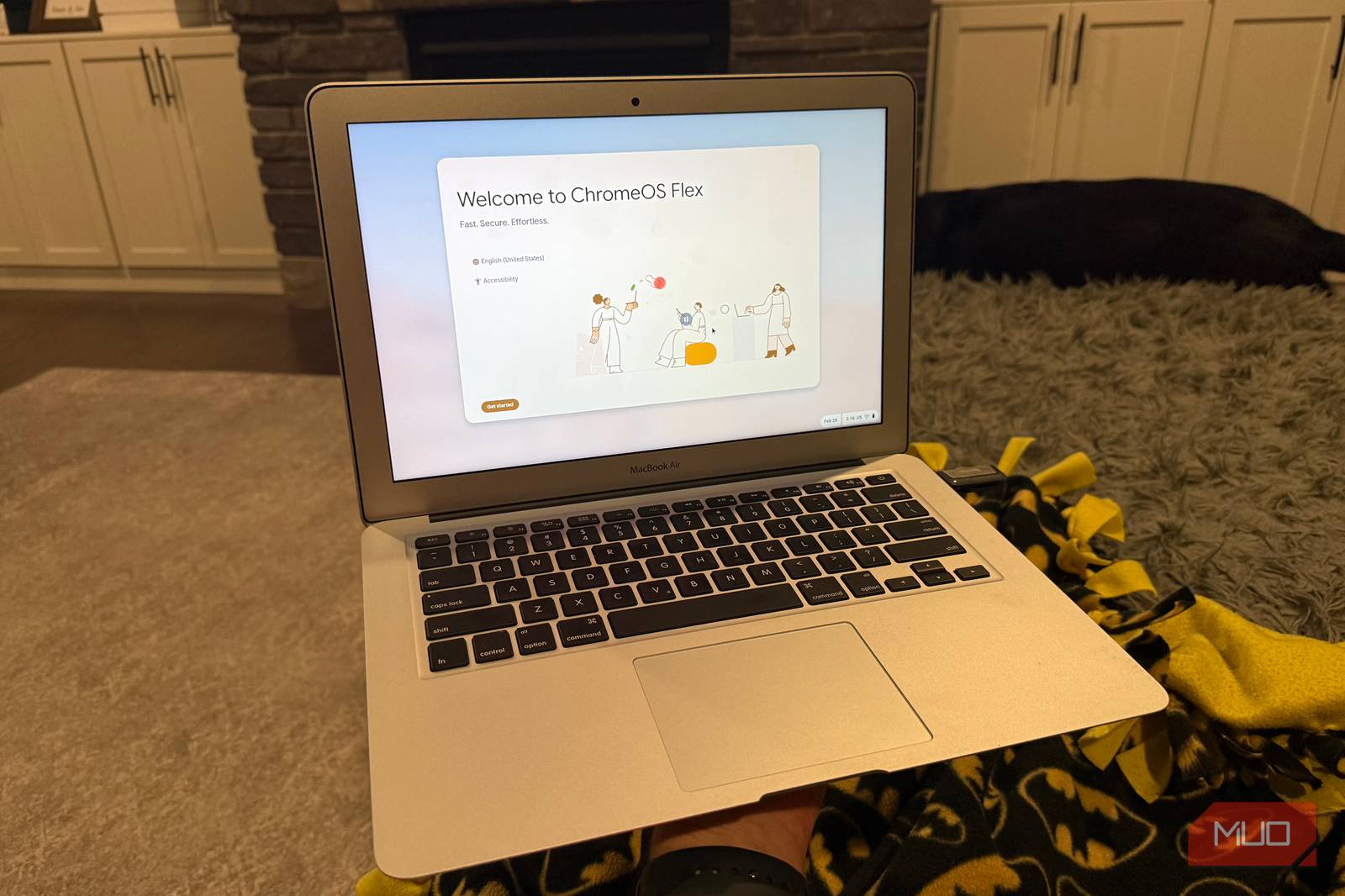
ChromeOS Laptops: A Surprising Alternative to Traditional PCs
For years, I assumed upgrading to a high-end laptop was the only way to boost productivity. But after testing ChromeOS laptops, I realized my assumptions were wrong. These devices, powered by Google’s streamlined operating system, offer a compelling alternative to traditional Windows or macOS machines—especially for users who prioritize cloud-based workflows.
Why I Thought I Needed a New Laptop
My old laptop was slow, crashed frequently, and struggled with multitasking. I assumed the solution was a pricier device with more RAM and a faster processor. However, after borrowing a Chromebook for a week, I noticed something unexpected: it handled my daily tasks—email, web browsing, document editing—faster and more reliably than my outdated Windows machine.
The ChromeOS Revelation
ChromeOS isn’t just a lightweight OS—it’s a game-changer for users who rely on cloud services. Here’s why:
- Instant On: Chromebooks boot in seconds, eliminating the frustration of long startup times.
- Cloud Integration: Google Docs, Sheets, and Slides work seamlessly, with automatic saving and real-time collaboration.
- Affordability: Many ChromeOS laptops cost $300–$500, making them ideal for students, remote workers, or secondary devices.
Real-World Performance
I tested a Chromebook for a month, using it for video calls, streaming, and even light photo editing via web apps. It outperformed my old laptop in speed and stability. The 64GB of storage was sufficient for my needs, and I never missed a local app—most of my work moved to the cloud anyway.
Key Benefits of ChromeOS Laptops
ChromeOS laptops excel in specific use cases:
- Security: Automatic updates and sandboxed apps reduce malware risks.
- Portability: Lightweight designs (under 3 pounds) and long battery life (8–12 hours) suit on-the-go users.
- Android App Support: Run Android apps directly for expanded functionality.
When ChromeOS Might Not Be Right
ChromeOS isn’t perfect for everyone. Avoid it if:
- You need resource-heavy software (e.g., Adobe Photoshop or AutoCAD).
- You prefer offline-only workflows without cloud storage.
- You rely on Windows/macOS-specific apps.
Conclusion: Think Beyond the Traditional Laptop
ChromeOS laptops aren’t just budget-friendly—they’re a smart choice for modern workflows. If your tasks revolve around web apps, collaboration, and portability, consider a Chromebook before upgrading to a traditional laptop. You might save hundreds of dollars and gain a faster, more reliable device.
Ready to try? Explore ChromeOS laptops at Google’s official site or trusted retailers like Best Buy or Amazon.
FAQs About ChromeOS Laptops
1. Are ChromeOS laptops suitable for heavy software use?
No. They perform best with web-based tools and lightweight apps. For professional software, a Windows or macOS laptop is better.
2. Can I install Windows on a ChromeOS laptop?
Not natively. ChromeOS is designed for cloud-first workflows, and dual-booting is complex and unsupported.
3. How much storage do I need?
64GB is sufficient for most users, but 128GB is ideal if you store large files locally.
4. Are ChromeOS laptops secure?
Yes. Automatic updates and sandboxed apps make them more secure than many traditional laptops.
5. Can I use Microsoft Office on a ChromeOS laptop?
Yes, via web-based Office 365 or Android apps.








