
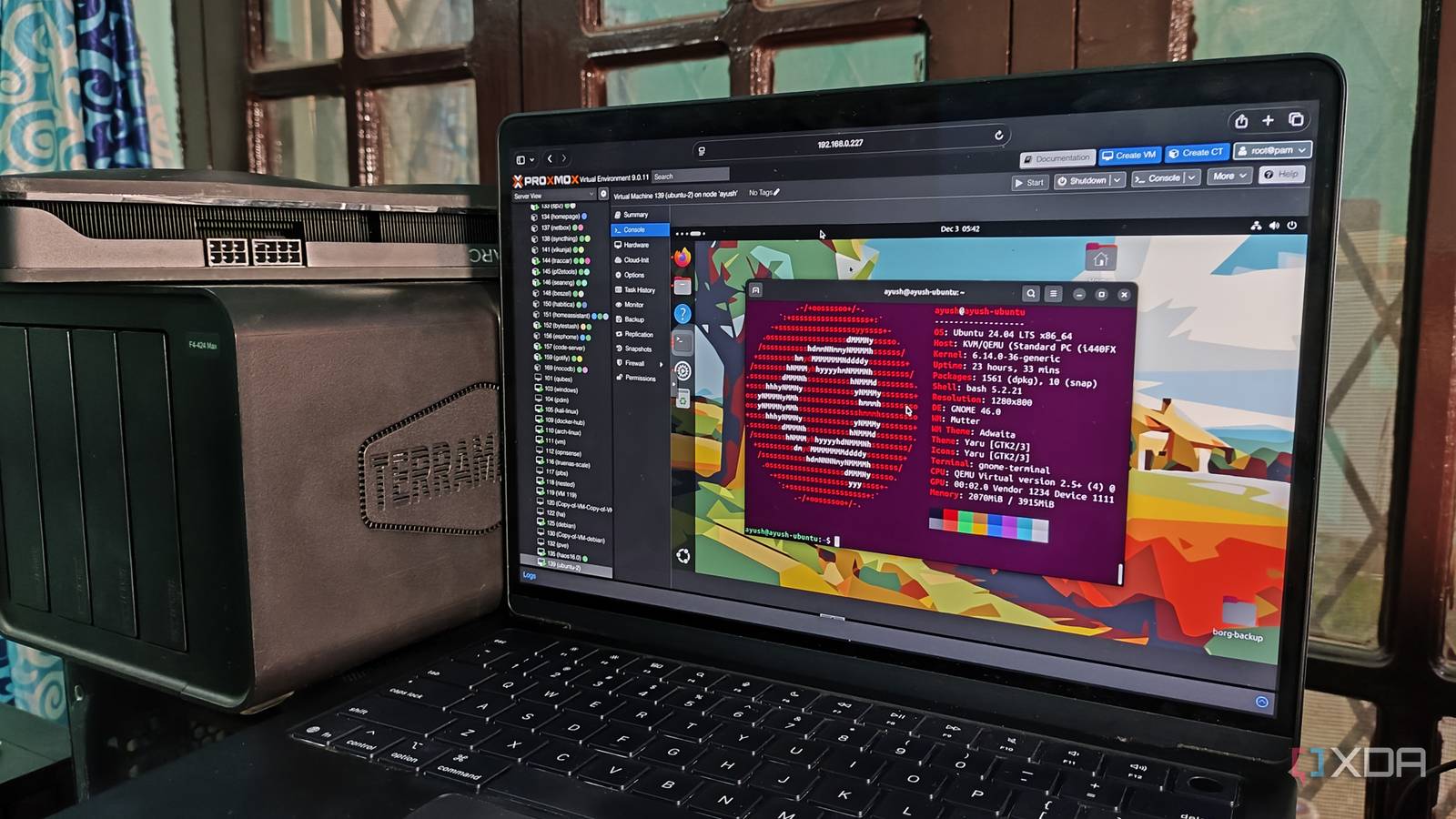
Introduction to Proxmox Customization
For those who have delved into the world of virtualization, Proxmox VE is a familiar name. It’s an open-source platform that allows users to virtualize not just servers but also desktops, making it a versatile tool for both personal and professional use. However, as with any powerful system, the desire to customize and optimize it for specific needs can be overwhelming. This is a story of how customization can sometimes lead to unforeseen challenges, particularly when it comes to updates.
Why Customize Proxmox?
The appeal of customizing Proxmox lies in its ability to be tailored to very specific requirements. Whether it’s optimizing for better performance, integrating with existing infrastructure, or simply making the interface more user-friendly, the possibilities are vast. For example, users might want to tweak kernel parameters for better network throughput or modify the web interface to display more relevant information at a glance.
Meanwhile, the process of customization itself can be quite engaging. It requires a deep understanding of both the underlying system and the specific needs of the user. Therefore, it’s not uncommon for enthusiasts to spend hours, if not days, tweaking and testing different configurations.
Challenges with Updates
However, extensive customization can lead to a significant challenge when it comes to updating the system. Proxmox, like many other software platforms, regularly releases updates to fix bugs, enhance security, and add new features. These updates are crucial for maintaining the integrity and performance of the system.
Additionally, when a system has been heavily customized, there’s always a risk that an update could overwrite those customizations or, worse, introduce compatibility issues that could bring the entire system down. This fear can make the update process terrifying, as the potential consequences of disrupting a finely tuned system can be severe.
Strategies for Safe Updates
To mitigate these risks, it’s essential to have a strategy in place for updates. This could involve creating a test environment where updates can be applied and tested before being rolled out to production systems. Furthermore, keeping detailed documentation of all customizations can help in quickly identifying and resolving any issues that arise post-update.
For instance, using version control systems to track changes to configuration files can provide a clear audit trail and facilitate the process of reverting changes if necessary. Moreover, engaging with the Proxmox community and forums can provide valuable insights and solutions from others who may have encountered similar challenges.
Best Practices for Customization
While the temptation to customize every aspect of Proxmox can be strong, it’s crucial to adopt best practices that balance the need for customization with the necessity of maintaining system integrity. This includes:
- Documenting all changes thoroughly.
- Testing updates in a non-production environment first.
- Using configuration management tools to track and apply changes consistently.
- Engaging with the community to learn from others and share knowledge.
Finally, it’s also important to weigh the benefits of customization against the potential risks and complexities it introduces. Sometimes, the default configurations provided by Proxmox are more than sufficient for the needs at hand, and altering them could introduce unnecessary complexity.
Conclusion
In conclusion, customizing Proxmox can be a powerful way to tailor the system to specific needs, but it requires careful consideration and planning, especially when it comes to updates. By adopting best practices, staying engaged with the community, and always prioritizing system integrity, users can enjoy the benefits of customization while minimizing the risks.
If you’re considering customizing your Proxmox setup, remember that it’s a delicate balance between performance and updates. With the right approach, you can achieve a system that is both highly optimized and reliable.
Frequently Asked Questions
- Q: How often should I update my Proxmox system?
A: It’s recommended to update your Proxmox system regularly to ensure you have the latest security patches and features. However, always test updates in a non-production environment first.
- Q: What are the risks of customizing Proxmox?
A: The main risks include compatibility issues with updates, potential system instability, and the introduction of security vulnerabilities if not done properly.
- Q: How can I safely customize my Proxmox system?
A: Use configuration management tools, document all changes, test updates in a non-production environment, and engage with the Proxmox community for guidance and support.
- Q: Why is it important to document customizations?
A: Documenting customizations helps in tracking changes, facilitates the update process, and enables quick troubleshooting and resolution of issues.
- Q: Can I customize Proxmox without affecting updates?
A: Yes, by following best practices such as using configuration files that won’t be overwritten by updates and testing all changes thoroughly before applying them to production systems.








