
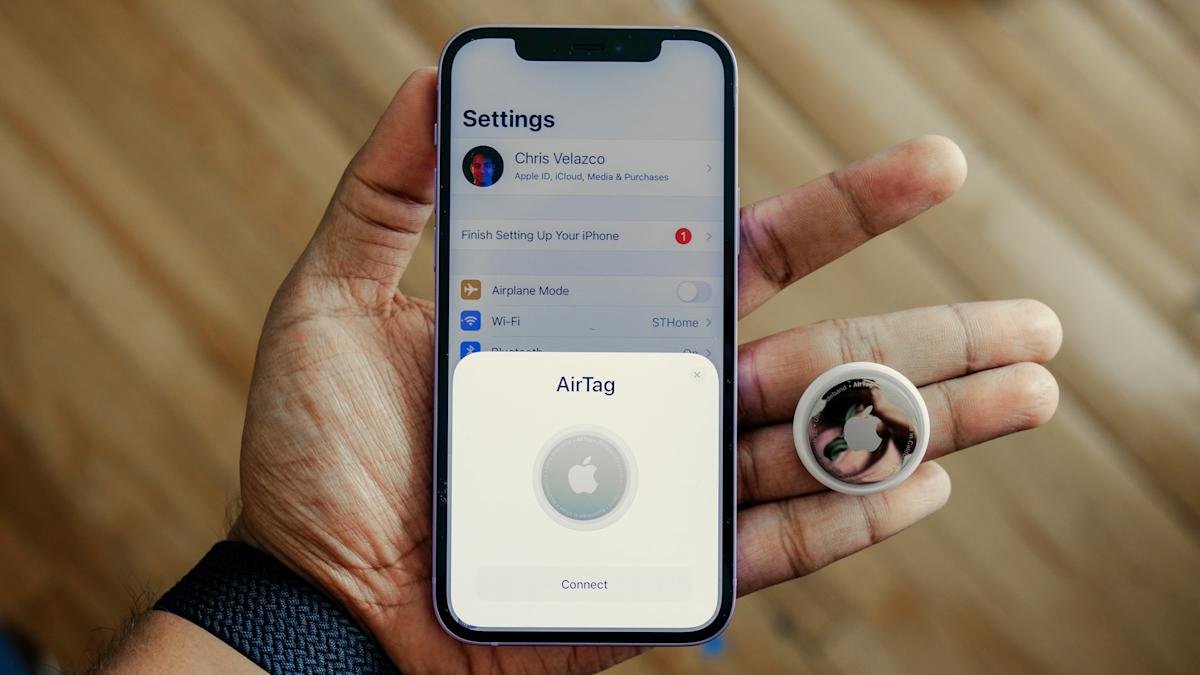
Introduction to AirTag Tracking
Apple’s AirTag is designed to help people keep track of personal belongings like keys, bags, and luggage. However, due to the small and discreet nature of AirTags and other Bluetooth trackers, concerns about unwanted tracking are understandable. Apple has implemented various safeguards into the AirTag and the Find My network to reduce the risk of misuse and alert people if a tracker they don’t own appears to be moving with them.
To address concerns about unwanted tracking, it’s essential to understand how Apple’s unwanted tracking alerts work, what notifications to look for, and what you can do on both iPhone and Android devices.
AirTag Tracking Alerts
AirTags, compatible Find My network accessories, and certain AirPods models use Apple’s Find My network, which relies on Bluetooth signals and nearby devices to update their location. The system is designed to alert someone if a tracker that isn’t linked to their Apple Account appears to be traveling with them. If an AirTag or another compatible tracker is separated from its owner and detected near you over time, your device may display a notification or the tracker itself may emit a sound.
These alerts are intended to discourage someone from secretly tracking another person without their knowledge. Apple has collaborated with Google to develop a cross-platform industry standard, allowing alerts to appear on both iOS and Android devices, not just iPhones.
Technical Fact Sheet
- Bluetooth Low Energy (BLE) technology is used for tracking
- Find My network relies on nearby devices to update location
- Cross-platform industry standard for alerts on iOS and Android
- AirTags and compatible accessories use end-to-end encryption
- Alerts can be triggered by prolonged proximity to an unknown tracker
Understanding AirTag Notifications
When an unknown AirTag is detected near you, your iPhone or Android device may display a notification. This notification will typically indicate that an AirTag is moving with you and provide instructions on how to disable it. If you’re using an iPhone, you can also use the Find My app to locate the unknown AirTag and play a sound to help you find it.
In addition to notifications, the AirTag itself may emit a sound if it’s been separated from its owner and is moving with you. This sound is designed to be loud and noticeable, making it more difficult for someone to use an AirTag to secretly track you.
Disabling Unknown AirTags
If you receive a notification about an unknown AirTag, you can take steps to disable it. On an iPhone, you can use the Find My app to locate the AirTag and play a sound to help you find it. You can then remove the battery from the AirTag to disable it. If you’re using an Android device, you can use a compatible app to detect and disable unknown AirTags.
It’s essential to note that AirTags and other Bluetooth trackers can be used for legitimate purposes, such as tracking lost luggage or personal belongings. However, if you’re concerned about unwanted tracking, it’s crucial to be aware of the notifications and alerts that Apple’s system provides.
Best Practices for AirTag Security
To ensure your safety and security when using AirTags or other Bluetooth trackers, follow these best practices:
* Be aware of your surroundings and keep an eye on your belongings
* Use strong passwords and two-factor authentication for your Apple Account
* Keep your iPhone or Android device and operating system up to date
* Use a compatible app to detect and disable unknown AirTags
* Report any suspicious activity or concerns to the authorities
By understanding how AirTag tracking alerts work and taking steps to protect yourself, you can minimize the risk of unwanted tracking and ensure your safety and security.








