
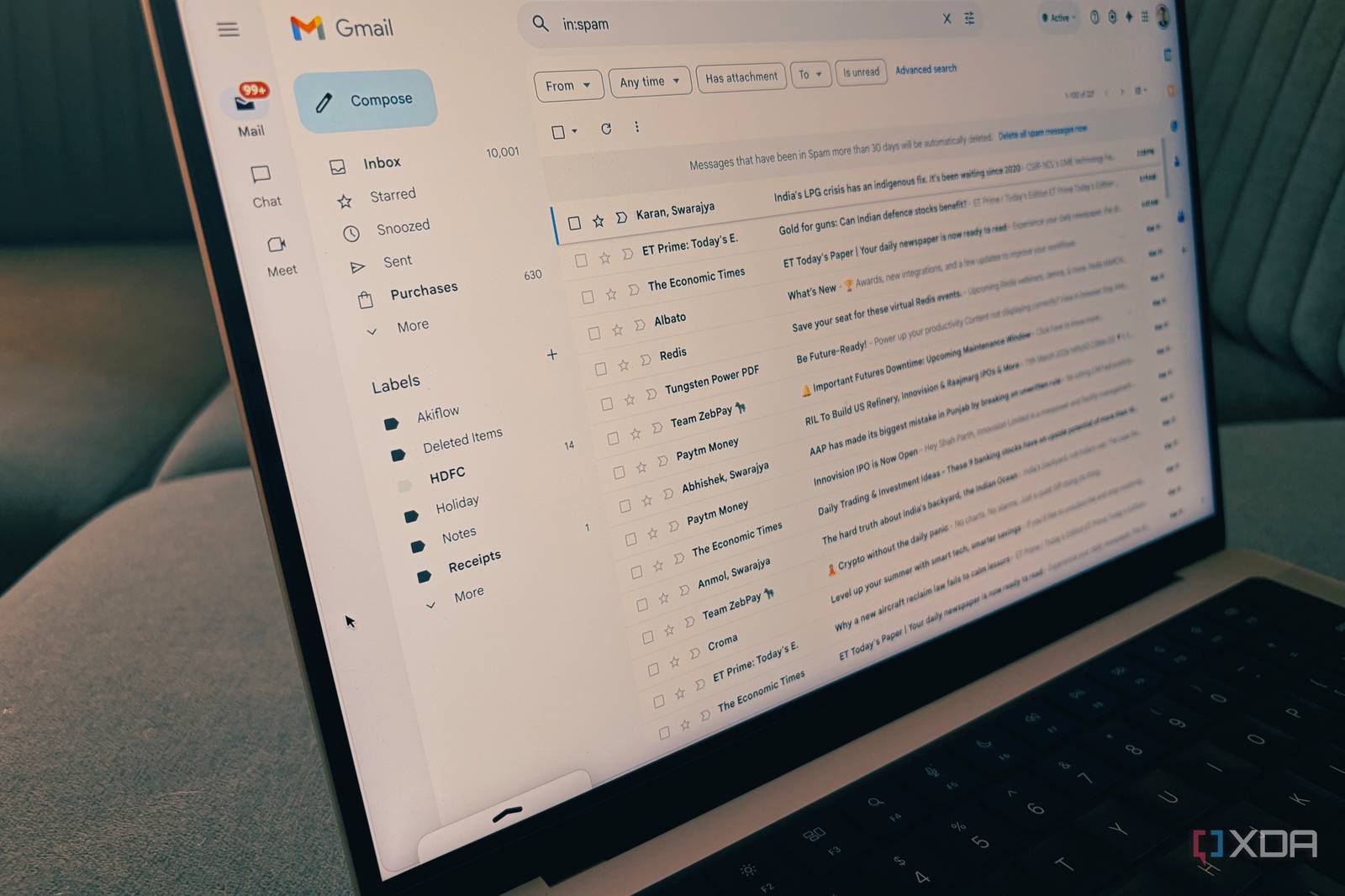
Are you tired of paying for Google One storage? Before you shell out your hard-earned cash, consider cleaning up your Gmail inbox instead. In this article, we’ll show you how to free up space and keep your email account organized without breaking the bank.
Why Clean Up Your Gmail?
Google One offers additional storage for your Google account, including Gmail, Google Drive, and Google Photos. However, if you’re not using these services extensively, paying for extra storage might not be worth it. Cleaning up your Gmail inbox is a great way to free up space and keep your email account organized.
Step 1: Delete Unwanted Emails
The first step in cleaning up your Gmail inbox is to delete unwanted emails. This includes spam messages, newsletters you no longer read, and emails from people you don’t know. To delete multiple emails at once, select the checkboxes next to each message and click the ‘Delete’ button.
Use Filters to Automatically Delete Spam
To avoid deleting important emails by mistake, use filters to automatically delete spam messages. Go to your Gmail settings and create a filter that moves spam messages to the ‘Trash’ folder. This way, you can review the messages before deleting them permanently.
Step 2: Unsubscribe from Unwanted Newsletters
Newsletters can take up a significant amount of space in your Gmail inbox. Unsubscribe from newsletters you no longer read to free up space and reduce clutter. To unsubscribe, click the ‘Unsubscribe’ link at the bottom of the newsletter email.
Use the ‘Unsubscribe’ Button in Gmail
Gmail has an ‘Unsubscribe’ button that makes it easy to unsubscribe from newsletters. To use this feature, click the ‘More’ button next to the email and select ‘Unsubscribe.’
Step 3: Use Gmail’s Built-in Storage Management Tools
Gmail has built-in storage management tools that help you free up space. Use the ‘Storage’ tab in your Gmail settings to see how much space you’re using and what’s taking up the most space. You can also use the ‘Delete all on server’ feature to delete emails from your Gmail account.
Use the ‘Delete all on server’ Feature
The ‘Delete all on server’ feature deletes emails from your Gmail account, but not from your device. This feature is useful if you want to free up space on your device without deleting emails from your account.
Conclusion
Cleaning up your Gmail inbox is a great way to free up space and keep your email account organized. By deleting unwanted emails, unsubscribing from newsletters, and using Gmail’s built-in storage management tools, you can save money on Google One storage and keep your email account clutter-free.
So, next time you’re tempted to pay for Google One storage, try cleaning up your Gmail inbox instead. Your wallet – and your email account – will thank you!








