
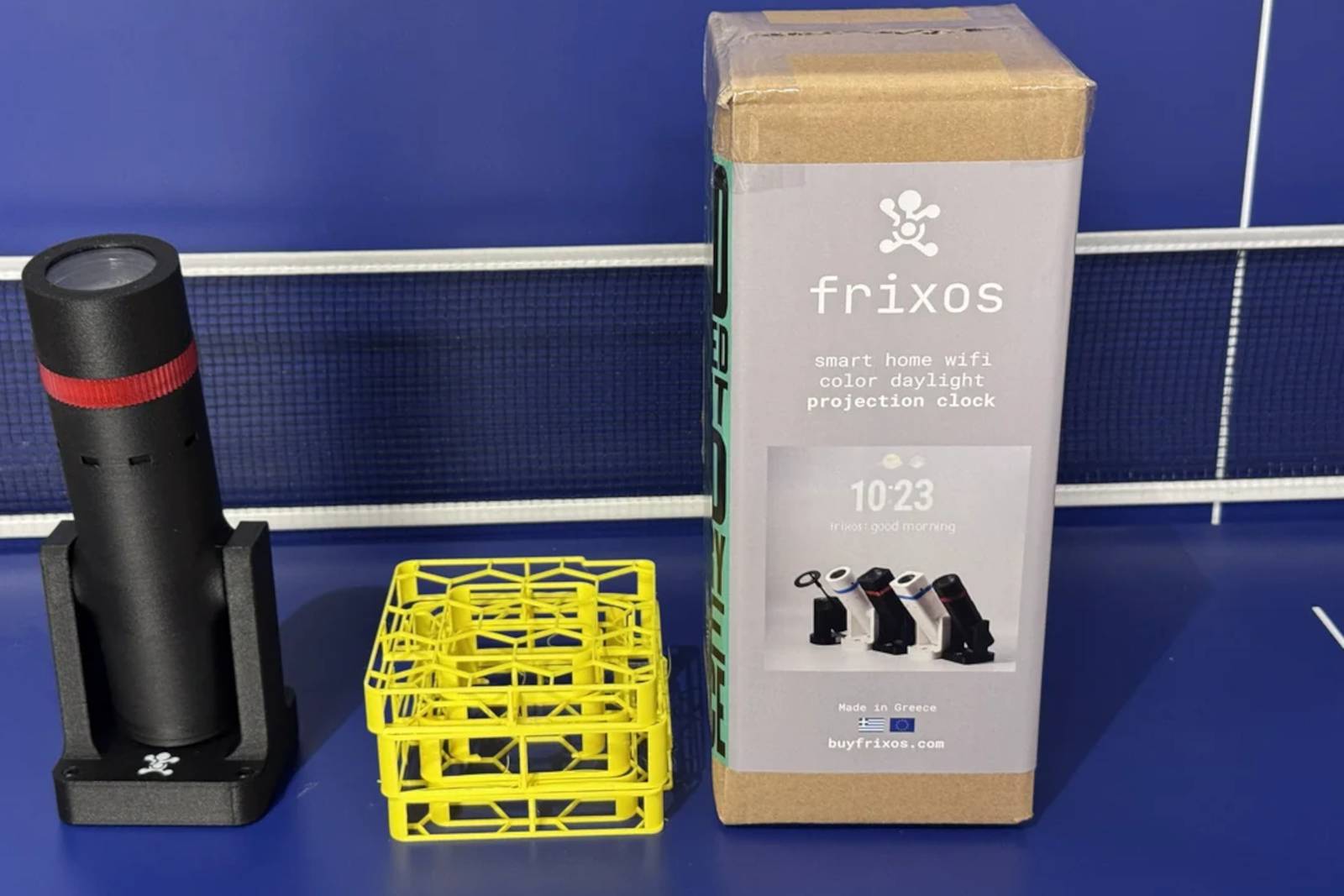
ESP32 Projector with Home Assistant Integration
Imagine a projector that adapts to your smart home needs, displaying custom visuals, weather updates, or even security feeds—all controlled through your existing smart home ecosystem. The ESP32 projector, paired with Home Assistant, makes this possible. This compact, DIY-friendly device turns any wall into a dynamic smart display. Let’s explore how it works and why it’s a game-changer for tech-savvy homeowners.
What Makes the ESP32 Projector Unique?
Unlike traditional projectors, the ESP32 variant is built around a microcontroller (ESP32) that connects to Wi-Fi and integrates seamlessly with platforms like Home Assistant. Its open-source nature allows developers and hobbyists to customize its functionality. For example, you could set it to display your calendar, stream music visualizations, or show real-time energy usage from your smart meter.
Key Features
- Wi-Fi Connectivity: Control the projector remotely via your home network.
- Home Assistant Integration: Sync with your smart home routines and automations.
- Customizable Displays: Show anything from art to security camera feeds.
How to Set Up Your ESP32 Projector with Home Assistant
Setting up the projector involves three main steps:
- Hardware Assembly: Connect the ESP32 board to a small projector module and power supply.
- Software Configuration: Flash the ESP32 with firmware that supports Home Assistant APIs.
- Integration: Add the projector as a device in your Home Assistant dashboard.
For example, you could automate the projector to turn on at sunset and display a movie poster, or show your morning news feed when you wake up. The possibilities are limited only by your creativity.
Real-World Applications
Homeowners are already using ESP32 projectors in innovative ways:
- Smart Art Displays: Rotate between digital art pieces or family photos.
- Security Monitoring: Project live feeds from outdoor cameras onto an indoor wall.
- Energy Management: Visualize real-time energy consumption data.
Why This Matters for Smart Homes
The ESP32 projector exemplifies the shift toward modular, user-programmable smart devices. By integrating with Home Assistant, it becomes part of a larger ecosystem rather than a standalone gadget. This approach reduces costs and complexity while empowering users to tailor their smart home experience.
Conclusion
The ESP32 projector isn’t just a novelty—it’s a versatile tool for enhancing your smart home. Whether you’re a developer or a DIY enthusiast, this project offers endless opportunities to innovate. Ready to transform your space? Start experimenting with your ESP32 projector today.
FAQs
Can the ESP32 projector work with other smart home platforms?
While optimized for Home Assistant, community-developed integrations exist for platforms like OpenHAB and Node-RED.
Do I need coding skills to set it up?
Basic knowledge of Python or C++ helps, but pre-built firmware and tutorials simplify the process for beginners.
Is the ESP32 projector energy-efficient?
Yes—its low-power ESP32 chip and LED projector design make it ideal for 24/7 use without high energy costs.
Can I use it outdoors?
With weatherproof enclosures and proper power management, outdoor installations are possible.
Where can I find components?
Most parts are available on platforms like Amazon, AliExpress, or through electronics retailers like Adafruit.








