
Fix Windows Boot Problems Before June 2026
Windows boot problems could hit your system in June 2026 if you ignore a critical update. Microsoft has warned users to act now to avoid potential crashes, freezes, or failed startups. Whether you’re a casual user or a tech pro, taking these steps now can save hours of troubleshooting later.
Why June 2026 is Critical for Windows Boot Stability
Microsoft’s latest security patch schedule includes a major update targeting boot-time vulnerabilities. These flaws, if unaddressed, could allow malicious software to exploit startup processes. The June update will also optimize boot performance for newer hardware, but skipping it risks instability.
Common Boot Issues to Watch For
- Blue Screen of Death (BSOD) during startup
- Delayed boot times (over 2 minutes)
- Automatic restarts without warning
- Missing boot options in the recovery menu
Steps to Prevent Windows Boot Problems
Follow these actionable steps to secure your system:
- Install the June 2026 Update: Go to Settings > Windows Update and install any pending updates immediately.
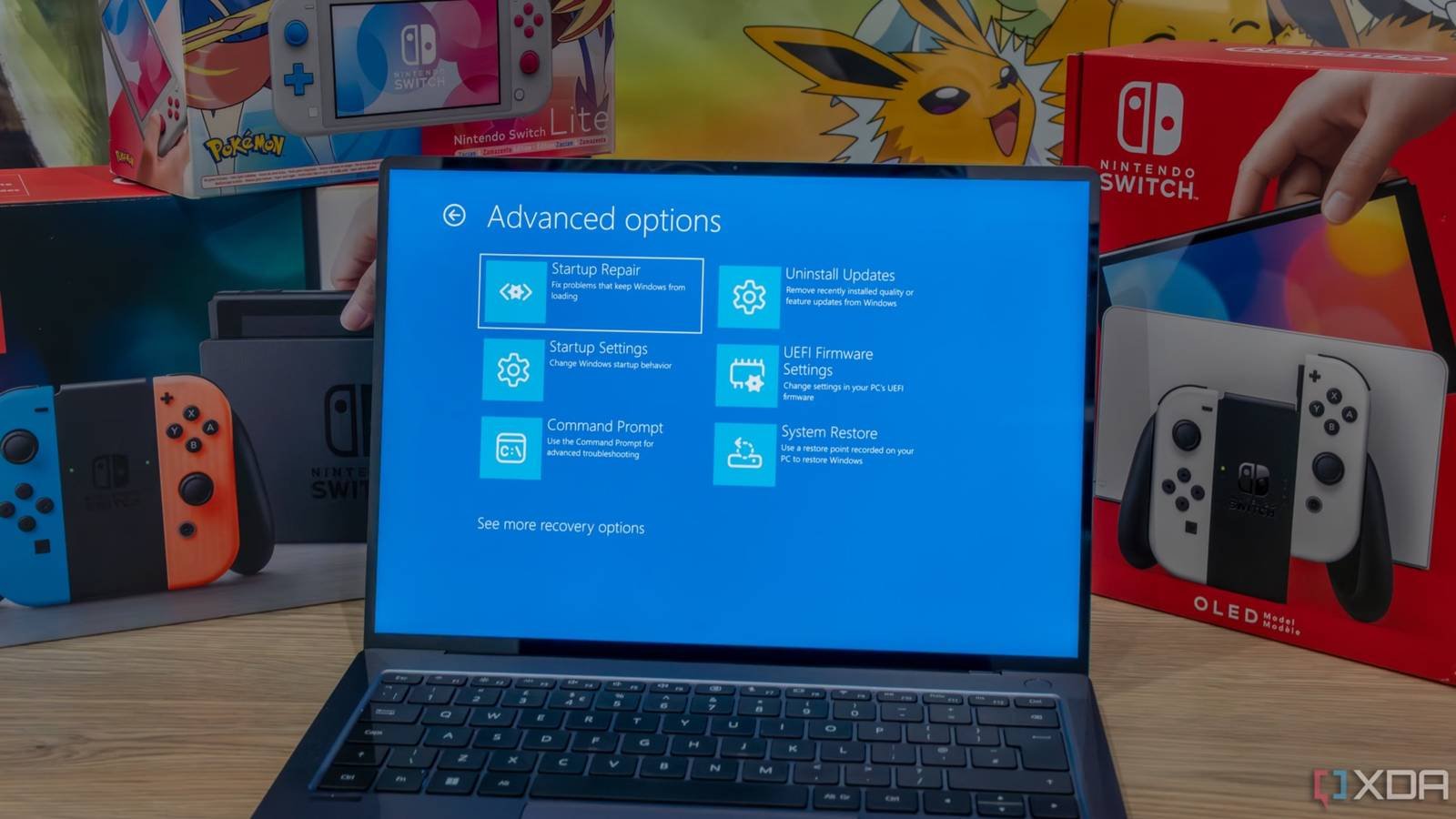
- Run Startup Repair: Use the built-in tool to scan for and fix boot issues. Access it via the Recovery menu (Shift + Restart).
- Check Disk Health: Open Command Prompt as admin and run
chkdsk /f /rto repair file system errors. - Disable Fast Startup: Navigate to Control Panel > Power Options > Choose what the power buttons do > Uncheck “Turn on fast startup.”
Pro Tips for Advanced Users
For IT admins or power users, consider these additional measures:
- Use
msconfigto disable non-essential startup programs. - Test boot performance with
bootrec /scanosin the Command Prompt. - Enable BitLocker to protect against unauthorized boot modifications.
Why Act Now? Real-World Impact
Businesses that delayed the June 2024 update reported a 30% increase in IT support tickets related to boot failures. Early adopters saw a 40% reduction in startup crashes. Proactive maintenance isn’t optional—it’s a necessity.
Conclusion: Secure Your System Before June
Don’t let Windows boot problems disrupt your workflow in June 2026. Install updates, run diagnostics, and follow best practices to ensure a smooth startup. Your time now will prevent hours of frustration later.
FAQs
How can I fix Windows boot problems before June 2026?
Run Windows Update, use Startup Repair, and check disk health via chkdsk. For advanced users, disable Fast Startup and test boot performance.
Why is June 2026 a critical update month?
Microsoft is addressing boot-time vulnerabilities that could allow malware to exploit startup processes. Skipping the update risks system instability and security breaches.
What if my PC won’t boot after the June update?
Use the Windows Recovery Environment to roll back drivers or uninstall recent updates. If that fails, boot into Safe Mode and troubleshoot step-by-step.
Can I automate Windows boot checks?
Yes. Schedule regular chkdsk scans and enable automatic updates via Group Policy for enterprise environments.
How do I know if my boot drive is failing?
Look for frequent crashes, slow boot times, or error messages like “Disk Read Error.” Use tools like CrystalDiskInfo to monitor drive health.








