
Free Password Managers That Outshine Paid Ones
Managing passwords can be a daunting task, especially with the rise of online accounts and services. However, you don’t need to break the bank to secure your passwords. Meanwhile, many free password managers offer robust features that rival their paid counterparts. For example, some free password managers provide unlimited password storage, whereas others offer advanced security features like two-factor authentication.
What Makes a Free Password Manager Better Than Paid Ones?
Additionally, free password managers often receive more frequent updates, which means you get the latest security patches and features without the hefty price tag. Furthermore, many free password managers are open-source, allowing users to review and contribute to the code, thereby ensuring transparency and security. Therefore, it’s essential to explore the options available and find the one that suits your needs.
Top Features to Look for in a Free Password Manager
When searching for a free password manager, there are several key features to consider. Firstly, look for a manager that offers strong encryption, such as AES-256, to protect your passwords. Secondly, consider a manager that provides a secure password generator, which can create unique and complex passwords for each of your accounts. Finally, opt for a manager that offers cross-platform compatibility, allowing you to access your passwords across multiple devices.
- Strong encryption (e.g., AES-256)
- Secure password generator
- Cross-platform compatibility
- Two-factor authentication
- Regular security updates
3 Free Password Managers That Are Actually Better Than Paid Ones
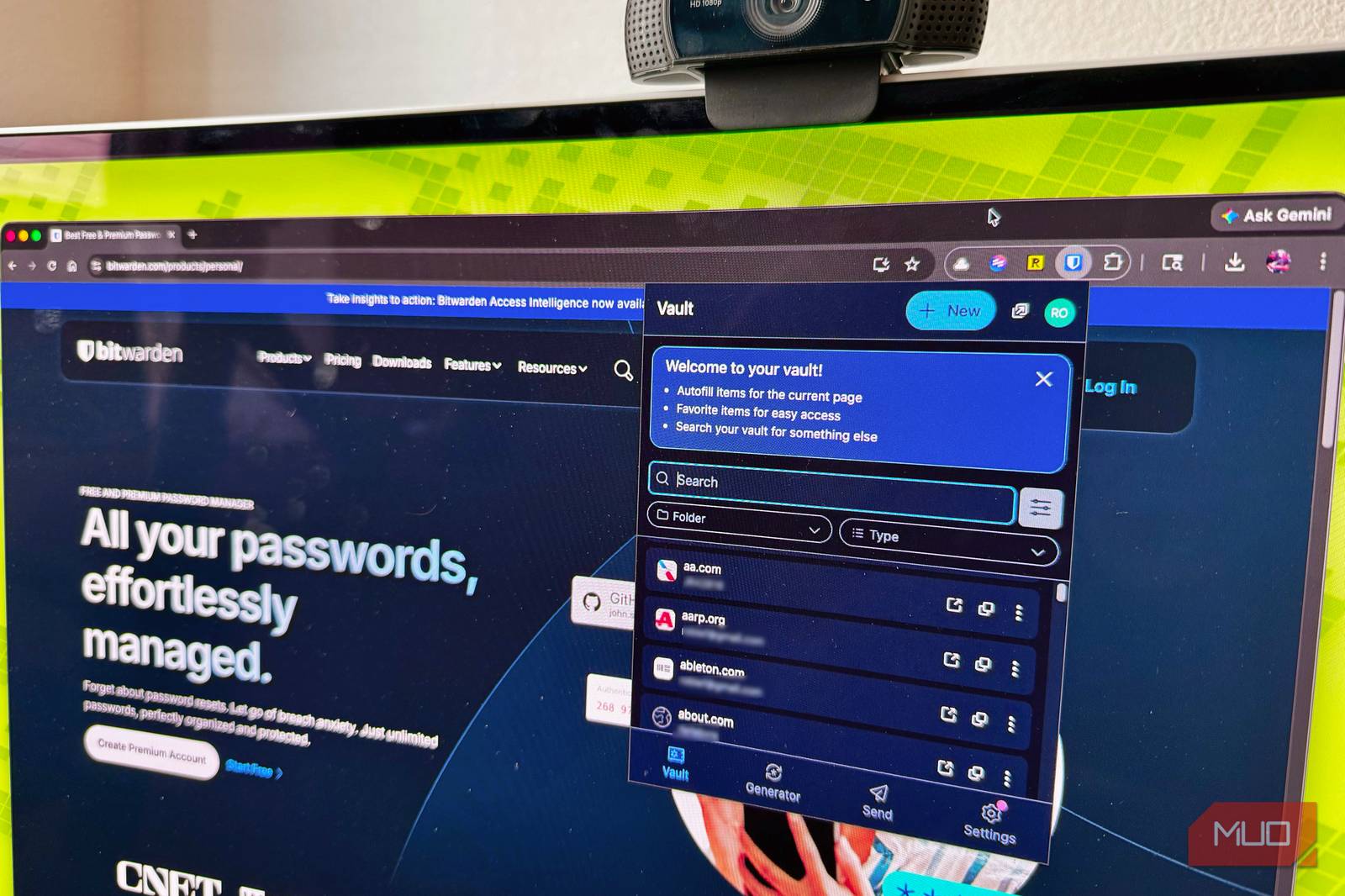
Meanwhile, some free password managers stand out from the rest due to their exceptional features and security. For instance, Bitwarden offers a comprehensive range of features, including unlimited password storage and advanced two-factor authentication. Additionally, KeePass provides a high level of customization, allowing users to tailor the manager to their specific needs. Finally, LastPass offers a user-friendly interface and seamless integration with popular browsers.
However, it’s crucial to note that while these free password managers excel in many areas, they may have limitations compared to their paid counterparts. Therefore, it’s essential to weigh the pros and cons before making a decision.
Conclusion and Call to Action
In conclusion, free password managers can be just as effective as paid ones, offering a range of features and robust security. By considering the key features and options available, you can find a free password manager that meets your needs and provides peace of mind. Finally, take the first step towards securing your passwords and explore the free password managers mentioned above.
Frequently Asked Questions
- What is the best free password manager? The best free password manager for you will depend on your specific needs and preferences. However, some popular options include Bitwarden, KeePass, and LastPass.
- Are free password managers secure? Yes, many free password managers offer robust security features, including strong encryption and two-factor authentication.
- Do free password managers have limitations? Yes, free password managers may have limitations compared to paid counterparts, such as limited storage or features.
- Can I use a free password manager on multiple devices? Yes, many free password managers offer cross-platform compatibility, allowing you to access your passwords across multiple devices.
- How often are free password managers updated? Many free password managers receive regular updates, which ensures you get the latest security patches and features.








