
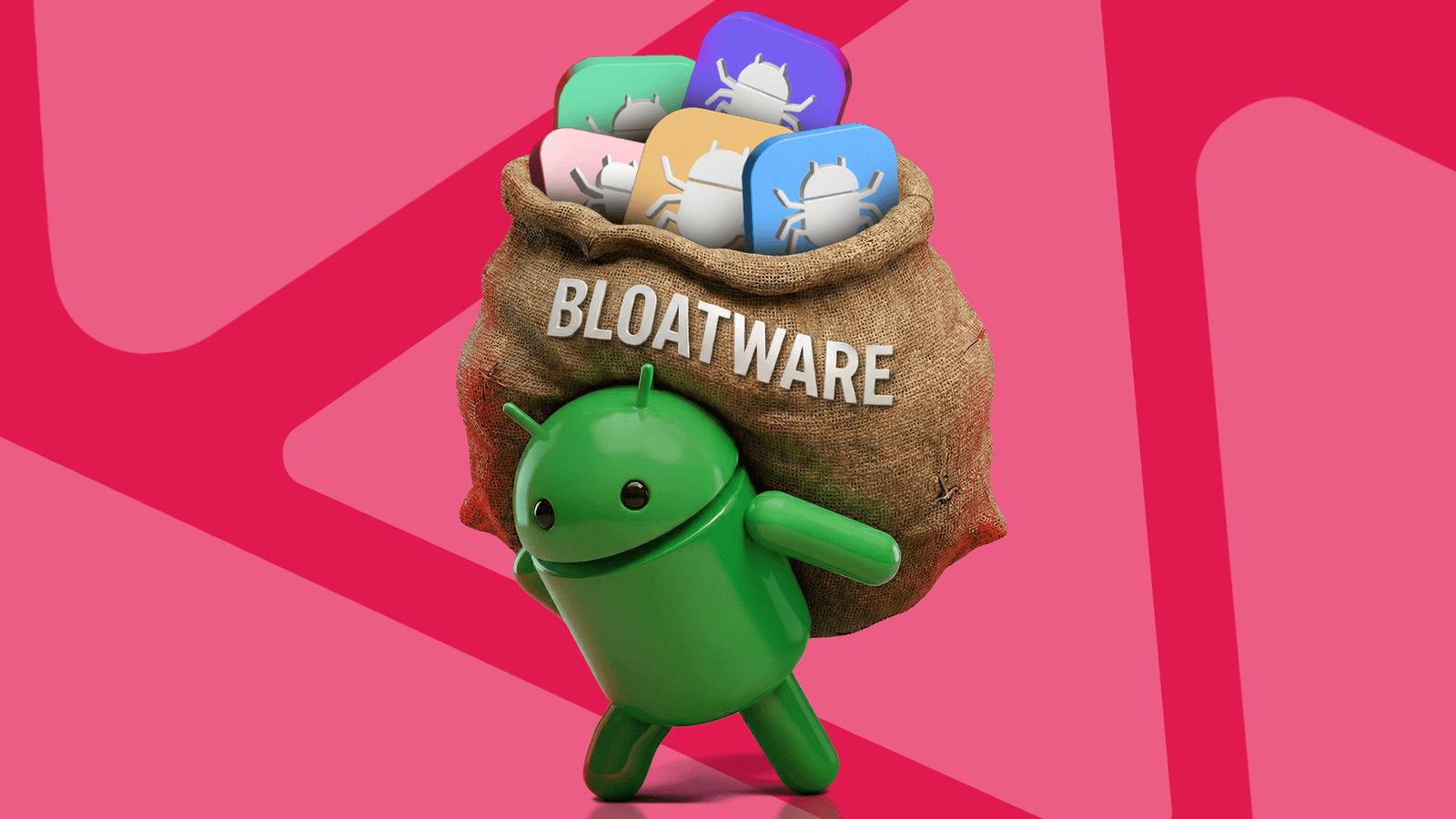
Introduction to Bloatware
Have you ever felt like your Android phone is slowing down due to unnecessary apps? You’re not alone. Bloatware, or pre-installed software that you don’t need, can take up space and resources on your device. However, deleting these apps can be a challenge. Meanwhile, understanding what bloatware is and how to remove it can make a significant difference in your phone’s performance.
Identifying Bloatware
For example, many phones come with pre-installed apps that duplicate the functionality of Google apps. Additionally, some apps may be specific to your carrier or manufacturer. Therefore, it’s essential to review the apps on your phone and identify which ones you don’t use. You can do this by going to your phone’s settings and looking at the list of installed apps.
Removing Bloatware
Once you’ve identified the bloatware on your phone, you can start removing it. However, some apps may not be able to be uninstalled. In this case, you can disable them to prevent them from running in the background and consuming resources. Meanwhile, be careful not to disable any essential system apps, as this can cause problems with your phone’s functionality.
Finally, after removing bloatware, you may notice a significant improvement in your phone’s performance. Your device may feel like new, with more free space and faster performance. Therefore, taking the time to remove bloatware is an essential step in maintaining your Android phone’s health and performance.








