
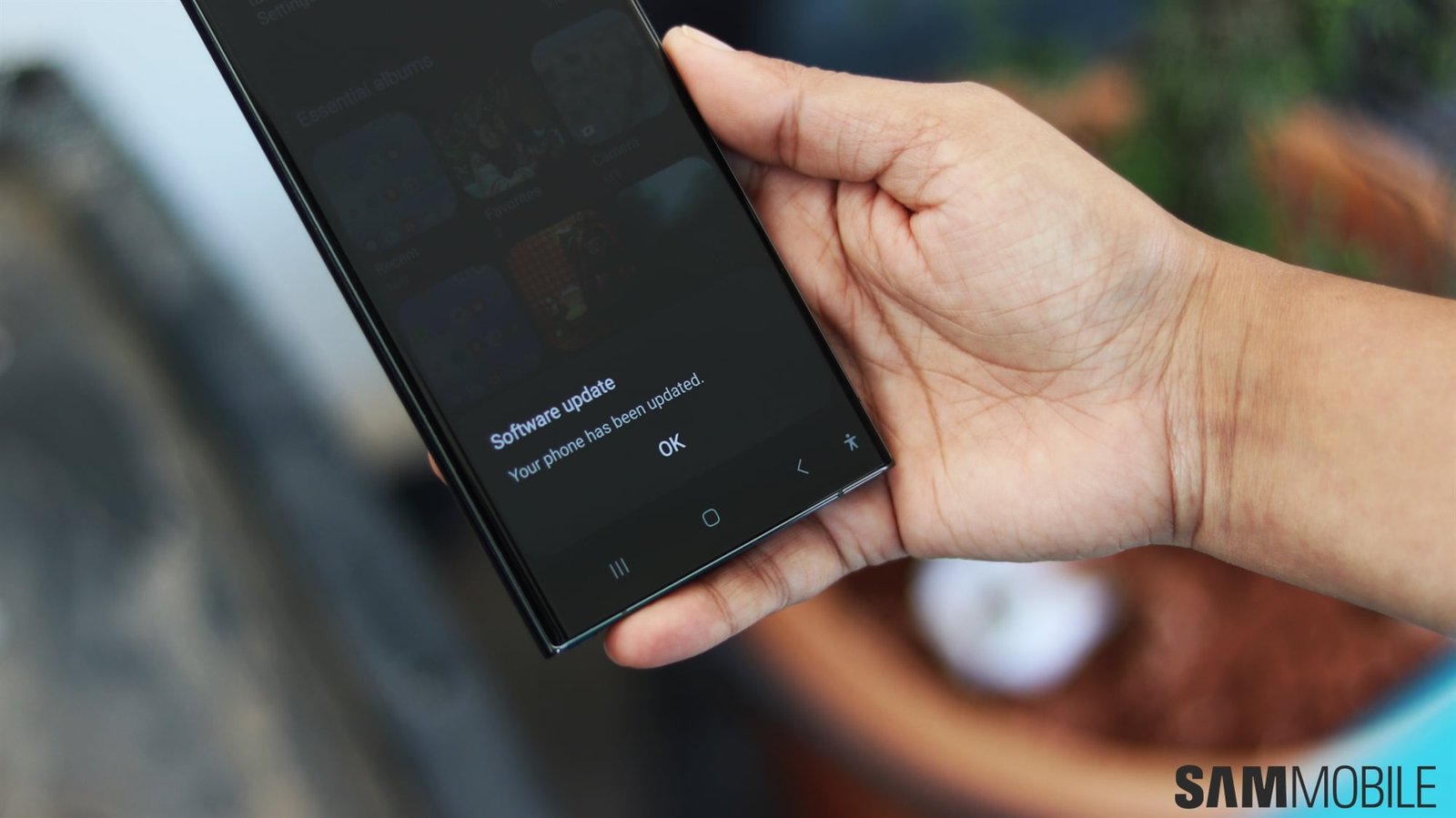
Galaxy S23 March 2026 Security Patch Update
Security updates are the unsung heroes of smartphone ownership. For Galaxy S23 users, the March 2026 security patch is a critical step in keeping your device safe from emerging threats. This update, announced by SamMobile, addresses vulnerabilities that could compromise your data and device performance. Let’s break down what you need to know and why this patch matters for your phone’s longevity.
What’s in the March 2026 Security Patch?
The latest security update for the Galaxy S23 focuses on three key areas:
- Malware Protection: Enhanced defenses against new strains of Android malware targeting Samsung devices.
- Camera Vulnerabilities: Fixes for flaws that could allow unauthorized access to your camera feed.
- Wi-Fi Exploits: Patches for weaknesses in Wi-Fi connectivity that hackers might exploit.
Why This Update Matters
Security threats evolve rapidly. For example, in 2024, researchers discovered a zero-day vulnerability in Android devices that allowed attackers to bypass encryption. The March 2026 patch proactively closes similar gaps before they can be exploited. Installing it isn’t optional—it’s essential for anyone who values privacy and device reliability.
How to Install the Galaxy S23 March 2026 Update
Updating your Galaxy S23 is straightforward, but preparation is key. Follow these steps to ensure a smooth process:
- Back Up Your Data: Use Samsung Cloud or a computer to save important files.
- Charge Your Phone: Ensure at least 50% battery to avoid interruptions.
- Check for Updates: Go to Settings > Software Update > Download and Install.
- Install the Patch: Follow on-screen instructions to complete the update.
Common Issues and Fixes
If your device isn’t showing the update, try these troubleshooting tips:
- Restart your phone and check again.
- Ensure you’re connected to Wi-Fi.
- Visit Samsung’s support site for manual download options.
Why Delaying the Update Risks Your Security
Postponing updates creates a window of vulnerability. For instance, the 2023 Pegasus spyware attack exploited unpatched Android devices for months before users applied fixes. By installing the March 2026 patch promptly, you protect yourself from similar risks. Remember: security updates don’t just fix bugs—they prevent real-world attacks.
Pro Tip: Enable Auto-Updates
To avoid missing future patches, turn on automatic updates in Settings > Software Update. This ensures your device stays protected without requiring manual intervention.
Conclusion: Secure Your Galaxy S23 Today
The Galaxy S23 March 2026 security patch is more than a routine update—it’s a vital shield against cyber threats. By installing it now, you safeguard your personal data, maintain device performance, and stay ahead of potential vulnerabilities. Don’t wait for a breach to act. Take 5 minutes to update your phone and enjoy peace of mind.
Don’t wait—install the update today.








