
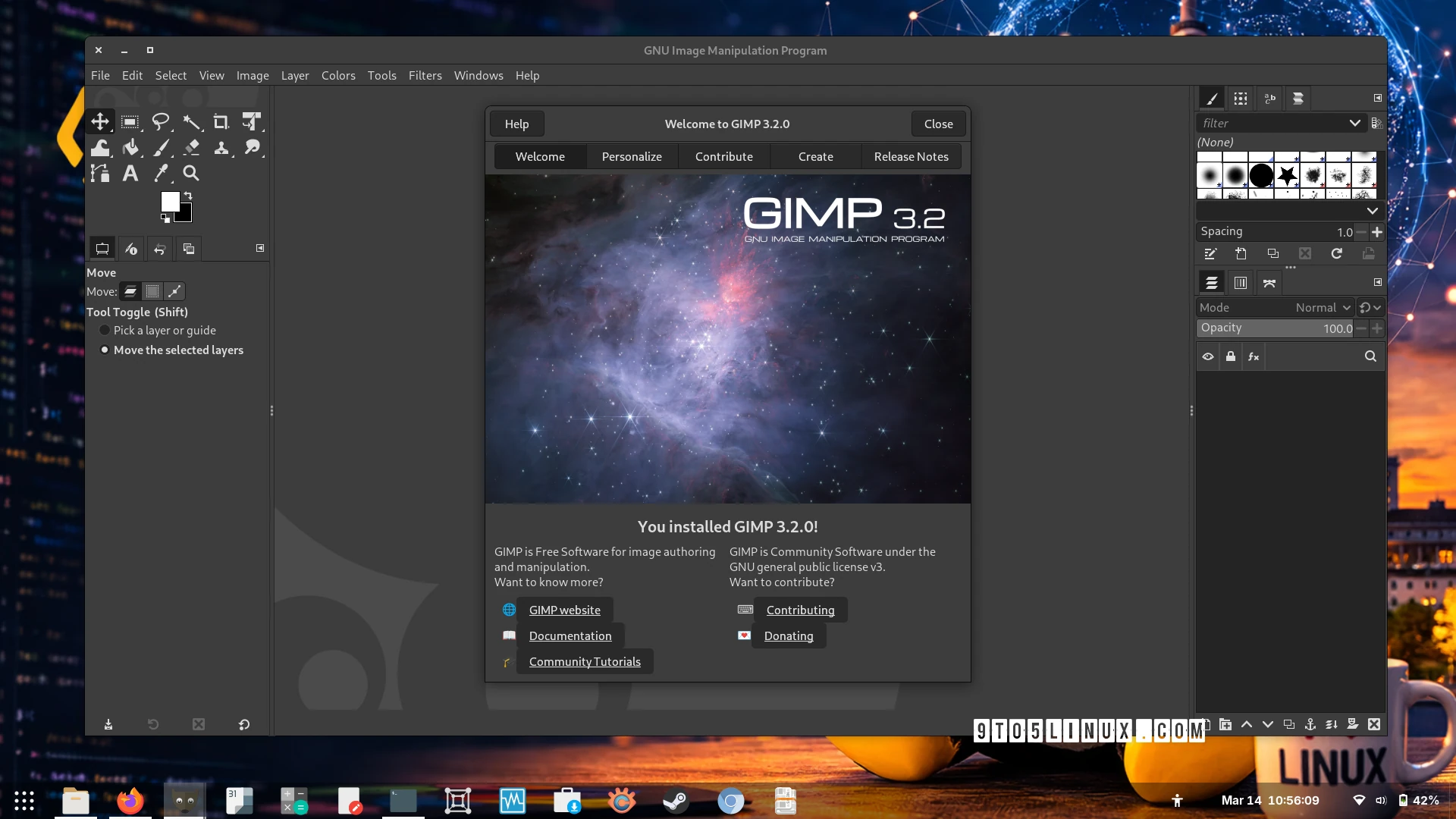
GIMP 3.2: Powerful Image Editing for All Platforms
Image editing software has evolved rapidly, but few tools offer the flexibility and open-source freedom of GIMP. With the recent release of GIMP 3.2, developers have packed in features that cater to both casual users and professionals. Whether you’re on Linux, macOS, or Windows, this update brings significant improvements to streamline your workflow.
Non-Destructive Layers and Advanced Blending
GIMP 3.2 introduces non-destructive layers, allowing you to edit images without permanently altering the original pixels. This is a game-changer for photographers and designers who need flexibility. Additionally, the new Overwrite paint blend mode lets you replace pixels directly in the painted area, offering precise control over your edits.
Key Features in GIMP 3.2
- Non-destructive layers for reversible edits
- Overwrite blend mode for direct pixel replacement
- Text outline direction control in the text tool
- Automatic OS theme matching for Linux and Windows
Expanded Import/Export Capabilities
GIMP 3.2 now supports ART (AnotherRawTherapee) as a Camera Raw loader, making it easier to work with raw image files. You can also export to Krita’s .kpl palette format and import Photoshop patterns. For cross-software compatibility, GIMP now uses Photoshop’s Curves and Levels presets, bridging the gap between tools.
Notable File Format Support
- Export Photoshop PSB (Large Document Format) files
- Import APNG animations and multi-layer OpenEXR images
- Support for JPEG 2000, Sony PlayStation TIM textures, and Jeff’s Image Format (.jif)
User Interface and Workflow Improvements
GIMP 3.2 focuses on usability with features like the Palette dockable, which automatically selects the next swatch when you delete one. The “Lock pixels” option now generates an undo step, reducing the risk of accidental changes. These tweaks make the interface more intuitive for daily use.
Technical Enhancements
- Updated CMYK Color Selector with Total Ink Coverage display
- Improved Foreground Selection algorithm
- New API for creating GimpCoordinates widgets
Why GIMP 3.2 Stands Out
What sets GIMP 3.2 apart is its commitment to cross-platform compatibility and open-source innovation. From supporting niche formats like AVCI still images and Nokia’s OBI format to refining non-destructive editing, this update addresses both niche and mainstream needs. The AppImage bundle ensures you can run GIMP on any Linux distribution without installation hurdles.
For developers and power users, the new API and theme color support for tools like Brush and Font expand customization possibilities. Meanwhile, the Merge Filter checkbox and UX refinements streamline repetitive tasks.
Get GIMP 3.2 Today
Ready to experience the latest in open-source image editing? Download GIMP 3.2 from the official website. Whether you’re a graphic designer, photographer, or hobbyist, this update delivers tools to elevate your creative projects. Explore the full release notes to dive deeper into what’s new.








