
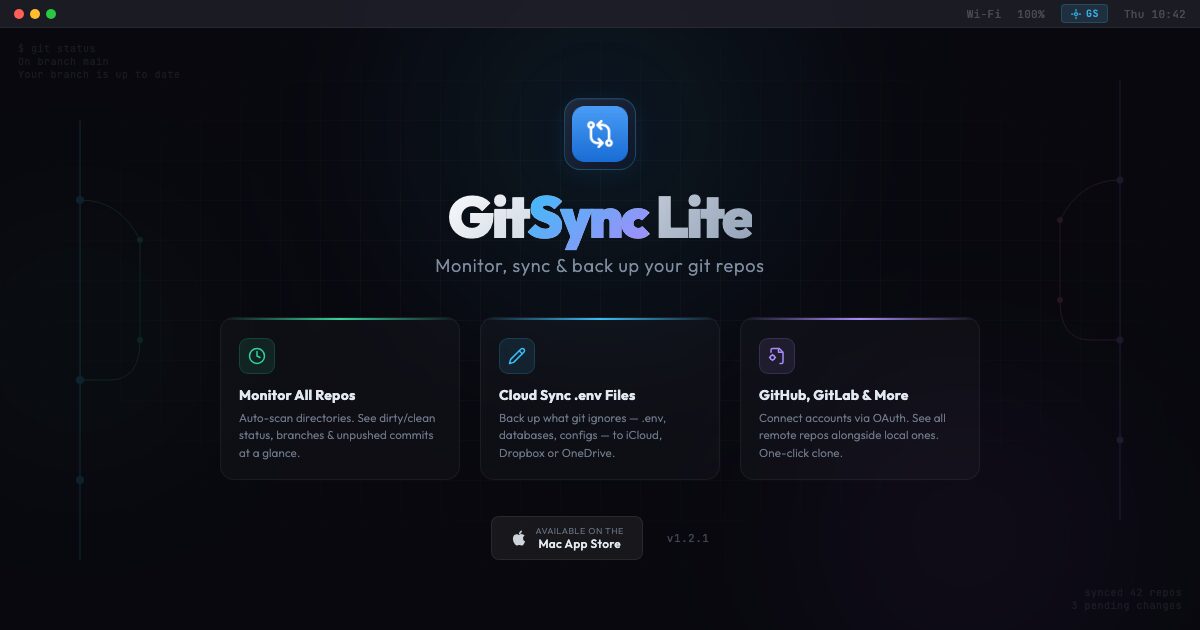
GitSync Lite macOS: Git Repo Monitor & Cloud Backup Tool
Developers know the frustration of losing .env files or uncommitted work when switching machines. GitSync Lite for macOS solves this by monitoring repositories, syncing ignored files to the cloud, and restoring them automatically. This native macOS app lives in your menu bar, offering real-time status updates and seamless integration with GitHub, GitLab, and Bitbucket.
Why GitSync Lite Stands Out
1. Cloud Sync for Git-Ignored Files
GitSync Lite backs up .env files, databases, and IDE configurations to iCloud, Dropbox, OneDrive, or Google Drive. When you clone a repo on a new machine, these files auto-restore—eliminating manual setup.
2. Native macOS Performance
Unlike Electron-based apps, GitSync Lite is built natively for macOS. It’s lightweight, fast, and ensures your code never leaves your device. Users praise its “massive productivity win” for catching uncommitted changes.
3. Security & Privacy
Security concerns around sensitive files are valid. While the app doesn’t explicitly mention encryption, it stores backups locally first before syncing to cloud services. Developers recommend pairing it with cloud provider encryption for added protection.
Developer Workflow Enhancements
- Monitor repo status (dirty/clean, branches, ahead/behind counts) from the menu bar
- One-click clone via SSH/HTTPS
- Auto-detect connected Git platforms
Real-World Impact
Early adopters report saving hours weekly. One developer shared: “The .env sync feature alone is worth the price. No more manually tracking config files after repo moves.”
Get Started
Visit the App Store to download GitSync Lite. For teams, consider community feedback on security enhancements and feature requests.








