
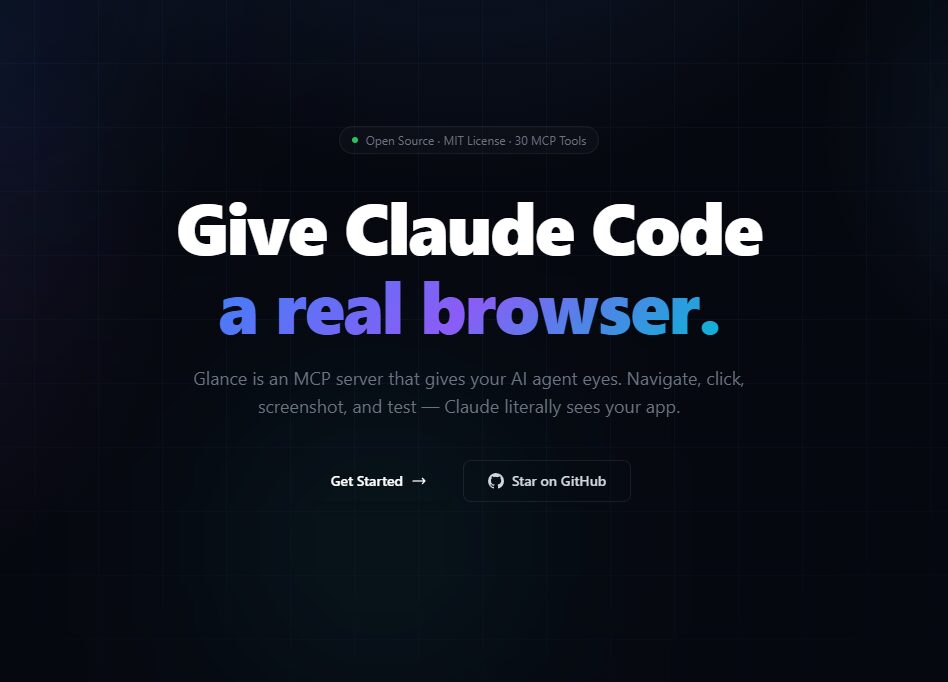
Glance Browser Automation: Real Testing for Claude Code
Imagine this: You’re coding with Claude Code, but every time you need to visualize your app’s UI, you alt-tab to Chrome. It’s frustrating—Claude can write code, but it can’t see the results. Enter Glance, an open-source MCP server that gives Claude Code a real Chromium browser with 30 tools for testing, automation, and visual feedback. Let’s explore how this tool is revolutionizing developer workflows.
Why Glance Browser Automation Stands Out
Glance solves a critical problem for developers using AI coding assistants. By integrating directly with Claude Code, it eliminates the need to switch between tools. Here’s what makes it unique:
- Real-time screenshots: Claude sees actual pixels, not descriptions.
- Multi-step test scenarios: Describe tests in plain English—Claude translates them into actionable steps.
- 97% pass rate: Battle-tested with 300+ test steps in production.
How It Works
Glance operates as a command-line interface (CLI) tool. After installing with npm i -g glance-mcp, developers can:
- Navigate web pages programmatically.
- Fill forms and click buttons automatically.
- Run visual regression tests with pixel-perfect accuracy.
- Record sessions for debugging or demos.
Key Features of Glance Browser Automation
1. Visual Testing Made Simple
Glance’s screenshot capabilities are a game-changer. When Claude takes a screenshot, it sees the exact UI state. No more ambiguous instructions like “the button should be on the right side”—the AI just looks and acts.
2. Test Scenario Runner
Describe a multi-step test in plain English. For example:
“Log in as an admin, navigate to the dashboard, and verify the user count.”
Claude translates this into executable steps, runs the test, and provides screenshots at each stage. This feature is particularly useful for end-to-end (E2E) testing.
3. Open-Source and Secure
Glance is fully open-source, built on Playwright, and includes security profiles, rate limiting, and URL filtering. Developers can customize it to fit their specific needs while maintaining control over data privacy.
Glance vs. Alternatives
Competitors like Browserbase and BugBug.io offer browser automation, but Glance’s integration with Claude Code sets it apart. It’s not just about automation—it’s about collaboration between human developers and AI.
Real-World Use Case
At DebugBase, Glance handles daily testing workflows. With 300+ test steps and a 97% pass rate, it’s proven reliable for complex tasks like CSS edge cases and responsive design validation. As creator Meriç Özkağan explains:
“Glance fixes the problem of switching between Claude Code and Chrome. Now, Claude can see the results of its code instantly.”
Getting Started with Glance
Installation is straightforward:
npm i -g glance-mcp
Once installed, developers can:
- Run tests from the terminal.
- Customize security profiles.
- Integrate with existing CI/CD pipelines.
Why Developers Love Glance
Glance’s appeal lies in its simplicity and power:
- Productivity boost: No more context-switching between tools.
- Accuracy: Pixel-perfect visual testing.
- Flexibility: Works with any Claude Code setup.
Try Glance Browser Automation Today
Ready to streamline your testing workflow? Visit Glance’s website to learn more or join the Product Hunt community. Share your feedback—what would you test first?








