
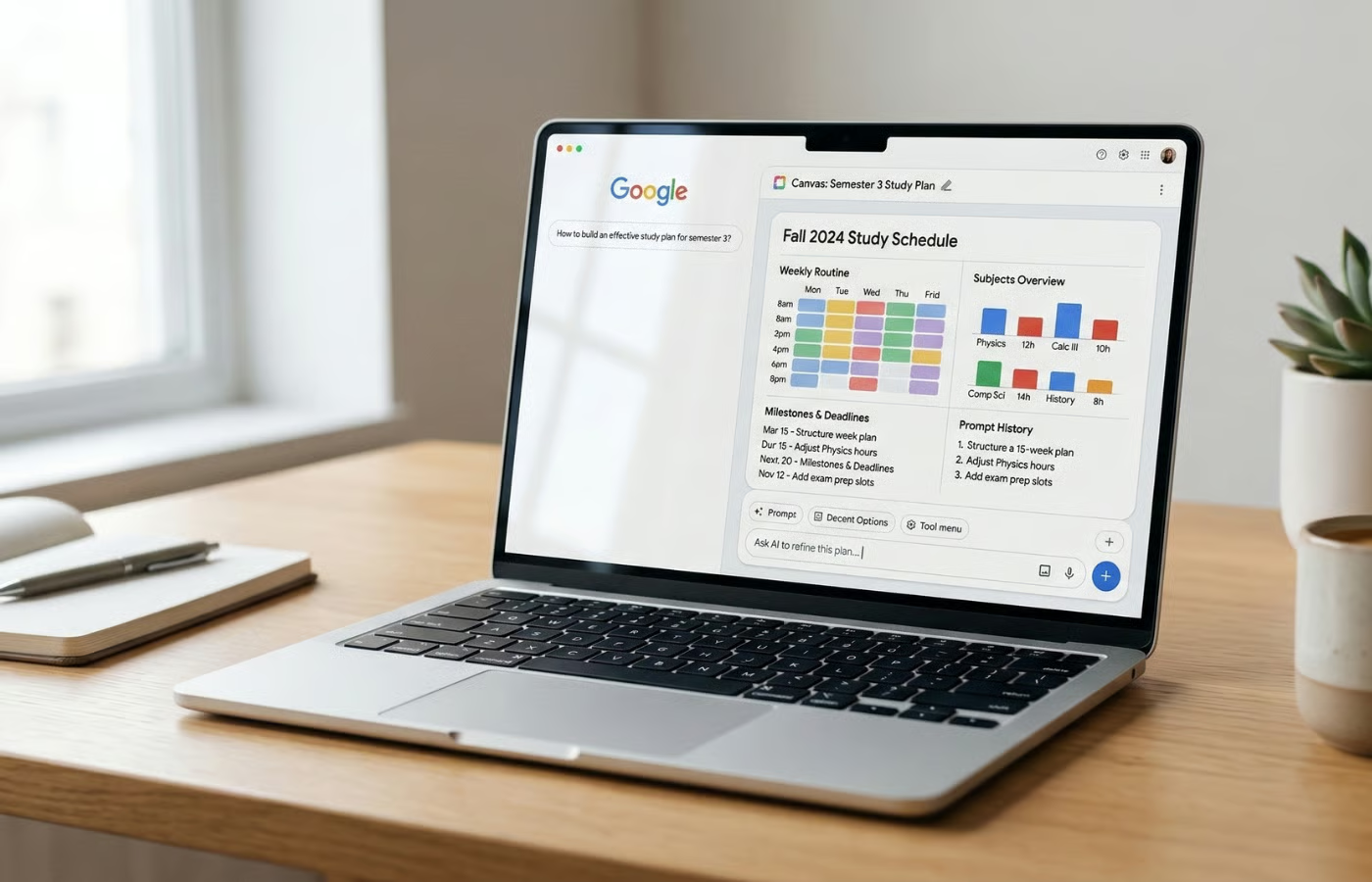
Google Canvas AI Mode: A Game-Changer for Creative Workflows
Google is redefining how we interact with search. With the launch of Canvas in AI Mode, the tech giant is transforming Google Search into a dynamic workspace where users can brainstorm, organize, and build projects—all within a single interface. This article explores how Canvas is reshaping productivity and creativity for users across the US.
What Is Google Canvas AI Mode?
Canvas is a persistent workspace embedded in Google Search’s AI Mode. Unlike traditional search results, Canvas lets users create and manage projects in real time. Whether you’re drafting a presentation, planning a marketing campaign, or organizing research, Canvas acts as a centralized hub for idea development.
Key Features of Canvas AI Mode
- Persistent Workspace: Save and return to your projects anytime.
- Integrated Search: Pull data, images, and links directly into your Canvas workspace.
- Collaboration Tools: Share projects with team members for real-time feedback.
- AI-Powered Suggestions: Get smart recommendations for content and structure.
How Canvas Enhances Productivity
Canvas streamlines workflows by eliminating the need to switch between apps. For example, a student researching a science project can gather data, organize notes, and draft a report—all within one environment. Similarly, a business professional can outline a pitch, embed relevant statistics, and refine visuals without leaving the workspace.
Real-World Use Cases
Consider a scenario where a user wants to plan a travel itinerary. With Canvas, they can:
- Search for destinations and save top options.
- Embed flight and hotel booking links directly into the project.
- Collaborate with a travel companion to finalize plans.
Why Canvas Matters for the Future of Search
Google’s move signals a shift from passive information retrieval to active project creation. By integrating AI tools like Gemini, Canvas enables users to generate content, analyze data, and visualize ideas seamlessly. This approach aligns with growing demand for tools that merge creativity and efficiency.
Getting Started with Canvas AI Mode
Canvas is now available to US users via Google Search. To access it:
- Open Google Search on your desktop or mobile device.
- Enable AI Mode in your settings.
- Click the Canvas icon to start a new project.
Conclusion: Embrace the Future of Work
Google Canvas AI Mode is more than a feature—it’s a paradigm shift. By merging search with project management, Google empowers users to work smarter, not harder. Whether you’re a student, professional, or creative, Canvas offers tools to turn ideas into reality. Ready to transform your workflow? Try Canvas today and experience the future of productivity.
FAQs
1. How does Google Canvas AI Mode improve creative workflows?
Canvas provides a unified workspace for brainstorming, organizing, and building projects, reducing the need to switch between apps and enhancing efficiency.
2. Can I collaborate with others in Canvas?
Yes, Canvas supports real-time collaboration, allowing teams to share projects and provide feedback seamlessly.
3. Is Canvas AI Mode available globally?
Currently, Canvas is rolling out to users in the US. Google plans to expand access to other regions in the coming months.
4. What AI tools are integrated into Canvas?
Canvas leverages Google’s Gemini AI for content generation, data analysis, and smart suggestions within projects.
5. Can I use Canvas for personal projects?
Absolutely! From planning trips to drafting creative writing, Canvas is designed for both personal and professional use.








