
Introduction to Google Workspace CLI
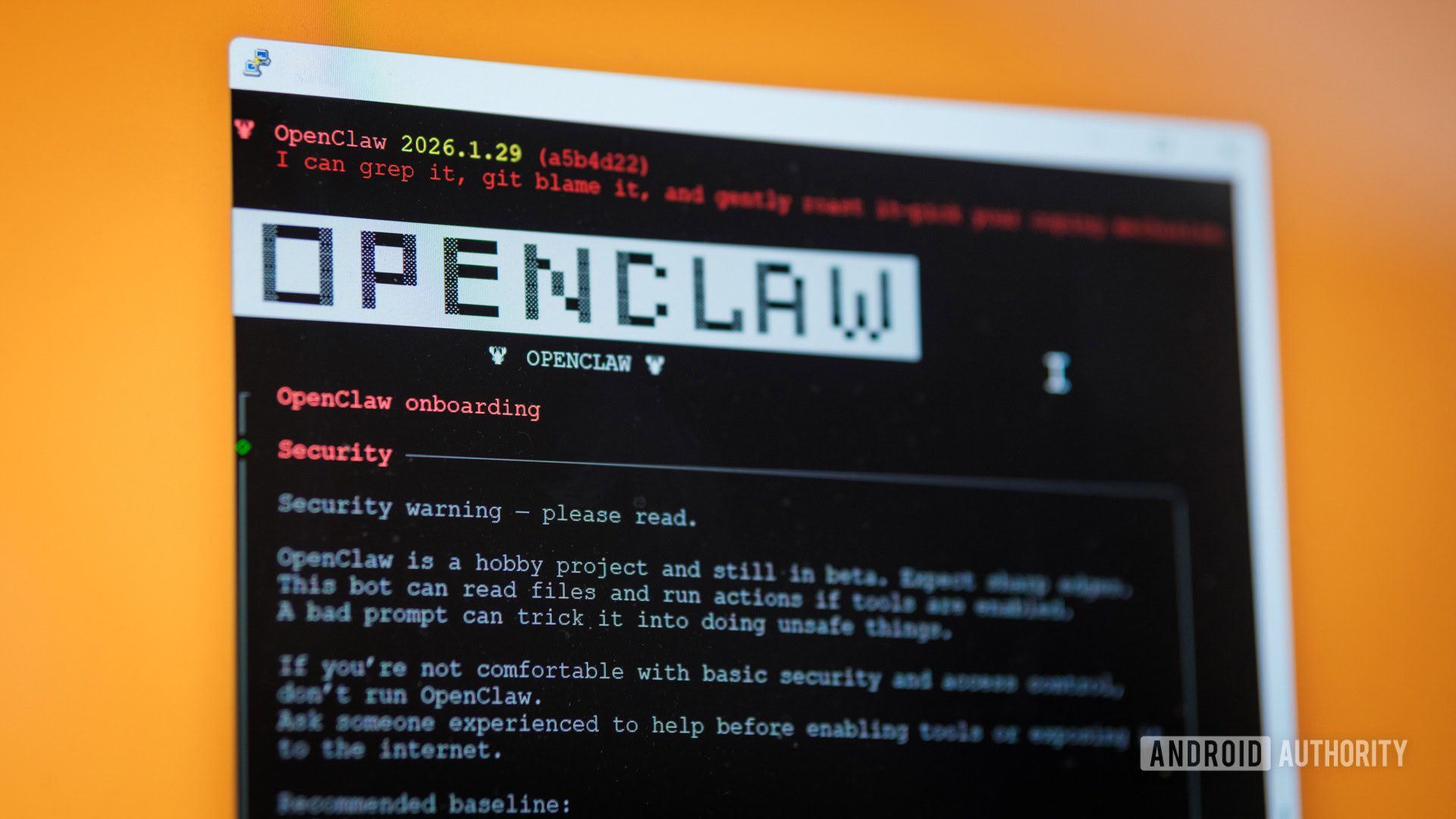
Google is making significant strides in enhancing the accessibility of its Workspace apps to agentic AI tools like OpenClaw. Recently, the tech giant published a Google Workspace command-line interface (CLI) on GitHub, paving the way for easier integration with these tools.
For instance, the new CLI will enable OpenClaw users to grant AI complete access to documents across Google Docs, Google Drive, and the rest of the Workspace suite. However, it’s essential to exercise caution when using this feature to avoid unintended consequences, such as accidental deletion of emails.
Benefits of the Google Workspace CLI
The CLI simplifies the process of accessing Workspace apps for AI agents, which can be hindered by ambiguity in graphical user interfaces. Additionally, the new CLI allows for easier access for certain other AI apps, like Claude Desktop and VS Code, to access information inside Google Workspace.
Meanwhile, the non-CLI process can be cumbersome, making the new Workspace CLI a welcome development. Furthermore, the CLI is part of a collection of Workplace APIs that Google calls developer samples, implying that it’s geared toward developers rather than regular consumers.
Important Considerations
It’s crucial to note that the new Workspace CLI doesn’t make AI integration with Workspace newly possible, but it does make it easier. However, the CLI is not an officially supported Google product, meaning that Google can’t guarantee its complete fitness for purpose.
Therefore, users should proceed with caution when using the CLI. Finally, the new commit is available on GitHub for those interested in exploring the feature further.








