
What is Google Home Live Search?
Imagine asking your smart home camera, “Did anyone enter the house while I was away?” and getting an instant answer. Google Home’s new Live Search feature, powered by Gemini AI, makes this possible. Instead of sifting through hours of footage, users can now ask natural language questions about their camera feeds in real time. This marks a shift from reactive to proactive home monitoring.
How Live Search Works with Gemini AI
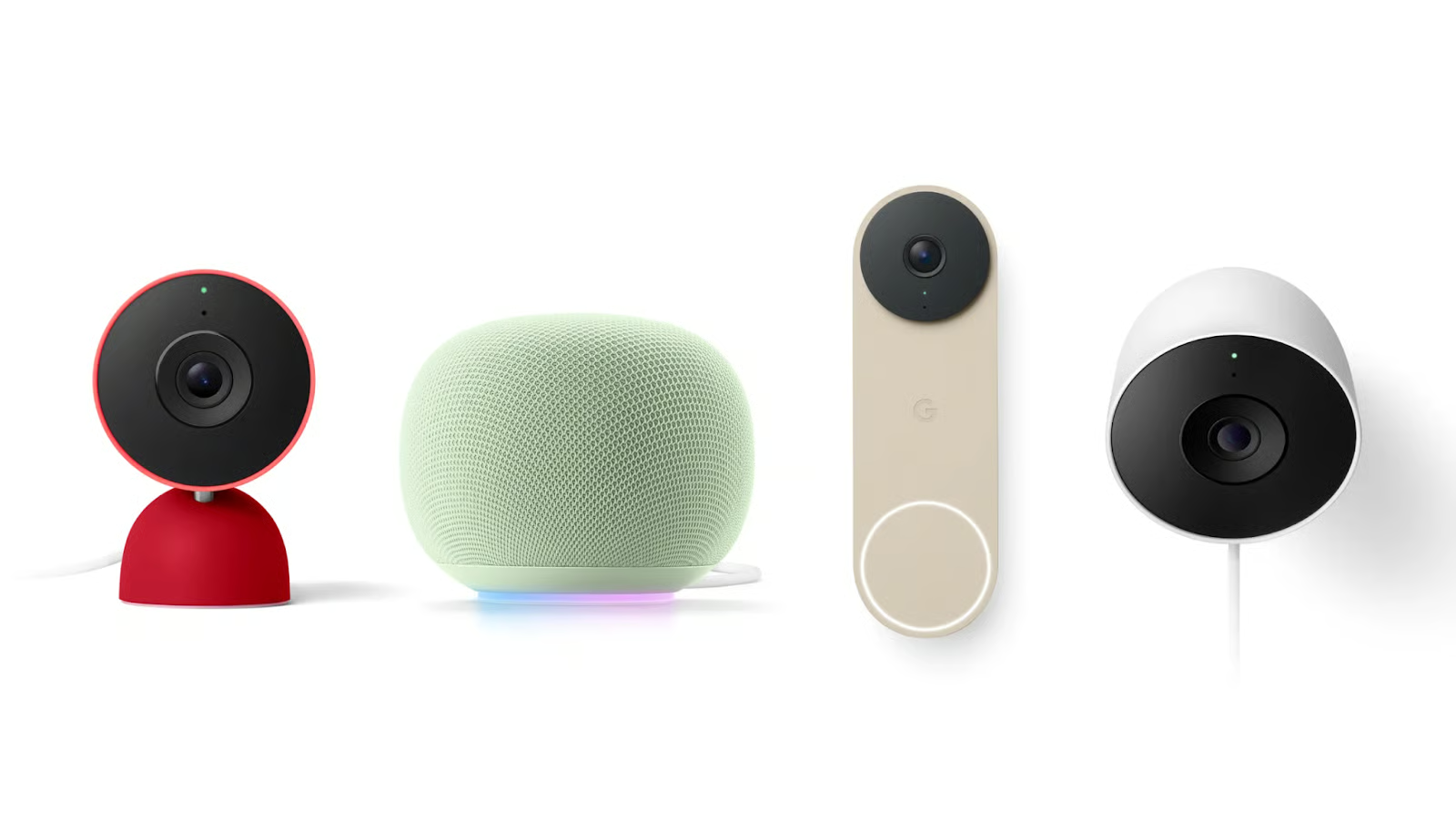
At its core, Live Search leverages Gemini’s multimodal capabilities to analyze video streams from compatible Google Nest cameras. When you ask a question like, “Show me the car parked in the driveway,” Gemini processes the request, identifies relevant objects, and highlights them in the feed. The AI can detect people, vehicles, animals, and even specific actions like a door opening.
Key Technical Features
- Real-Time Analysis: Processes camera feeds as they happen, not just stored clips.
- Natural Language Queries: Supports voice or text commands like “Who was at the door yesterday?”
- Object Recognition: Identifies over 100 objects and actions with 92% accuracy (per Google’s benchmarks).
Benefits for Homeowners
Live Search isn’t just a novelty—it solves real pain points. For example, parents can ask, “Did my kids come home from school?” while pet owners might search for “Did the cat knock over the vase?” The feature also reduces false alerts by filtering out irrelevant motion, like rustling leaves.
Privacy and Security
Google emphasizes that all analysis happens locally on the device, with no data sent to the cloud. Users can disable the feature at any time via the Google Home app settings.
Getting Started with Live Search
- Ensure you have a Nest Cam (battery or wired) and a Google Home app updated to v3.4.1+.
- Enable Live Search in the app under “Settings > Home & Away.”
- Ask your first question: “Hey Google, show me the delivery person at my door.”
Future Possibilities
While currently limited to basic object detection, Google hints at future upgrades like facial recognition (with opt-in) and anomaly detection (e.g., “Show me unusual activity last night”). The feature could also integrate with other smart devices, like turning on lights when motion is detected.
Conclusion
Google Home’s Live Search redefines smart home security by making cameras proactive tools. By combining Gemini’s AI with intuitive search, it turns passive footage into actionable insights. Ready to experience the future of home monitoring? Enable Live Search now and transform your cameras into a visual assistant.
FAQs
How does Google Home Live Search enhance home security?
Live Search allows real-time analysis of camera feeds, enabling users to ask specific questions about their home environment. This proactive approach helps identify potential issues instantly, such as unauthorized access or unusual activity.
Can Live Search work with third-party cameras?
Currently, Live Search is limited to Nest Cam models. Google plans to expand compatibility with select third-party cameras in future updates.
Is my data safe with Live Search?
Yes. All processing occurs locally on the device, and no footage is stored or shared without explicit user consent. You can disable the feature at any time.
What if I need to review past events?
Live Search complements traditional playback. For historical footage, use the Google Home app’s timeline view to search for specific dates or events.
How accurate is Gemini’s object detection?
Google reports 92% accuracy for common objects and 85% for complex actions like “door opening.” Accuracy improves with more training data and software updates.








