
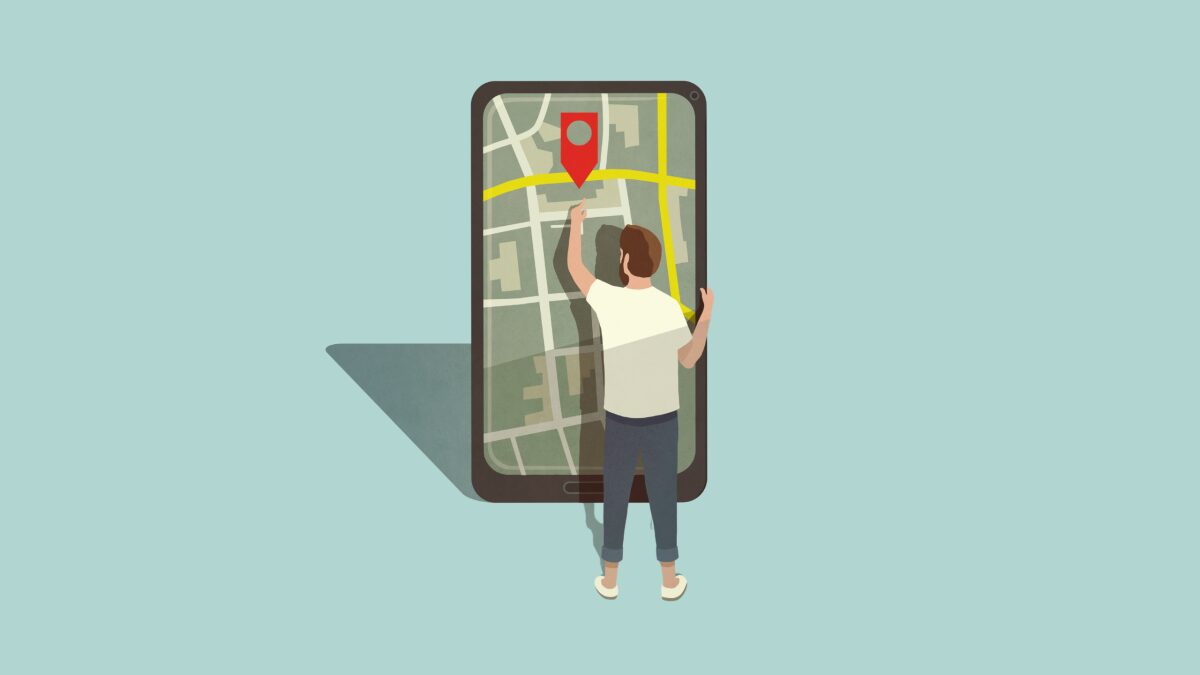
Google Messages Live Location Sharing: How to Share Real-Time Locations
Google Messages is set to revolutionize how Android users share locations with a new feature that integrates seamlessly with Android’s Find Hub. This update, currently in beta testing, allows users to share their real-time location directly within text conversations—no need to switch to Google Maps. Let’s explore how this feature works, its benefits, and what users can expect.
What Is Google Messages Live Location Sharing?
Live location sharing in Google Messages lets you send your current GPS coordinates to contacts in real time. Unlike static location pins, this feature updates continuously, showing your movement on a shared map. Both parties can see each other’s locations simultaneously, making it ideal for coordinating meetups or tracking deliveries.
Key Features of the Update
- Real-Time Updates: Your location pin moves dynamically as you travel.
- Custom Sharing Durations: Choose to share for 1 hour, the rest of the day, or manually stop sharing.
- Integrated with Find Hub: Leverages Android’s built-in location tools for accuracy and reliability.
- No App Switching: Share locations without leaving Google Messages.
How to Use Live Location Sharing in Google Messages
While the feature isn’t live for all users yet, beta testers can access it through the latest Google Messages update. Here’s how it works:
- Open a conversation in Google Messages.
- Tap the location icon (currently hidden in the beta).
- Select “Share Live Location” and choose a sharing duration.
- Confirm permissions to allow location access.
- Watch your pin update in real time on the recipient’s map.
Recipients will see a live map with your location and can choose to share their own position simultaneously.
Why This Feature Matters for Android Users
Live location sharing addresses common pain points for Android users. For example:
- Meeting Friends: No more guessing where you are—your friend can see your exact arrival time.
- Tracking Deliveries: Share your location with couriers to streamline drop-offs.
- Family Safety: Parents can monitor children’s locations during school drop-offs.
This update also aligns with Google’s broader strategy to make Android more cohesive. By integrating Find Hub into Messages, Google reduces the need for third-party apps like Life360 or WhatsApp.
What’s Next for Google Messages?
The live location feature is just one of many upcoming improvements. Recent beta versions hint at:
- Enhanced voice message editing tools
- AI-powered message summarization
- Improved spam filtering using machine learning
Google has not announced a public release date yet, but the feature is expected to roll out in early 2026. Users can check for updates via the Google Messages app or the Google Play Store.
Privacy Considerations
While convenient, live location sharing raises privacy concerns. Users should:
- Only share locations with trusted contacts
- Review sharing permissions in Android settings
- Disable location access when not needed
Google emphasizes that all location data is encrypted and stored locally on devices, minimizing cloud exposure.
Conclusion: A Smarter Way to Stay Connected
Google Messages’ live location sharing represents a significant step forward for Android communication. By combining real-time tracking with Find Hub’s reliability, Google is making it easier than ever to coordinate with others. As the feature matures, it could become a staple for users who rely on location-based interactions daily.
Stay tuned for updates: Follow our blog for the latest on Google Messages and Android innovations.
FAQs
How does Google Messages live location sharing work?
This feature uses Android’s Find Hub to track your GPS location and updates it in real time within Google Messages conversations. Both users see each other’s locations on a shared map.
Can I share my location for a specific duration?
Yes. Options include sharing for 1 hour, the rest of the day, or until you manually stop sharing.
Do I need to use Google Maps for this feature?
No. The location data is displayed directly in Google Messages without requiring Google Maps to be open.
Is live location sharing secure?
Google encrypts all location data and stores it locally on your device. Only the recipient you choose can view your location.
When will this feature be available to the public?
Google has not set a firm release date, but the feature is expected to roll out in early 2026.








