
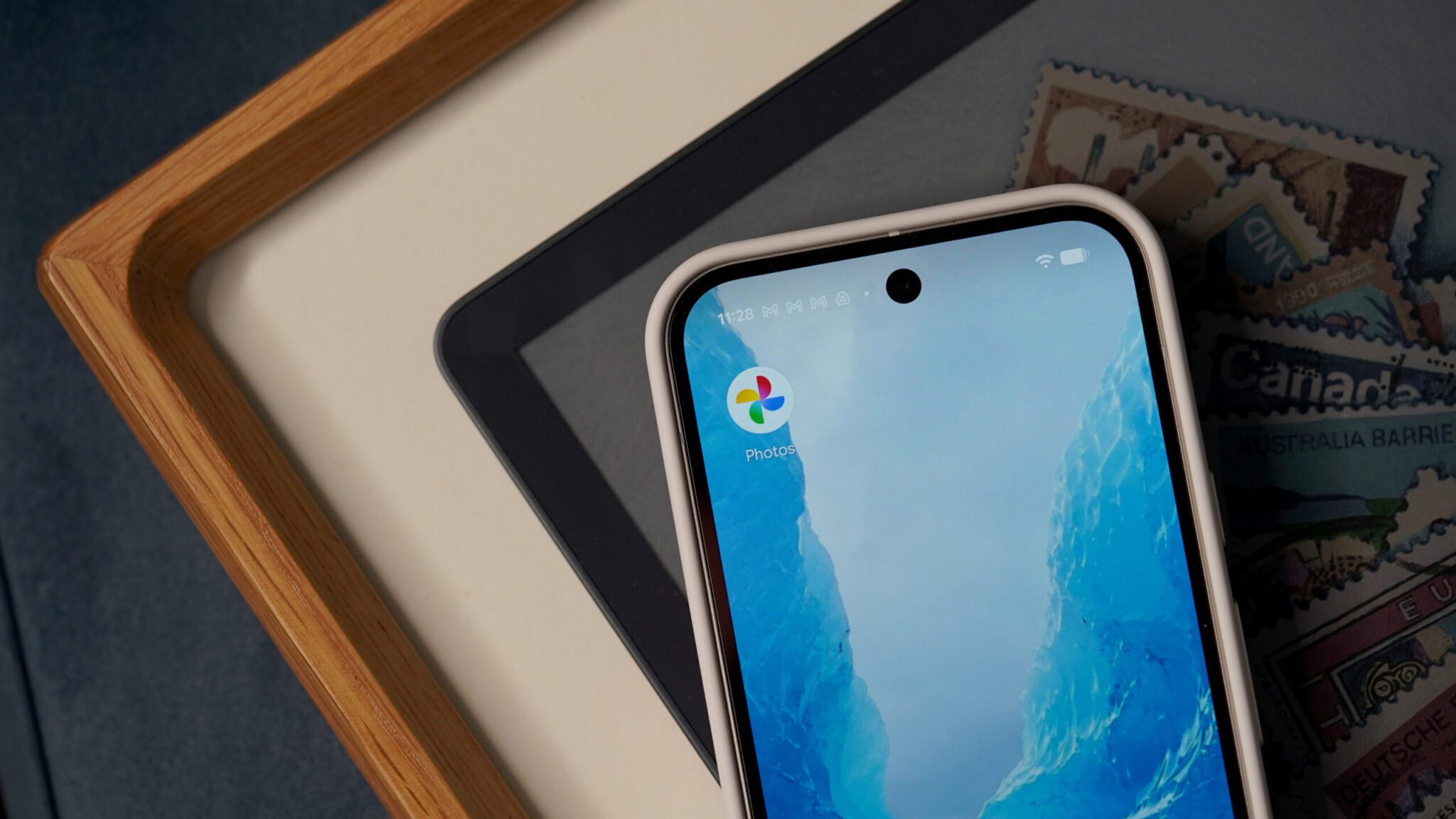
Google Photos on Android Now Supports Sticker Generation
Google Photos on Android has finally caught up with its iOS counterpart, introducing the ability to generate stickers from photos. This feature, which has been available on iOS since last summer, allows users to create custom stickers from their favorite images.
Meanwhile, the rollout of this feature on Android devices has begun, with the option to create stickers appearing on applicable photos. A shimmering effect will be visible around objects that can be cut out into stickers, making it easy to identify potential sticker candidates.
How to Create Stickers in Google Photos on Android
To create a sticker from a photo, simply press and hold on an object with the shimmering effect. You will then have options to copy the sticker to your clipboard or share it directly to other apps. Additionally, a future update to Google Photos is expected to add a history function, allowing users to reuse previously created stickers.
However, some users may find the shimmering effect that outlines objects distracting when viewing photos. Hopefully, the UI on Android will be less busy than on iOS, providing a more seamless user experience.
Benefits of Sticker Creation in Google Photos
Creating stickers from photos can be a fun and creative way to enhance your messaging experience. With the ability to generate stickers now available on Android, users can add a personal touch to their conversations. Furthermore, this feature can help fill the gap left by Pixel Studio, which recently lost its ability to generate stickers.
For example, users can create stickers of their favorite memories or inside jokes, making their conversations more engaging and personalized. Moreover, the ability to share stickers directly to other apps makes it easy to spread the fun.
Getting Started with Google Photos Sticker Creation
To get started with sticker creation in Google Photos on Android, make sure you have the latest version of the app (7.64) installed. You can download the update from the Play Store now. Once you have the update, you can begin creating stickers from your favorite photos.
Finally, with the introduction of sticker creation in Google Photos on Android, users can enjoy a more interactive and creative experience. Whether you want to add some humor to your conversations or simply have fun with your photos, this feature is sure to delight.
FAQs
- What is the Google Photos sticker creation feature? The Google Photos sticker creation feature allows users to generate stickers from their photos.
- How do I create a sticker in Google Photos on Android? To create a sticker, press and hold on an object with the shimmering effect, then choose to copy or share the sticker.
- Is the sticker creation feature available on both Android and iOS? Yes, the feature is now available on both Android and iOS devices, with the Android version being introduced in Google Photos 7.64.
- Can I reuse previously created stickers? A future update to Google Photos is expected to add a history function, allowing users to reuse previously created stickers.
- How do I get the latest version of Google Photos with sticker creation? You can download the update from the Play Store now.








