
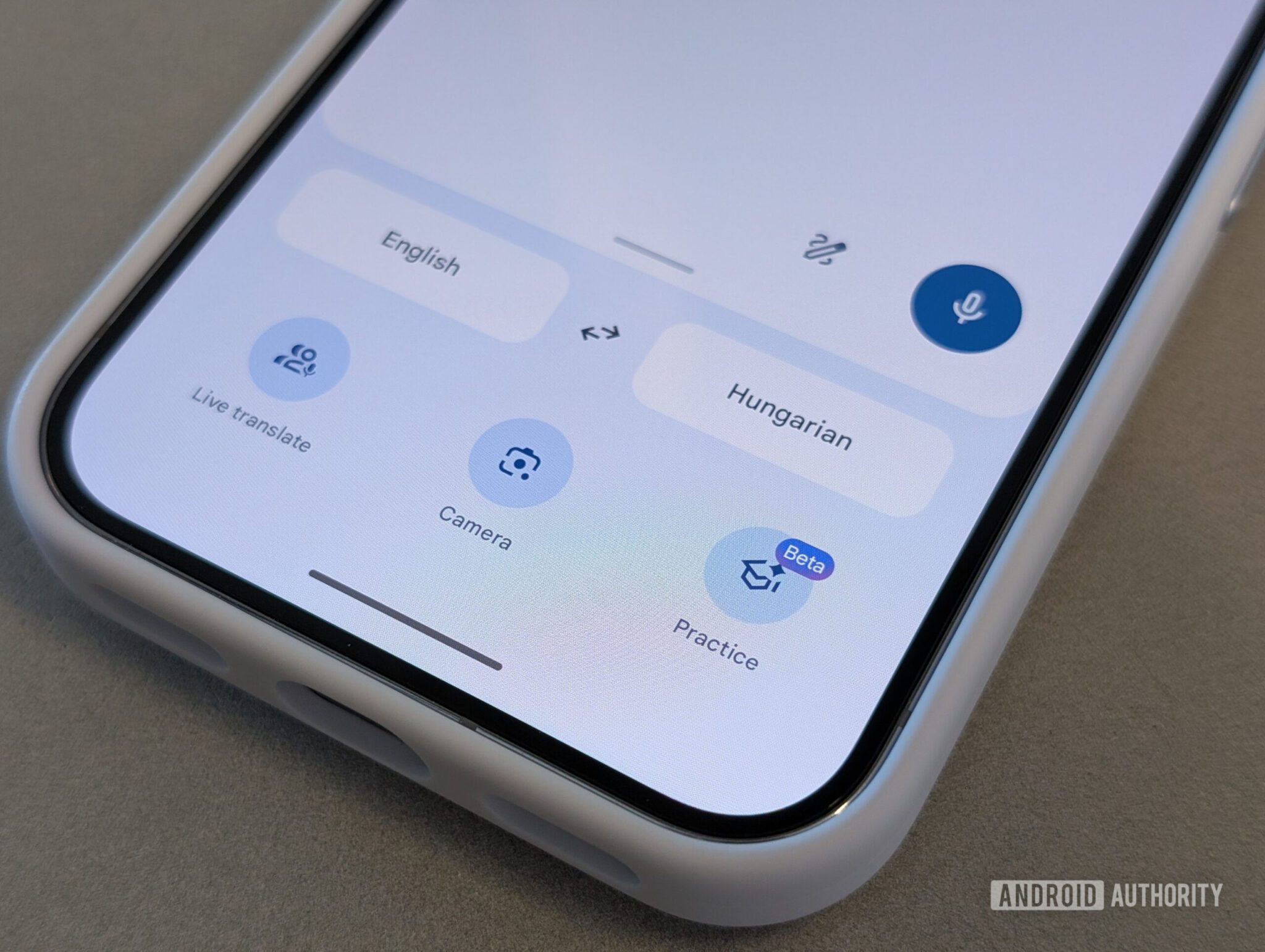
Google Translate Gets Major Live Translate Update
Google Translate is rolling out a major Live Translate update with a new interface and audio tone options. Discover what’s new!
What’s Changing in Live Translate?
The Live Translate feature now includes a redesigned interface for smoother conversations. Users start with an introductory splash screen to select preferences, such as audio output mode or on-screen display. Translation logs now appear at the bottom of the screen during conversations.
Key Interface Improvements
- Introductory splash screen for session setup
- Bottom-positioned conversation logs
- Streamlined option refinement during sessions
New Audio Tone Options
Google is testing tone adjustments for audio translations. Users may soon customize playback speed and choose different voice tones to improve clarity. Note: These options may not be available for all languages initially.
Audio Customization Features
- Playback speed control
- Multiple voice tone selections
- Language-specific availability
Expanded Widget Support
Translate is introducing a 3×2 home screen widget for quick access to specific language pairs. This joins existing widgets and in-app shortcuts, which now include direct access to Practice mode.
Widget Updates
- 3×2 widget for language pair shortcuts
- Long-press app icon for Practice mode access
- Live Translate session shortcuts
Why This Matters
These updates enhance usability for travelers, language learners, and professionals. The new interface reduces cognitive load during conversations, while audio customization improves comprehension for non-native speakers.
Conclusion
Google Translate continues to evolve as a must-have tool for global communication. Stay tuned for these Live Translate updates rolling out to Android users soon.
FAQs
What’s new in the Google Translate Live Translate update?
The update includes a redesigned interface, audio tone options, and expanded widget support for faster translations.
Can I adjust audio playback speed in Live Translate?
Yes, Google is testing playback speed controls for audio translations, though availability varies by language.
How do I access the new Live Translate interface?
The updated interface will roll out automatically to Android users in the coming weeks.
Are the audio tone options available for all languages?
No, tone options may initially be limited to select languages.
What widgets are available in the new update?
Users can now use a 3×2 widget for language pair shortcuts and in-app shortcuts for Practice mode.








