
How to Avoid Intrusive Hisense TV Ads
Imagine turning on your TV only to be greeted by a full-screen ad. For some Hisense smart TV owners, this is now a daily reality. Recent software updates have introduced ads during input switching, boot-up, and even while browsing channels. Users are frustrated—many say these ads are unskippable and disrupt the viewing experience.
Understanding Hisense TV Ads: What Users Are Facing
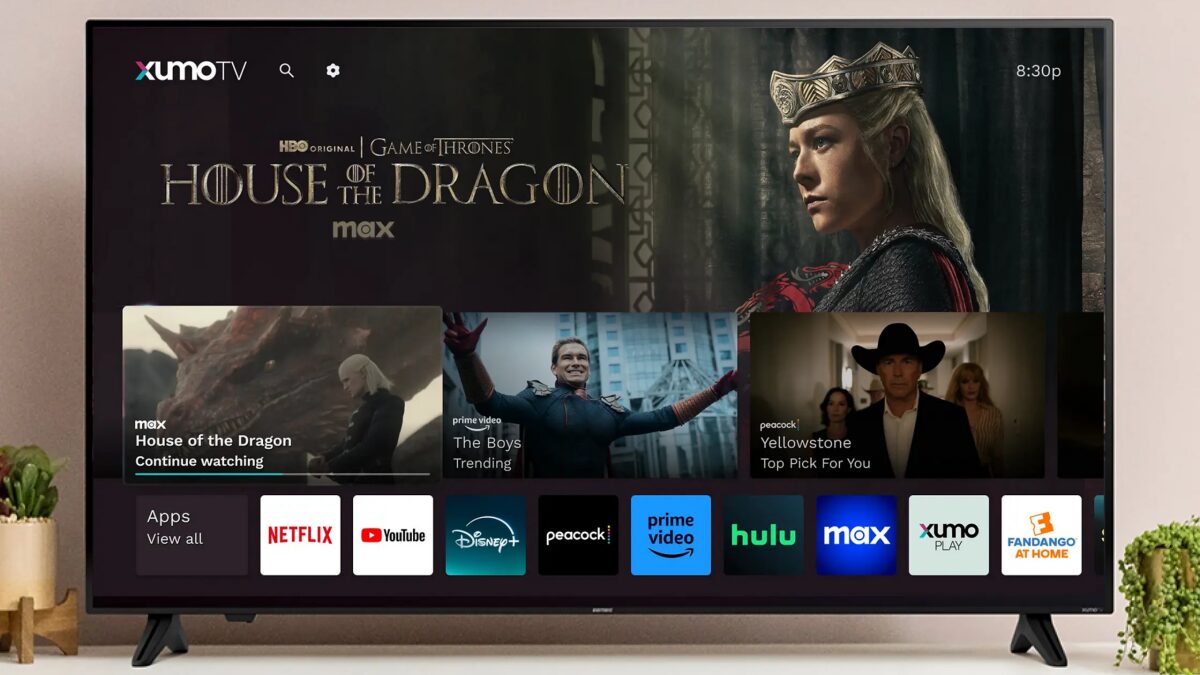
Hisense TVs now display large-overlay or full-screen ads in key moments: when switching HDMI inputs, accessing the home screen, or browsing channels. These ads often appear after software updates, growing more frequent over time. Some users report ads blocking basic navigation, making the TV feel more like an ad platform than a home entertainment device.
Similar tactics have been used by other brands, but Hisense’s approach has sparked significant backlash. The Texas Attorney General has sued the company, alleging misuse of Automatic Content Recognition (ACR) to track viewing habits for targeted ads. A court order temporarily halted this data collection, but the issue remains unresolved.
Why Users Are Upset and How They’re Responding
Many Hisense TV owners are cutting off internet access entirely to avoid ads. Others rely on external streaming boxes like Roku or Fire TV to bypass the built-in smart platform. Tech-savvy users have even blocked ad-related domains at the router level, though this isn’t feasible for average buyers.
Hisense claims the ads are a “temporary test” and that users can control data sharing. However, critics argue the consent process is unclear, and the ads persist despite software updates. This mirrors past controversies, like Samsung’s ad-filled refrigerators, where companies justified ads as a way to “enhance customer value.”
How to Avoid Hisense TV Ads: Practical Solutions
- Disable internet connectivity: Turn off Wi-Fi or Ethernet to prevent ads from loading. This works best for users who don’t rely on the TV’s built-in apps.
- Use external streaming devices: Boxes like Apple TV or streaming sticks bypass the TV’s ad-laden interface entirely.
- Block ad domains manually: Advanced users can block known ad servers via router settings or DNS filters.
- Contact Hisense support: Request ad-free firmware or inquire about opt-out options for data tracking.
Hisense’s Response and Privacy Concerns
Hisense maintains it complies with privacy laws and offers user controls. However, the Texas lawsuit highlights concerns about hidden data collection. The company claims the ads are temporary, but until a long-term solution emerges, users face a trade-off: low-cost hardware versus an ad-free experience.
For now, the best defense is proactive. Whether you choose to disable internet access or switch to external devices, taking control of your TV’s ad experience is possible—even if it requires some technical know-how.
Final Thoughts: Is the Trade-Off Worth It?
Hisense’s ad strategy reflects a broader trend in consumer electronics: manufacturers offset hardware costs by monetizing user data and screen time. While this keeps TVs affordable, it risks alienating customers who value privacy and seamless experiences.
If you own a Hisense TV, consider your options carefully. Share your experiences in the comments below—how have you handled intrusive ads? Let’s keep the conversation going.








