
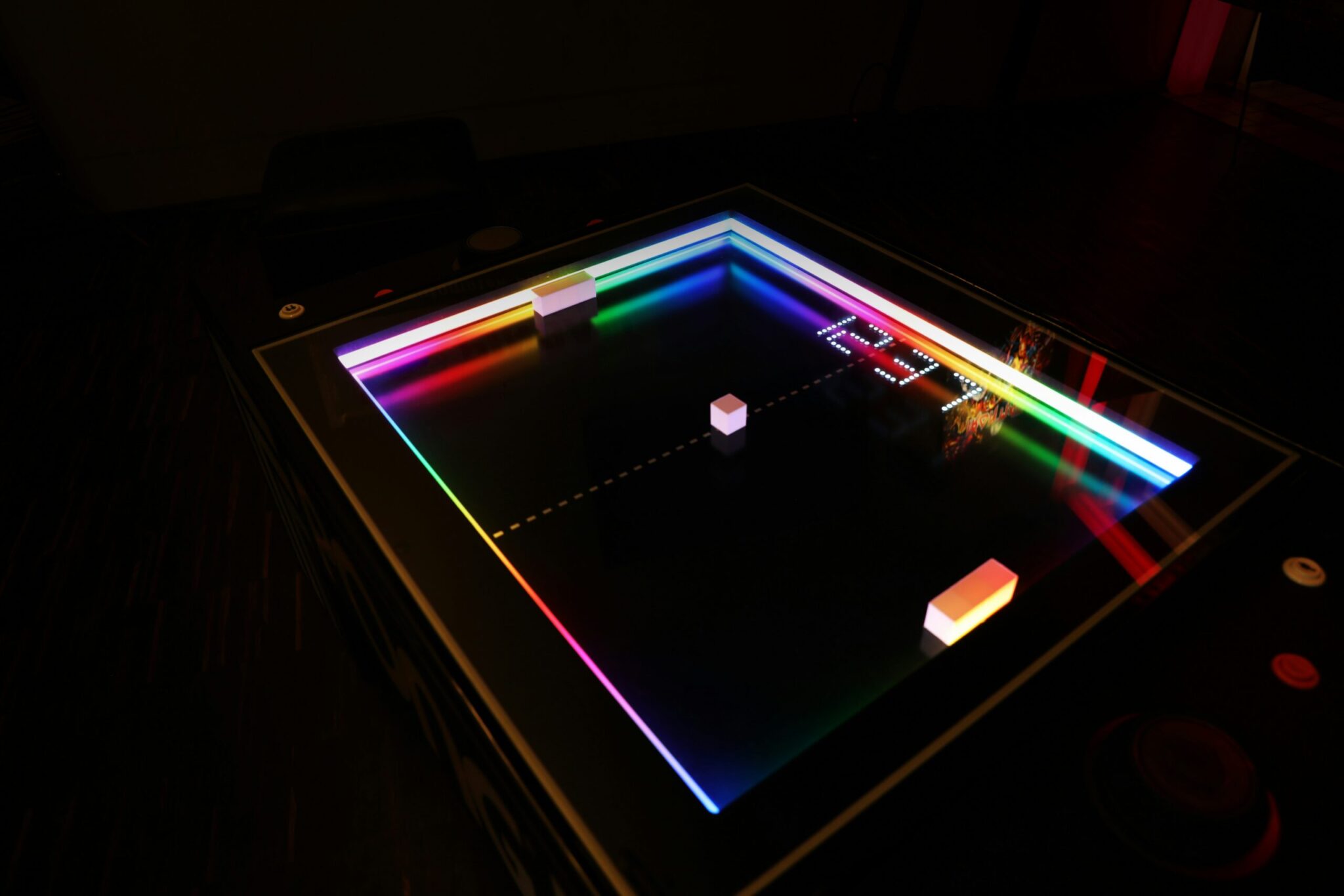
How to Build a Python Pong Game: A Step-by-Step Tutorial
Remember the classic Pong game that revolutionized digital entertainment? Now you can recreate its magic using Python! This Python Pong Game Tutorial will guide you through building a fully functional version using Python’s Turtle module and object-oriented programming (OOP). Whether you’re a beginner or intermediate coder, this project will sharpen your Python skills while creating something fun.
Why Build a Pong Game in Python?
Pong’s simplicity makes it perfect for learning core programming concepts. By the end of this tutorial, you’ll:
- Understand OOP principles like classes and objects
- Master Turtle module basics for game visuals
- Implement collision detection and scoring logic
Project Structure: Key Components
Let’s break down the game into manageable parts:
1. Game Screen Setup
Start by creating an 800×600 pixel window with a black background:
from turtle import Screen

screen = Screen()
screen.setup(width=800, height=600)
screen.bgcolor("black")
screen.title("Pong Game")
The screen.tracer(0) method disables animations for smoother gameplay.
2. Paddle Class Creation
Use OOP to create reusable paddle objects:
from turtle import Turtle

class Paddle(Turtle):

def __init__(self, position):

super().__init__("square")

self.color("white")

self.shapesize(5, 1)

self.penup()

self.goto(position)

def go_up(self):

self.sety(self.ycor() + 40)

def go_down(self):

self.sety(self.ycor() - 40)
This class handles paddle movement and positioning.
3. Ball Mechanics
Implement ball movement and collision logic:
class Ball(Turtle):

def __init__(self):

super().__init__()

self.shape("circle")

self.color("white")

self.penup()

self.x_move = 10

self.y_move = 10

def move(self):

new_x = self.xcor() + self.x_move

new_y = self.ycor() + self.y_move

self.goto(new_x, new_y)
4. Scoring System
Track scores with a dedicated class:
class Scoreboard(Turtle):

def __init__(self):

super().__init__()

self.color("white")

self.penup()

self.hideturtle()

self.score = 0

self.update_score()

def update_score(self):

self.clear()

self.write(self.score, align="center", font=("Courier", 24, "normal"))
Putting It All Together
Combine all components with keyboard controls:
screen.listen()
screen.onkey(r_paddle.go_up, "Up")
screen.onkey(r_paddle.go_down, "Down")
Test your game by running the complete code. The ball should bounce between paddles, and scores will update when players miss the ball.
Conclusion: Your Pong Game is Ready!
Congratulations! You’ve built a working Pong game using Python. This project demonstrates how OOP principles can organize complex code. Ready to level up? Try adding features like sound effects or increasing ball speed as scores rise.
FAQs
How do I run the Python Pong Game code?
Save the code in a .py file and run it using Python 3. The Turtle module is included in standard Python distributions.
Can I customize paddle colors?
Absolutely! Replace self.color("white") with any valid color name or hex code in the Paddle class.
Why use OOP for this project?
OOP makes code reusable and easier to manage. You can create multiple paddles or balls with minimal code duplication.
How to fix paddle movement issues?
Ensure your screen listener is active and key bindings match the code. Test movement with arrow keys first.
Where can I find more Python game projects?
Explore the official Python documentation or platforms like GitHub for open-source game projects.








