
How to Spot PDF Phishing Attacks and Protect Your Data
Phishing attacks are evolving rapidly, and cybercriminals now use clever tactics to trick even the most cautious users. One common method involves disguising malicious HTML files as PDFs—like the infamous “New PO 500PCS.pdf.htm” scam. These files don’t just steal passwords; they harvest IP addresses, geolocation data, and browser details, sending everything to a Telegram bot controlled by attackers.
Why PDF Phishing Attacks Work
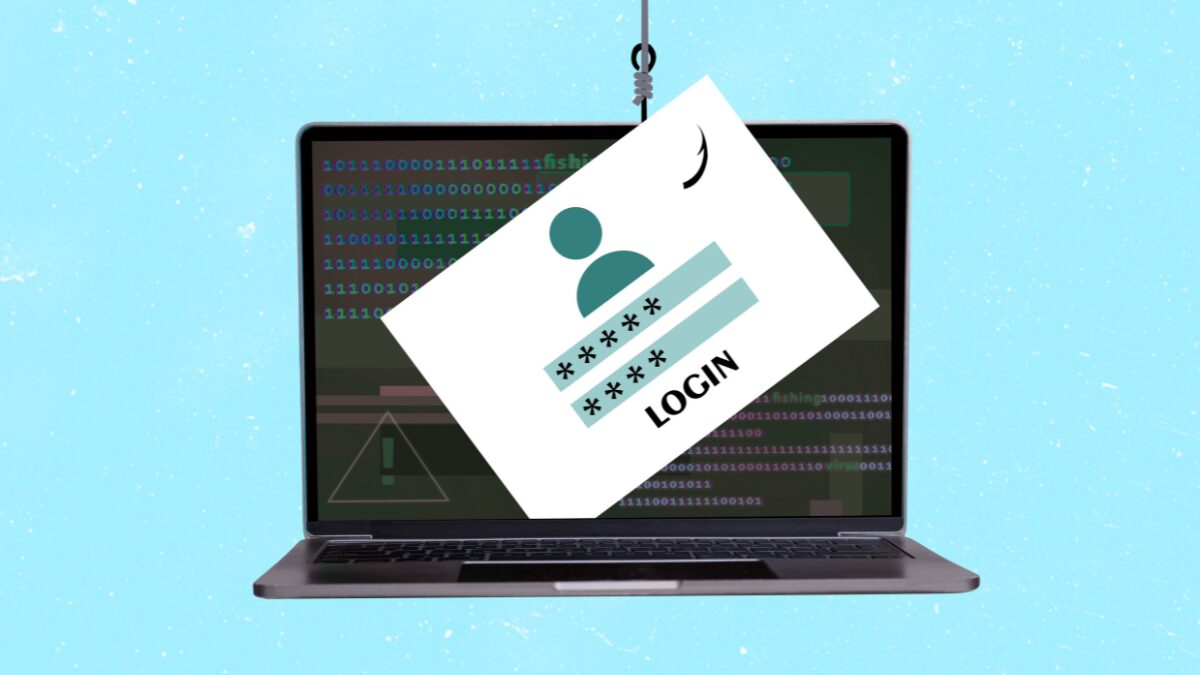
Imagine receiving an email with a “purchase order” attachment. The file name looks legitimate, but the double extension (.pdf.htm) is a red flag. When opened, it tricks your browser into running a phishing script. The blurred background and fake password prompt mimic trusted platforms, making it easy to fall for the scam.
What Happens Next?
- First attempt: You enter your password, and the page shows an error.
- Second attempt: You try again, thinking you made a typo.
- Behind the scenes: Your credentials, IP address, and browser info are sent to a Telegram bot.
How to Protect Yourself
These attacks are cheap, scalable, and effective—but they’re not unstoppable. Here’s how to stay safe:
1. Check File Extensions
Always verify the file type. A “PDF” with a .htm extension is a phishing trap. Hover over links or attachments to see the full URL before clicking.
2. Avoid Password Prompts in PDFs
Legitimate PDFs don’t ask for passwords. If a document requests login details, close it immediately and report it to your IT team.
3. Enable Multi-Factor Authentication (MFA)
Even if a phisher steals your password, MFA adds an extra layer of security. Use apps like Google Authenticator or hardware keys.
4. Use Anti-Malware Tools
Tools like Malwarebytes Scam Guard detect phishing attempts in real time. They flag suspicious emails, links, and attachments before you interact with them.
Conclusion: Stay Vigilant
PDF phishing attacks exploit trust in routine business processes. By staying alert and using the right tools, you can avoid becoming a victim. Always question unexpected attachments and verify sender identities before opening files.
Check for Scams Instantly
Use Malwarebytes Scam Guard to scan suspicious content. Paste a link, screenshot, or text, and get instant results. Available for iOS, Android, and desktop users.








