
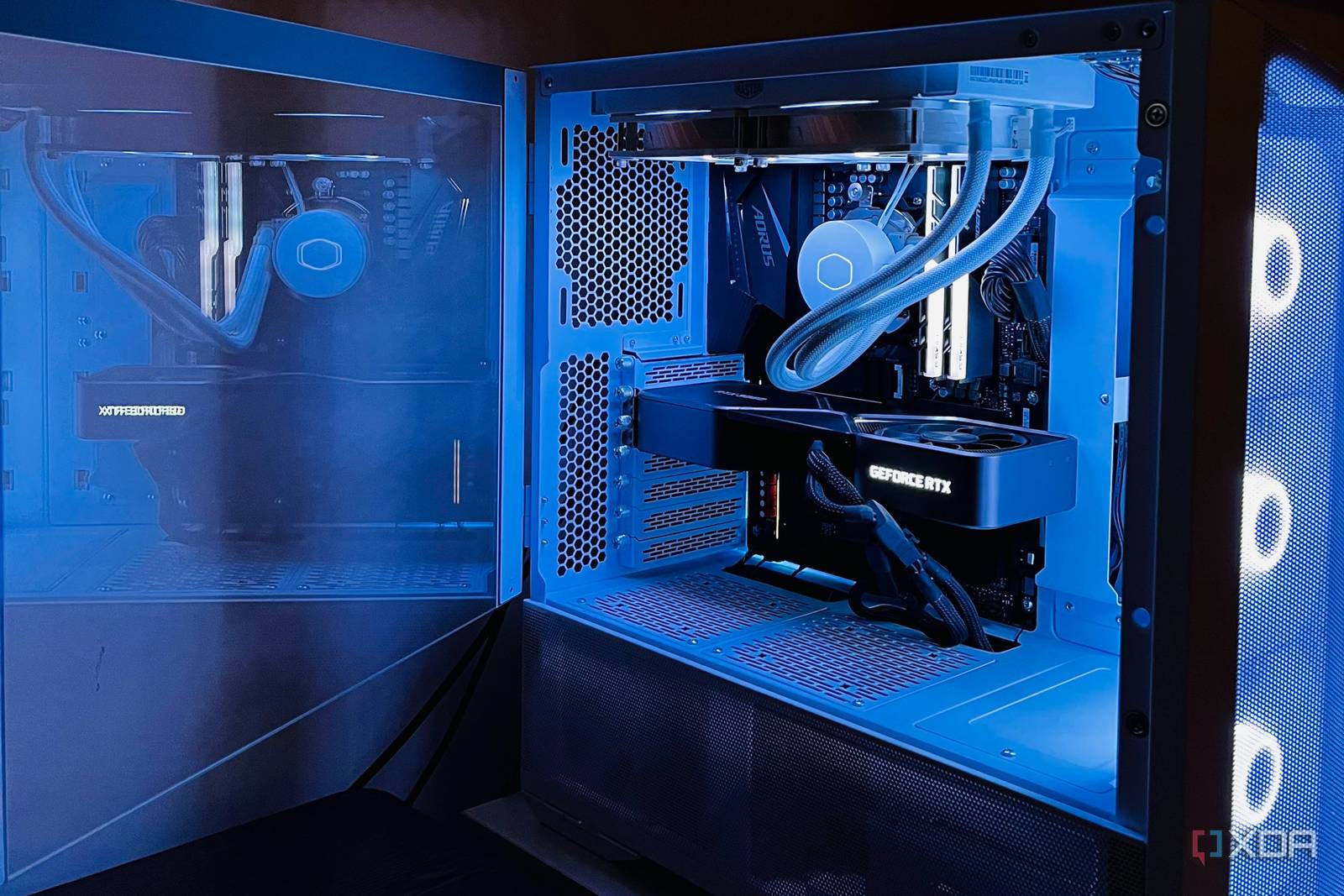
Is Your GPU Upgrade Overkill? Here’s What You Need to Know
Upgrading your GPU can feel like a no-brainer when you’re chasing the latest graphics settings or 4K gaming. But what if your current card is already more powerful than you need? For many users, the push to upgrade is overkill—and that’s a good thing. Let’s break down why you might be better off keeping your existing GPU and how to decide when an upgrade is truly worth it.
Why Upgrading Your GPU Might Be Overkill
Modern GPUs are built to handle demanding workloads, but most users don’t push their hardware to the limit. If you’re gaming at 1080p or 1440p with medium settings, your current GPU might already outperform your needs. For example, an RTX 3060 or RX 6600 XT can easily handle AAA titles at high frame rates without breaking a sweat.
Key Scenarios Where Upgrades Aren’t Needed
- Casual Gaming: Titles like Fortnite or League of Legends don’t require top-tier GPUs.
- Streaming and Content Creation: A mid-range GPU paired with sufficient CPU power is often enough.
- 4K Isn’t Mandatory: Unless you own a 4K monitor, there’s no need for a 4K-optimized GPU.
When a GPU Upgrade Makes Sense
While many users can skip the upgrade, there are exceptions. If you:
- Game at 4K or 8K resolutions
- Run AI/ML workloads or 3D rendering
- Want ray tracing or DLSS 3.0 support
…then a newer GPU could justify the cost. For example, an RTX 4070 or RX 7900 XTX would unlock ray-traced lighting in games like Cyberpunk 2077 or accelerate video editing in DaVinci Resolve.
How to Assess Your Current GPU’s Performance
Use tools like UserBenchmark or Geekbench to compare your GPU’s performance against newer models. If your card scores above 80% of the latest mid-tier GPUs, you’re likely overkill-ready.
Alternatives to Upgrading Your GPU
Before spending on a new GPU, consider these cost-effective upgrades:
- Upgrade RAM: 32GB is ideal for multitasking and heavy applications.
- Switch to an SSD: An NVMe SSD can reduce load times more than a GPU upgrade.
- Optimize Settings: Lowering shadows or anti-aliasing can boost FPS without hardware changes.
Conclusion: Is Your GPU Upgrade Overkill?
For most users, the answer is yes. Your current GPU likely handles your needs with room to spare. Focus on optimizing your existing setup before investing in new hardware. If you’re unsure, run benchmarks or test demanding games at your target resolution. Only upgrade if performance falls short of your goals.
Ready to check your GPU’s performance? Use our free benchmark tool to compare your card against the latest models and decide if an upgrade is truly necessary.
FAQs
1. Is my current GPU upgrade overkill for 1080p gaming?
If your GPU can hit 60+ FPS in most games at high settings, it’s more than sufficient for 1080p.
2. How do I know if my GPU is outdated?
Compare its performance to newer mid-tier GPUs using benchmarking tools. A score below 70% may indicate it’s time to upgrade.
3. Can I use my GPU for AI training without upgrading?
Yes, but expect slower results. Mid-range GPUs like the RTX 3060 can handle small AI models, while larger projects require high-end cards.
4. Does a newer GPU improve streaming performance?
Not significantly. A better CPU or capture card will have a bigger impact on streaming quality.
5. What’s the best GPU for casual gaming in 2026?
The RX 7600 or RTX 4060 offer excellent value for 1080p and 1440p gaming without overkill.








