
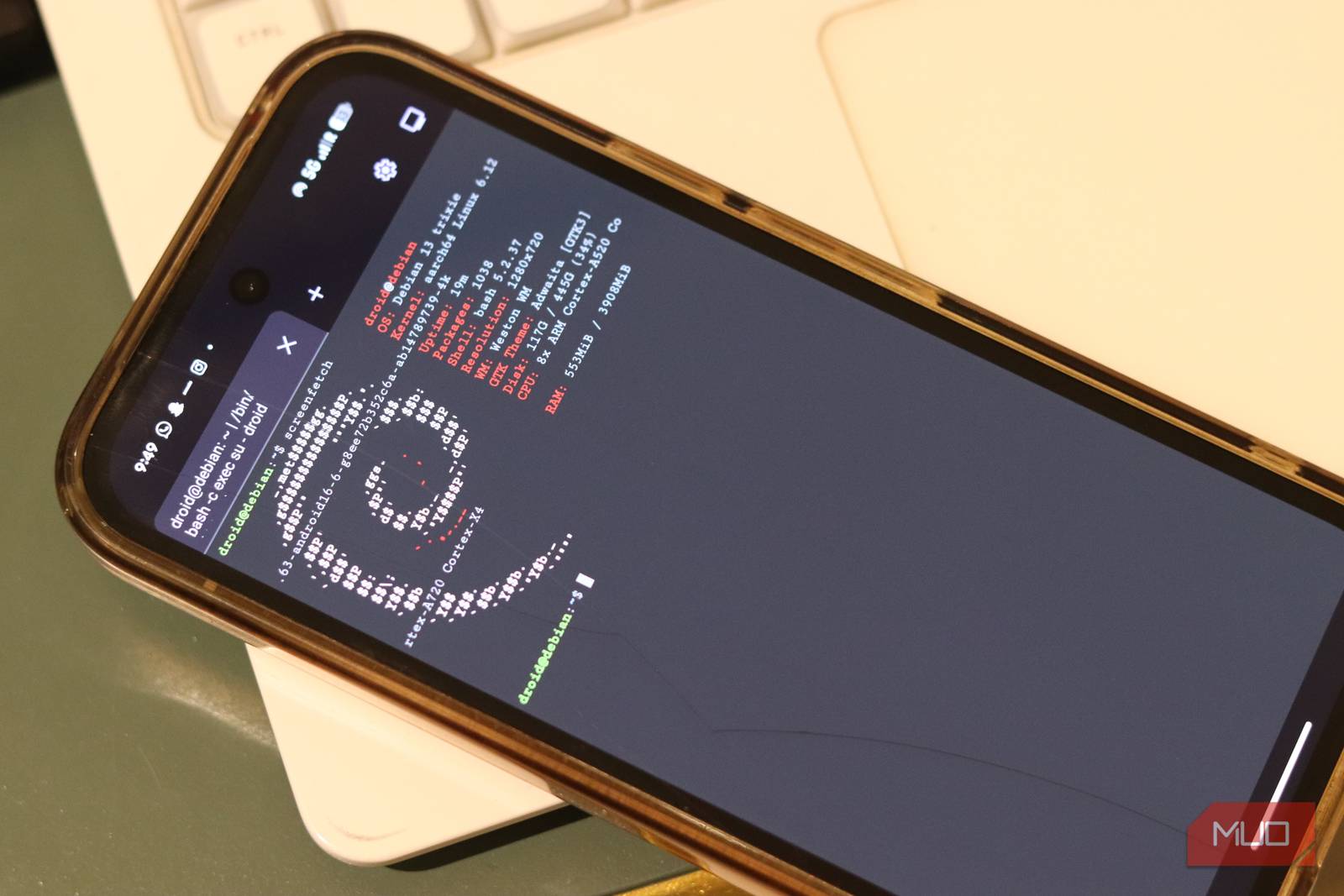
Linux Terminal on Android: A Game-Changer for Mobile Devs
Imagine running powerful Linux commands directly on your Android device. No laptop, no desktop—just your phone and full command-line access. That’s the reality now with the new Linux Terminal on Android. As someone who’s tested it extensively, I’m here to explain why this tool is a breakthrough for developers, students, and tech enthusiasts.
Why Linux Terminal on Android Matters
For years, mobile developers have relied on cloud-based tools or emulators to access Linux environments. The Linux Terminal app changes this by providing native terminal access on Android. Whether you’re scripting, debugging, or managing servers, this app brings desktop-level power to your fingertips.
Key Features to Know
- Full Linux Compatibility: Run bash scripts, Python, and other tools seamlessly.
- SSH Access: Connect to remote servers securely from anywhere.
- Customizable Interface: Tailor the terminal to your workflow with themes and keybindings.
Getting Started: 3 Simple Steps
- Install the App: Available on F-Droid and GitHub (no Google Play required).
- Set Up Your Environment: Import SSH keys or configure repositories via the settings menu.
- Run Commands: Type
ls,git clone, or even compile code directly on your device.
Real-World Use Cases
Students can write and test code during commutes. Developers can debug APIs while waiting for coffee. Sysadmins can monitor servers from a train. The possibilities are endless—and the performance is surprisingly smooth, even on mid-tier devices.
Limitations to Consider
While impressive, the app isn’t perfect. File management feels clunky compared to desktop tools, and GPU acceleration for graphics-intensive tasks is still a work in progress. However, the active open-source community is addressing these issues rapidly.
Final Thoughts and Call to Action
The Linux Terminal on Android isn’t just a novelty—it’s a productivity tool that redefines mobile computing. If you’re a developer or tech enthusiast, give it a try. Download it today and experience the future of mobile development.
Frequently Asked Questions
1. How does Linux Terminal on Android work?
It uses Termux, a terminal emulator that installs a Linux environment on Android. This allows you to run most Linux commands and tools directly on your phone.
2. Can I use Python and Node.js with this app?
Absolutely. The app supports installing Python, Node.js, and other programming languages via its package manager.
3. Is it secure for SSH access?
Yes, as long as you follow standard security practices like using strong passwords and enabling two-factor authentication.
4. Does it require root access?
No. The app works on non-rooted devices, though some advanced features may need root permissions.
5. What devices are compatible?
Most Android 8.0+ devices work well. Check the app’s GitHub page for specific hardware requirements.








