
Marknote 1.5: A Powerful Markdown Note-Taking Tool for Linux
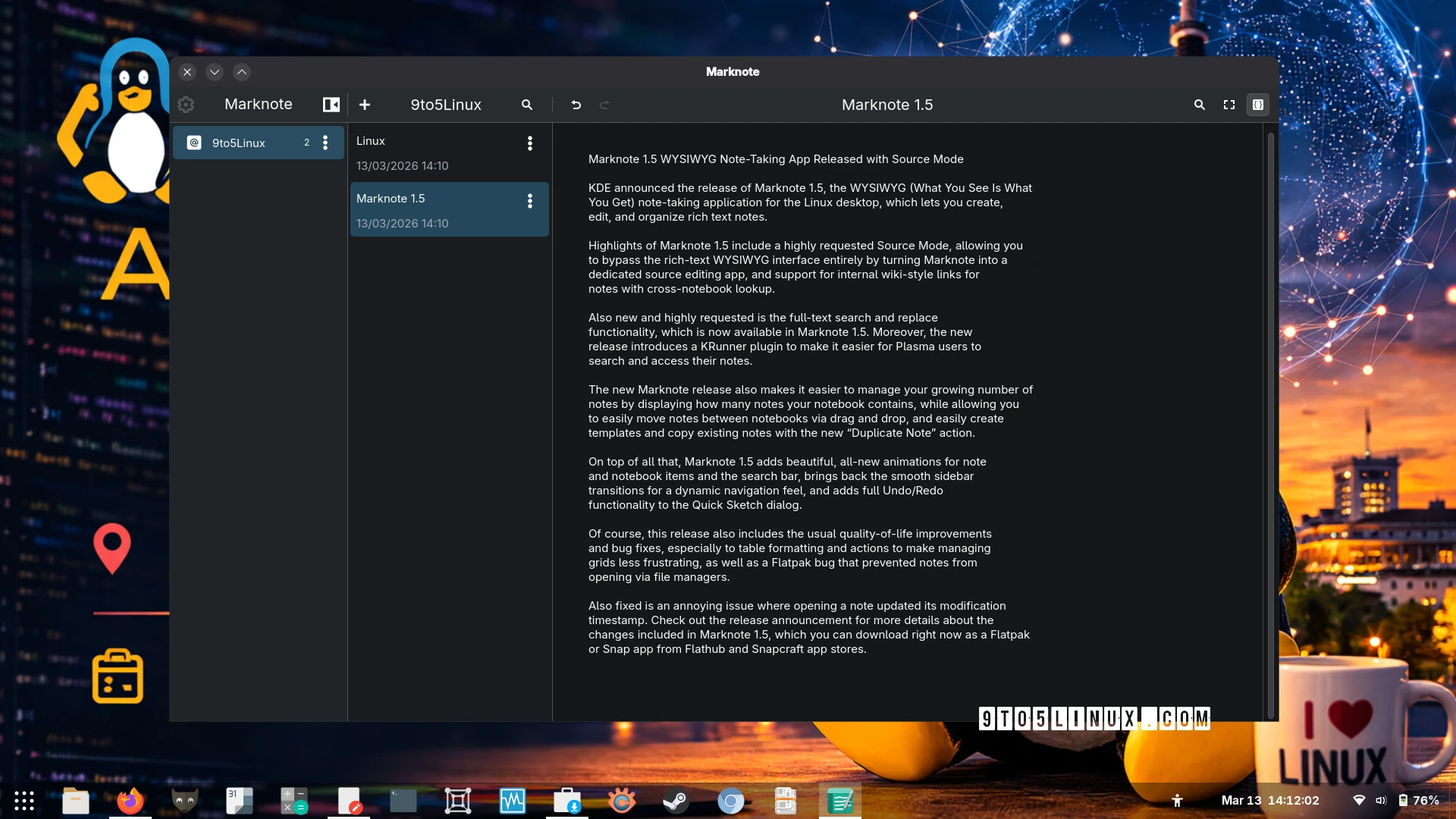
KDE has just launched Marknote 1.5, a major update to its WYSIWYG note-taking app for Linux. This release brings features that power users and casual note-takers alike will love. Whether you’re organizing research, brainstorming ideas, or managing daily tasks, Marknote 1.5 makes it easier than ever to work with markdown notes on your Linux desktop.
What’s New in Marknote 1.5?
Marknote 1.5 introduces several highly requested features that expand its functionality. The most exciting addition is the Source Mode, which lets you bypass the rich-text interface entirely. This makes Marknote a versatile tool for developers and writers who prefer working directly with markdown code.
Key Features to Explore
- Internal Wiki-Style Links: Create cross-notebook connections for better organization
- Full-Text Search and Replace: Find and modify content across all notes instantly
- KRunner Plugin: Plasma users can now search and access notes directly from the desktop
- Drag-and-Drop Note Management: Move notes between notebooks with ease
- Template System: Save time with reusable note templates
Improved Workflow and Usability
Marknote 1.5 focuses on streamlining your note-taking experience. The app now displays notebook statistics, showing exactly how many notes you’ve created. You can duplicate existing notes or create new ones from templates with a single click.
Visual Enhancements
While functionality is key, Marknote 1.5 also brings visual improvements:
- Smooth sidebar transitions for dynamic navigation
- Animated note and search bar interactions
- Full Undo/Redo support in the Quick Sketch dialog
Why Choose Marknote?
Marknote stands out as a Linux-native solution built with KDE’s Kirigami framework. It saves notes as markdown files by default, ensuring compatibility and easy backup. The app is available as a Flatpak or Snap package, making installation simple across most distributions.
Key Benefits
- Native Linux integration with Plasma desktop
- Flatpak/Snap support for easy distribution
- Markdown-based notes for flexibility
- Active development with regular updates
Getting Started with Marknote 1.5
Ready to upgrade your note-taking workflow? You can download Marknote 1.5 from Flathub or Snapcraft. The app stores notes in your Documents folder by default, but you can customize this location in the settings.
Marknote 1.5 also includes bug fixes for table formatting and file manager integration. The team has addressed an issue where opening notes updated modification timestamps, ensuring your workflow remains smooth.
Conclusion
Marknote 1.5 is a significant step forward for Linux users who need a powerful yet intuitive note-taking solution. With its combination of markdown support, advanced search features, and Plasma integration, it’s an essential tool for students, developers, and professionals alike. Try it today and experience the future of Linux note-taking.








