
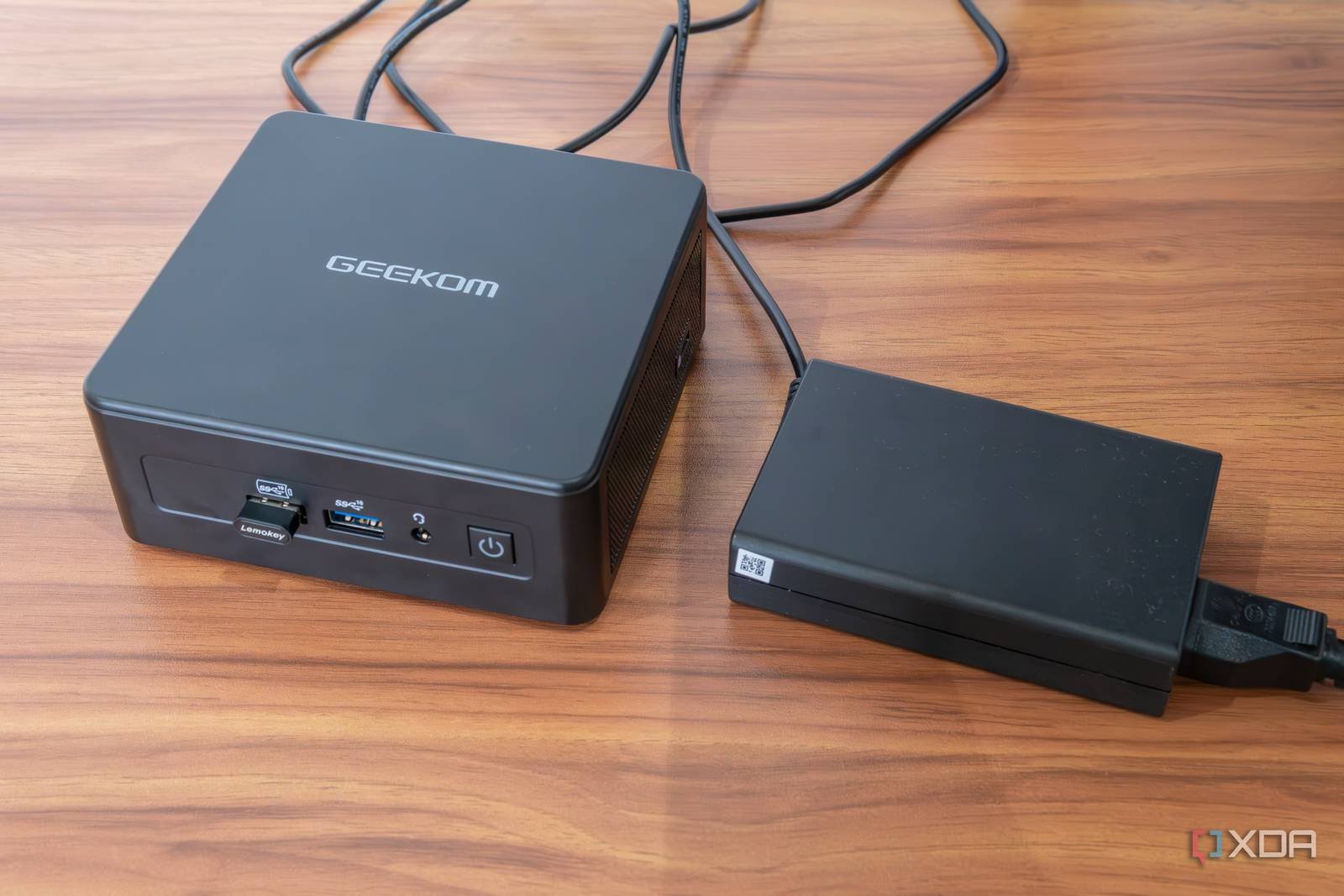
Mini PC Docker Setup: $150 Powerhouse for 12 Containers
Imagine running 12 Docker containers on a $150 mini PC without breaking a sweat. Sounds impossible? It’s not just possible—it’s a reality for tech enthusiasts who’ve mastered the art of budget-friendly, high-performance computing. This article breaks down how to build your own efficient Docker setup using affordable hardware.
Why Mini PCs Excel for Docker Workloads
Mini PCs pack surprising power into compact designs. Modern models like the Intel NUC or Raspberry Pi 4 offer enough processing muscle to handle Docker containers while staying energy-efficient. Here’s why they’re ideal:
- Low cost: Entry-level models start at $150, slashing infrastructure expenses.
- Quiet operation: Fans stay silent under load, perfect for home offices.
- Scalability: Add more containers as needed without hardware upgrades.
Key Hardware Requirements
For a $150 setup, prioritize these components:
- Mini PC: Choose a model with at least 4GB RAM and an Intel i3/i5 or ARM equivalent.
- SSD: A 120GB SSD ensures fast Docker image pulls and container startups.
- Power supply: Use a reliable 12V adapter to avoid instability.
Optimizing Docker for Budget Mini PCs
Maximizing performance on low-end hardware requires smart configuration. Follow these steps:
1. Lightweight OS Choice
Install a minimal OS like Ubuntu Server or Alpine Linux to reduce resource overhead. Avoid GUI interfaces—stick to CLI for efficiency.
2. Container Resource Limits
Prevent resource contention by setting CPU and memory limits for each container. Use Docker’s --memory and --cpus flags to allocate resources dynamically.
3. Regular System Monitoring
Tools like htop and docker stats help track CPU, memory, and disk usage. Schedule daily checks to catch bottlenecks early.
Real-World Use Cases
Here’s how users leverage mini PCs for Docker:
- Home labs: Run Kubernetes clusters or test CI/CD pipelines.
- IoT gateways: Process sensor data locally with edge computing containers.
- Media servers: Host Jellyfin or Plex with minimal hardware.
Common Pitfalls to Avoid
Even with a solid setup, watch out for these issues:
- Overloading RAM: Stick to containers under 500MB memory usage.
- Heat buildup: Ensure proper ventilation to prevent thermal throttling.
- Outdated Docker versions: Update regularly for security and performance fixes.
Conclusion: Affordable Power at Your Fingertips
A $150 mini PC can outperform expensive workstations when configured correctly. By optimizing Docker settings and choosing the right hardware, you’ll unlock a powerful, scalable solution for development, automation, or home projects. Ready to build your own? Start with a mini PC and Docker—your budget will thank you.
Sign in to your XDA account








