
Nvidia Driver Rollback: Fix Fan Issues on RTX GPUs
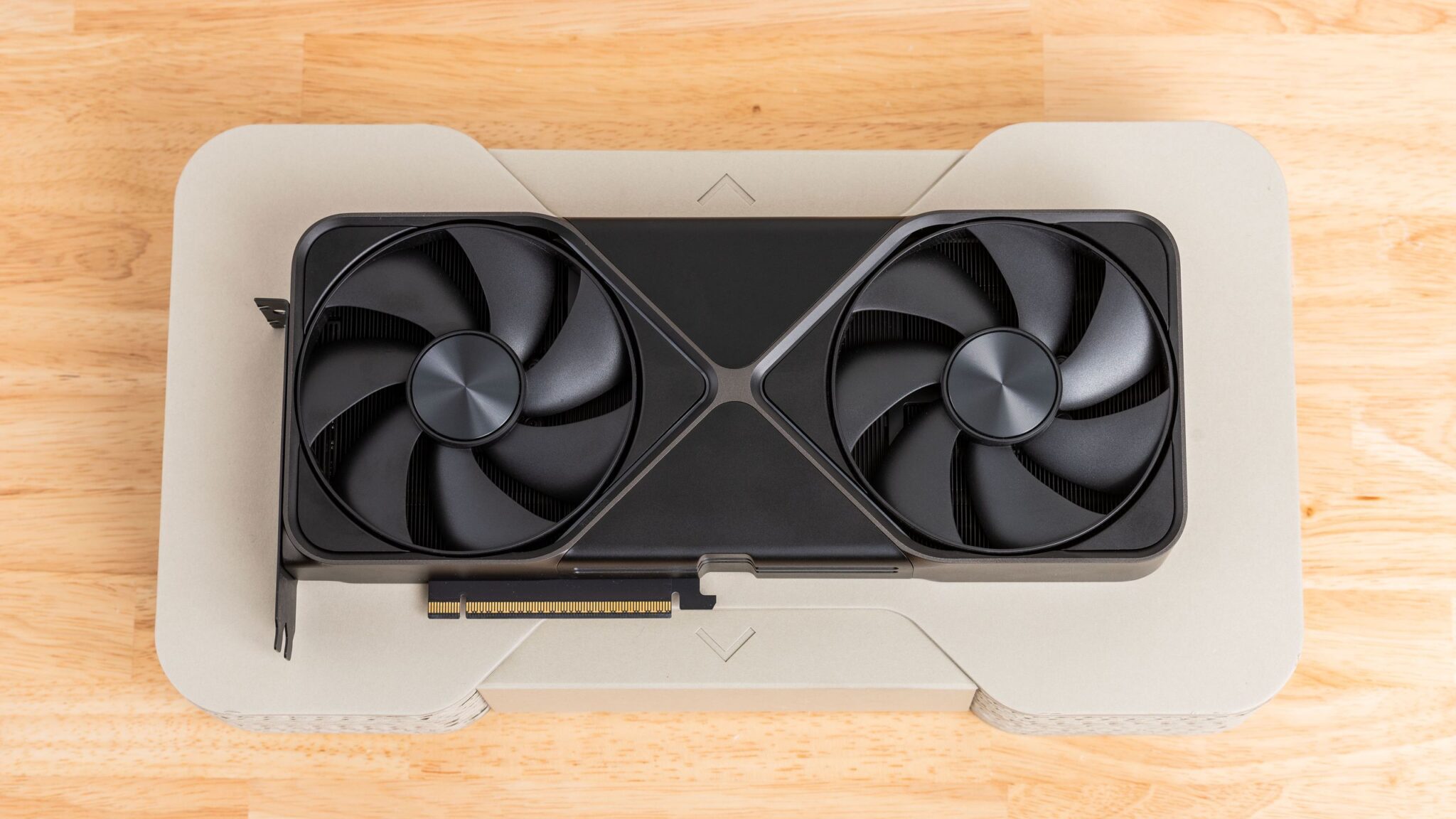
Nvidia recently rolled back its latest Game Ready Driver 595.59 after users reported fan issues on RTX 3000, 4000, and 5000-series GPUs. This update, intended to optimize performance for Resident Evil Requiem, caused unexpected problems. If you’re experiencing overheating or fan malfunctions, here’s how to resolve the issue and avoid future driver conflicts.
Why the Driver Caused Fan Problems
The problematic driver update forced GPUs to read only a single fan, disrupting thermal management. While some blamed third-party tools like MSI Afterburner, others confirmed the issue persisted even without such software. Nvidia swiftly removed the update from its website, but users who installed it must manually roll back.
How to Roll Back Your Driver
- Using the Nvidia App: Open the app, click the three dots in the Drivers tab, and select “Roll Back Driver.”
- Using Windows Device Manager: Navigate to Display Adapters, right-click your GPU, and choose “Roll Back Driver” from the Driver tab.
- If the Rollback Fails: Uninstall the driver via Device Manager, then reinstall the latest stable version from Nvidia’s website.
Why Driver Updates Matter for Gamers
Driver updates optimize performance for new games and hardware. However, they can introduce bugs due to the vast array of GPU configurations. Nvidia’s emergency fixes in 2025 and 2026 highlight the challenges of balancing compatibility and performance.
Key Takeaways for Gamers
- Always back up your current driver before updating.
- Monitor system stability after major driver releases.
- Check Nvidia’s changelogs for known issues before installing updates.
What to Do If You’re Already Affected
If your GPU fans aren’t functioning properly, act quickly to prevent overheating. Use tools like HWMonitor to track temperatures and consider disabling overclocking profiles temporarily. For persistent issues, contact Nvidia support or your GPU manufacturer for hardware diagnostics.
Conclusion: Stay Proactive with GPU Drivers
Driver updates are essential but can occasionally cause disruptions. By staying informed and using rollback tools, you can maintain system stability. Check Nvidia’s website regularly for the latest fixes and ensure your GPU runs smoothly for upcoming titles like Resident Evil Requiem.
FAQs
How do I roll back my GPU driver if I’m experiencing fan issues?
Use the Nvidia App or Windows Device Manager to roll back to a previous driver version. If that fails, uninstall and reinstall the latest stable driver.
Can third-party apps like MSI Afterburner cause driver conflicts?
While some users suspected Afterburner, the issue occurred even without it. Focus on rolling back the driver for a guaranteed fix.
Why do driver updates sometimes break hardware?
Drivers must support countless hardware configurations. Bugs can emerge during testing, especially for new GPU series or game titles.
Will Nvidia fix the Game Ready Driver 595.59 issue?
Nvidia has already removed the problematic update. A revised driver is likely in development for future releases.
How can I avoid driver issues in the future?
Stick to stable driver versions until new updates are thoroughly tested. Follow trusted tech news sources for alerts on known issues.








