
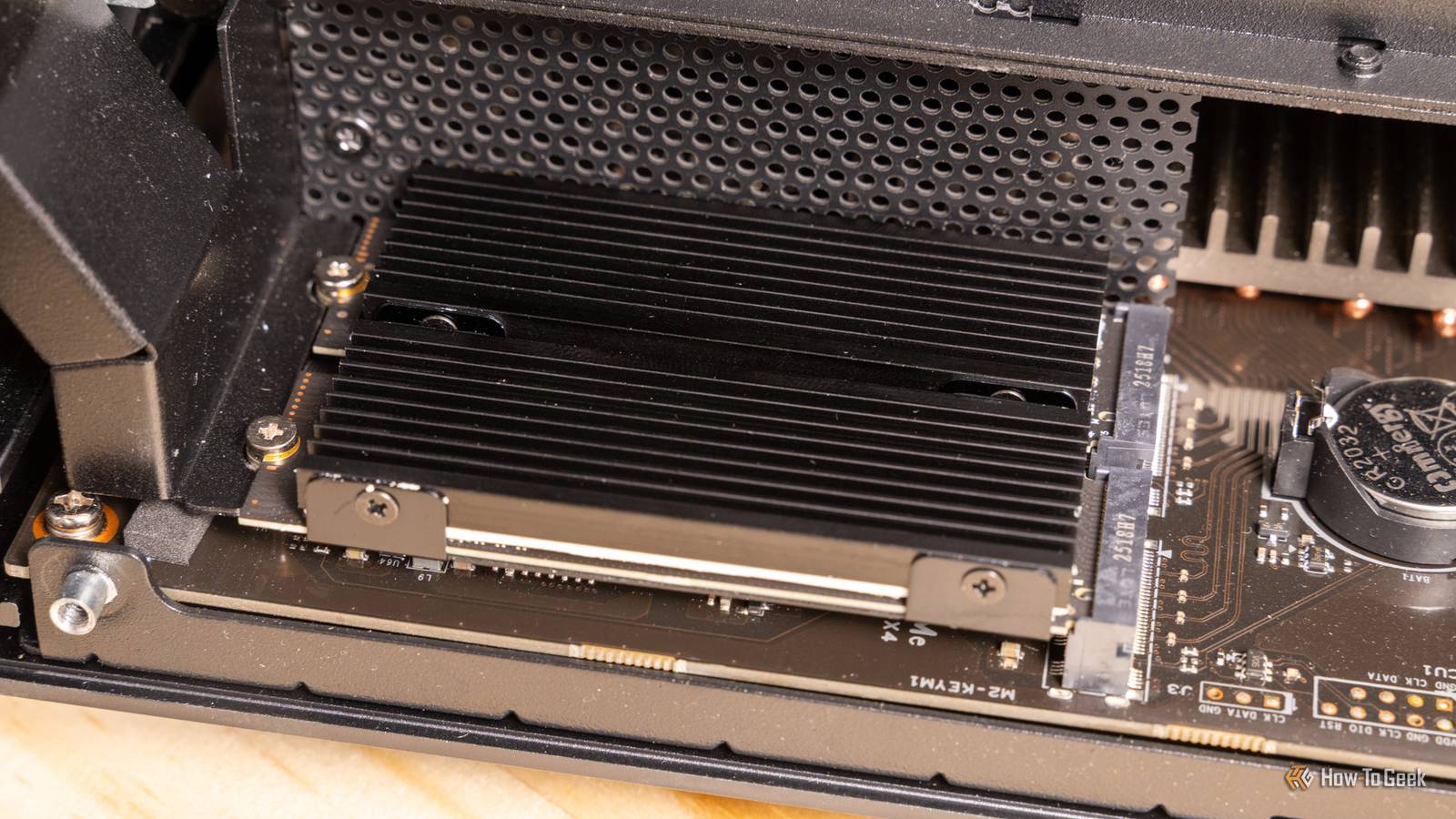
Understanding NVMe SSD Cooling Needs
Modern NVMe SSDs generate heat during operation, but most users don’t need additional cooling. These drives are engineered with thermal management systems that handle typical workloads efficiently. However, a growing number of enthusiasts are investing in dedicated cooling solutions—often at unnecessary cost.
Thermal Throttling: Your SSD’s Built-In Defense
When temperatures rise, NVMe SSDs automatically reduce performance to prevent damage. This thermal throttling mechanism works silently in the background, ensuring your drive remains within safe operating limits. For everyday tasks like web browsing, document editing, or even casual gaming, this built-in system is more than sufficient.
Why Most Users Don’t Need Cooling Fans
Adding a cooling fan to your NVMe SSD rarely improves performance for average users. In fact, studies show that thermal throttling only occurs under extreme conditions—like continuous 4K video rendering or heavy data compression tasks. For most people, the extra cost and complexity are unwarranted.
Average Usage Scenarios
- Web browsing and streaming
- Office productivity software
- Casual gaming (FPS, RPGs)
- Light photo/video editing
These activities rarely push NVMe drives beyond their thermal limits. The drive’s metal heatsink and airflow within your PC case are typically enough to maintain optimal temperatures.
Cost vs. Benefit Analysis
High-quality NVMe cooling solutions can cost $20–$50, with marginal gains in performance. For example, a 2024 benchmark study found that even under stress tests, cooled drives only showed a 3–5% performance improvement over uncooled ones. This makes the investment difficult to justify for most users.
When NVMe Cooling Fans Are Actually Worth It
There is one major exception: high-performance builds. Enthusiasts who overclock their systems or run intensive workloads—like 3D rendering, AI training, or cryptocurrency mining—may benefit from additional cooling. In these cases, maintaining consistent performance is critical.
High-Performance Builds and Overclocking
For users pushing their hardware to the limit, NVMe cooling fans can prevent thermal throttling during extended workloads. This is particularly important in compact cases with poor airflow or systems with multiple high-power components.
Smart Tech Choices for Your Budget
Before purchasing a cooling solution, assess your actual needs. If you’re building a workstation for professional use or a gaming rig with extreme specs, the investment might make sense. For most users, however, your NVMe SSD’s built-in thermal management is more than adequate.
Pro Tip: Monitor your SSD temperatures using tools like CrystalDiskInfo. If they regularly exceed 70°C during normal use, consider improving case airflow instead of adding a dedicated fan.
Conclusion: Save Money with Smart Tech Choices
While NVMe SSD cooling fans might seem like a must-have upgrade, they’re often unnecessary for everyday users. Focus on optimizing your system’s overall airflow and let your drive’s built-in thermal management do the work. Reserve cooling solutions for high-end builds where performance consistency is non-negotiable.








