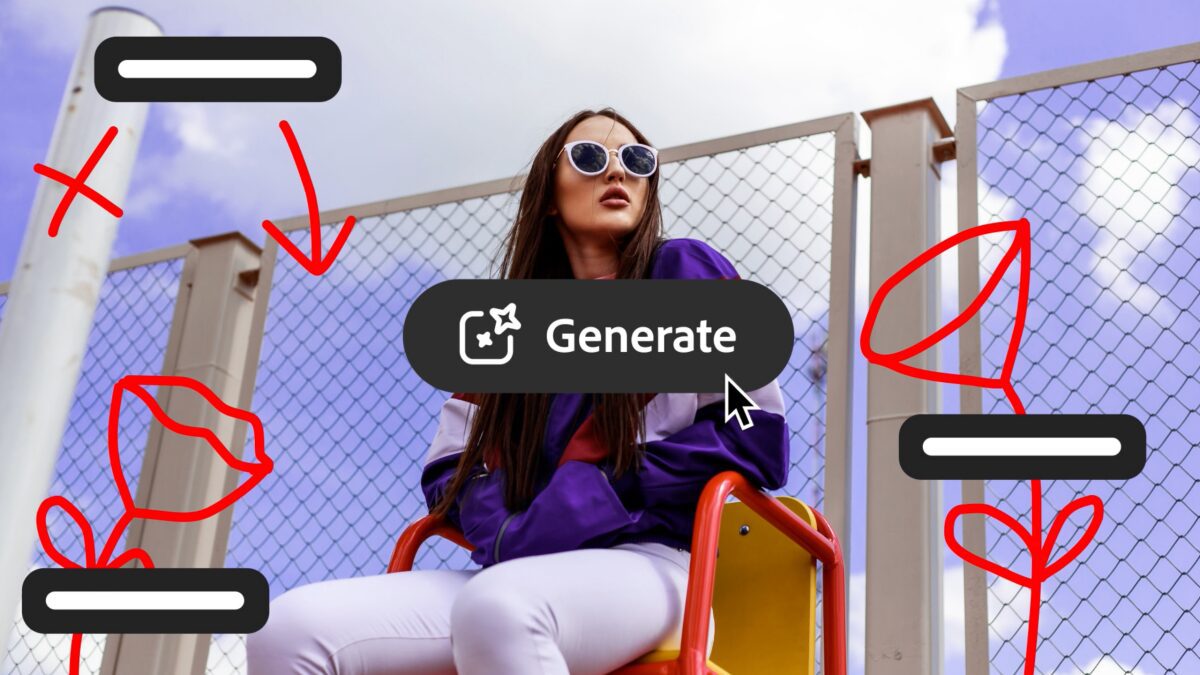
Photoshop AI Photo Editor: Edit Like Chatting with ChatGPT
Imagine editing photos by simply speaking or typing instructions like “Remove the person in the background” or “Make the colors more vivid.” Adobe has turned this sci-fi concept into reality with its new Photoshop AI photo editor. This tool, now in public beta, lets users edit images using conversational prompts—similar to interacting with ChatGPT. Whether you’re a pro photographer or a casual user, this AI-powered feature could revolutionize your workflow.
How Photoshop’s AI Assistant Works
Adobe’s AI Assistant uses Firefly generative models and Sensei automation to interpret natural language commands. You can:
- Type or speak instructions directly in Photoshop’s web or mobile apps
- Let the AI apply edits automatically or guide you through manual steps
- Use the AI Markup tool to draw on specific image areas for targeted edits
For example, if you want to change a background, just say “Replace the sky with a sunset.” The AI handles the rest, while still allowing manual adjustments for precision.
Key Features of the AI Photo Editor
1. Conversational Editing
Forget complex menus. The AI Assistant understands plain language commands like:
- “Remove the person in the background”
- “Adjust the lighting to look like golden hour”
- “Make the product image 50% larger without losing quality”
2. Advanced Generative Tools
Built on Adobe Firefly, the editor includes:
- Generative Fill: Add new elements to images
- Generative Remove: Delete objects seamlessly
- Generative Expand: Extend image borders
- Generative Upscale: Enhance resolution without artifacts
3. Cross-Platform Accessibility
The AI Assistant is available:
- On the web and mobile apps (beta)
- Soon on desktop (subject to Adobe’s testing schedule)
Access and Pricing Details
Adobe is offering a generous trial period:
- Paid users: Unlimited AI edits until April 9, 2026
- Free users: 20 free AI edits during the beta
This makes it ideal for testing the tool before committing to a paid plan.
Why This Matters for Creatives
The Photoshop AI photo editor democratizes advanced editing. No longer do you need years of training to perform complex tasks. For example:
- E-commerce sellers can quickly remove product backgrounds
- Photographers can automate tedious post-processing
- Designers can experiment with compositions in seconds
Adobe’s integration of conversational AI mirrors trends in tools like Google Gemini and Microsoft Copilot, but with a focus on creative workflows.
Try the AI Assistant Today
Ready to experience the future of photo editing? Join the Photoshop AI beta and start editing with simple prompts. Whether you’re removing unwanted objects or enhancing colors, this tool could save you hours of work. Don’t wait—free users have limited edits before the trial ends!