
Introduction to Portable Apps
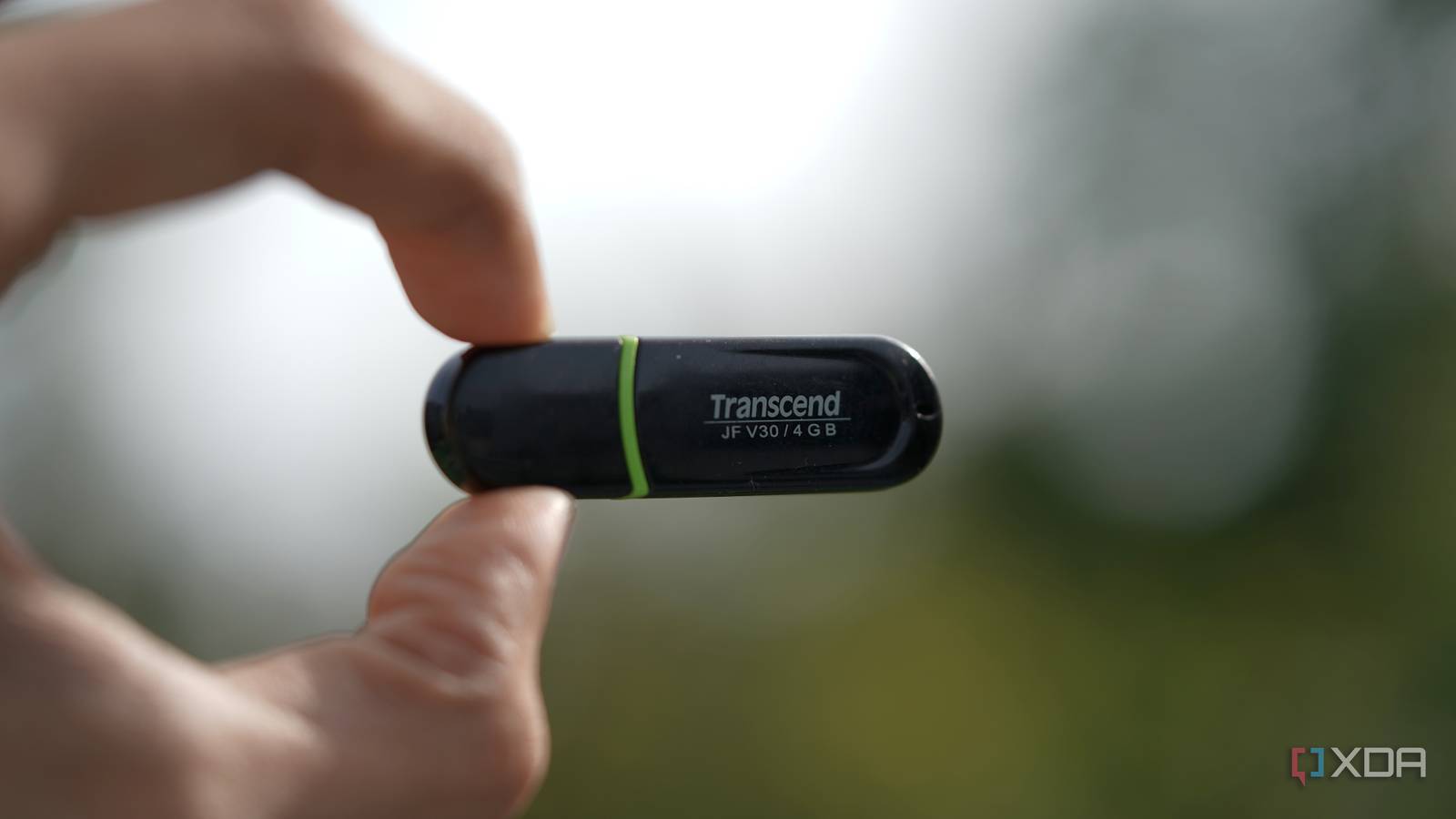
When it comes to software installation, we often think of downloading and installing apps on our devices. However, there’s a better alternative: portable apps. Portable apps are versions of software that can be run directly from a USB drive or cloud storage, without the need for installation. Meanwhile, this approach has several benefits, including increased flexibility and reduced clutter on our devices.
For example, portable apps are perfect for use on public computers or when working with sensitive data. Additionally, they can be easily transferred between devices, making them a great option for those who need to work on multiple machines. Therefore, it’s no wonder that portable apps are becoming increasingly popular.
Benefits of Portable Apps
One of the main benefits of portable apps is that they don’t leave any traces on the host device. This means that once you’ve finished using the app, you can simply remove the USB drive or cloud storage, and there will be no residual files or registry entries left behind. Furthermore, portable apps are often more secure than their installed counterparts, as they are less vulnerable to malware and other types of cyber threats.
Moreover, portable apps can be easily updated, without the need for complicated installation processes. This makes them a great option for those who want to stay up-to-date with the latest software releases. Meanwhile, the fact that portable apps can be run from a USB drive or cloud storage means that they can be used on any device, regardless of the operating system or hardware specifications.
Popular Portable Apps
There are many popular portable apps available, including web browsers, office software, and media players. For instance, Google Chrome and Mozilla Firefox are both available as portable apps, allowing users to take their browsing data and preferences with them on the go. Additionally, portable versions of Microsoft Office and LibreOffice are available, providing users with a range of productivity tools that can be used on any device.
Meanwhile, portable media players like VLC and Kodi allow users to play their favorite music and videos on any device, without the need for installation. Furthermore, portable apps like 7-Zip and WinRAR provide users with powerful file compression and extraction tools, making it easy to manage large files and folders on the go.
How to Use Portable Apps
Using portable apps is relatively straightforward. First, you’ll need to download the portable version of the app you want to use. Then, you can run the app directly from the USB drive or cloud storage, without the need for installation. Meanwhile, you can configure the app to save its settings and data to the USB drive or cloud storage, so that you can take your preferences and files with you on the go.
Additionally, you can use portable apps to create a portable workspace, complete with all the tools and software you need to stay productive. For example, you can create a portable office suite, with apps like Microsoft Office and Adobe Acrobat, or a portable development environment, with apps like Visual Studio and GitHub.
Tips for Using Portable Apps
Here are some tips for using portable apps:
- Always download portable apps from trusted sources, to ensure that you’re getting a safe and malware-free version of the app.
- Use a high-quality USB drive or cloud storage service, to ensure that your portable apps run smoothly and efficiently.
- Configure your portable apps to save their settings and data to the USB drive or cloud storage, so that you can take your preferences and files with you on the go.
Conclusion
In conclusion, portable apps are a great alternative to traditional software installation. They offer increased flexibility, reduced clutter, and improved security, making them a popular choice among users. Meanwhile, with the wide range of portable apps available, you can create a portable workspace that meets your specific needs and preferences.
Therefore, if you’re looking for a more convenient and secure way to use software, consider giving portable apps a try. With their ease of use, flexibility, and security, they’re an excellent option for anyone who wants to stay productive on the go.
Frequently Asked Questions
Here are some frequently asked questions about portable apps:
- What are portable apps? Portable apps are versions of software that can be run directly from a USB drive or cloud storage, without the need for installation.
- How do I use portable apps? To use portable apps, simply download the portable version of the app you want to use, and run it directly from the USB drive or cloud storage.
- Are portable apps secure? Yes, portable apps are often more secure than their installed counterparts, as they are less vulnerable to malware and other types of cyber threats.
- Can I update portable apps? Yes, portable apps can be easily updated, without the need for complicated installation processes.
- What are some popular portable apps? Some popular portable apps include Google Chrome, Mozilla Firefox, Microsoft Office, and VLC.








