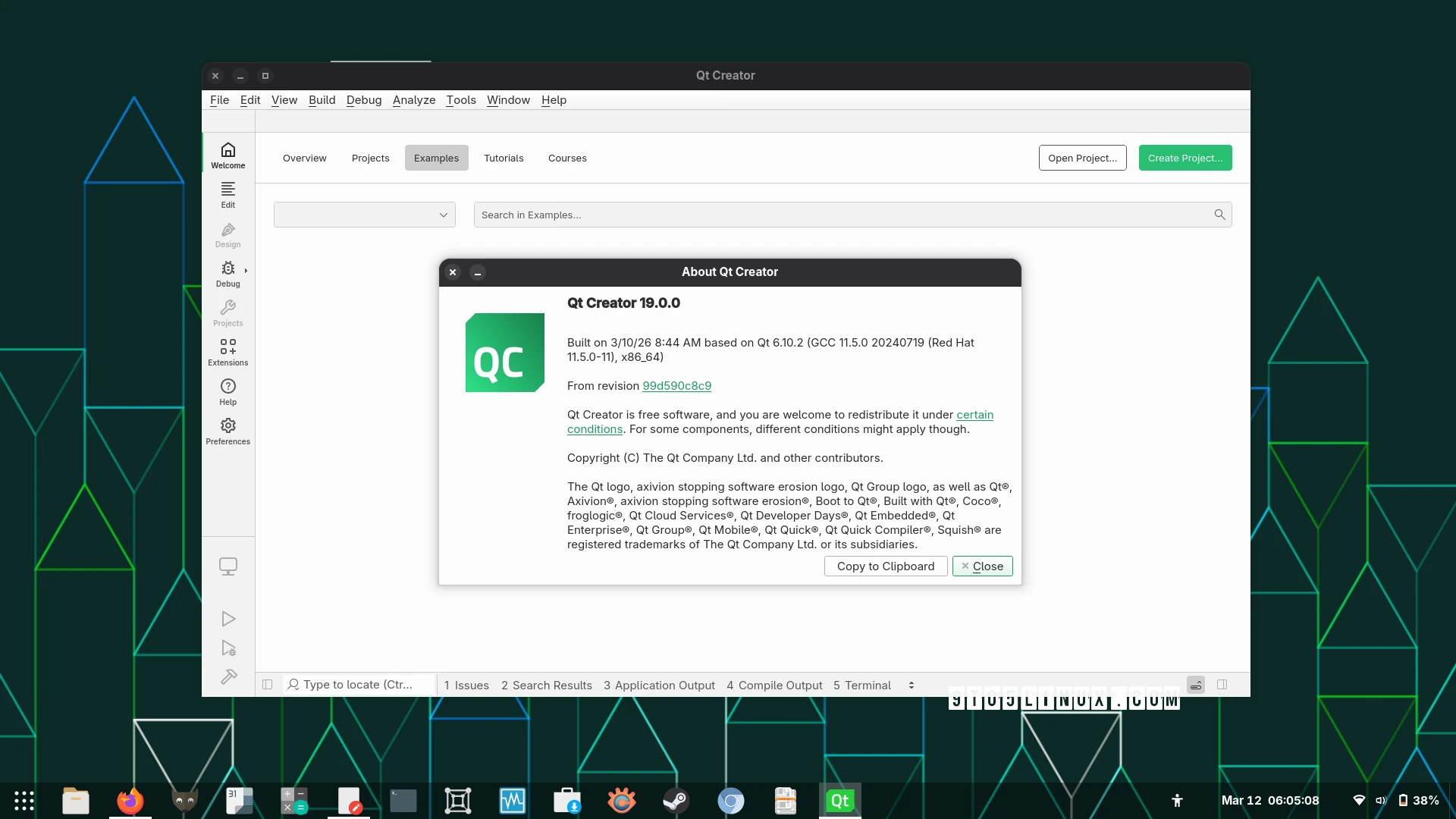
Qt Creator 19: Key Features for Developers
Qt Creator 19 is here, bringing powerful updates to streamline your development workflow. Whether you’re building cross-platform applications or managing complex projects, this latest release introduces tools to boost productivity and simplify debugging. Let’s dive into the standout features that make Qt Creator 19 a must-have for developers.
Minimap for Text Editors: A Game-Changer for Code Navigation
One of the most requested features in Qt Creator 19 is the minimap for text editors. This tool provides a simplified overview of your document, making it easier to navigate large files. For example, if you’re working on a 1,000-line script, the minimap lets you jump to specific sections instantly. This addition saves time and reduces cognitive load, especially during code reviews or debugging sessions.
Enhanced Remote Device Configuration
Qt Creator 19 simplifies remote development workflows. Developers can now configure remote devices with fewer clicks, thanks to improved setup options. Additionally, the new MCP server support allows seamless communication between your local machine and remote environments. For instance, deploying a Qt application to a Raspberry Pi just got faster and more intuitive.
Support for Modern Project Types
The update adds native support for Ant, Cargo, Dotnet, Gradle, and Swift projects. This means you can open project files like Cargo.toml directly in Qt Creator, and the IDE will automatically generate build and run configurations. For C# and Swift developers, the tool detects language servers and sets up environments without manual intervention.
- Automated build configurations for Cargo, Gradle, and more
- Language server detection for C# and Swift
- Streamlined project setup for cross-platform development
Performance Improvements and New Tools
Qt Creator 19 optimizes performance in critical areas. Scanning QML files, auto-connecting devices at startup, and loading CMake projects are now faster. On Windows, the tool improves detection of MSVC and CDB compilers. Additionally, Valgrind protocol versions 5 and 6 are supported, enabling advanced memory analysis for debugging.
Drag-and-Drop Mode Customization
Customize your workspace with drag-and-drop mode reordering. Move the Help mode to the end of the mode bar or rearrange other sections to suit your workflow. This flexibility ensures your IDE adapts to your preferences, not the other way around.
Getting Started with Qt Creator 19
Ready to upgrade? Download Qt Creator 19 from the official website. The release includes installers for 64-bit and AArch64 Linux systems, as well as source code for system integrators. Whether you prefer pre-built packages or compiling from source, the process is straightforward.
Why Developers Should Care
Qt Creator 19 isn’t just a minor update—it’s a leap forward for cross-platform development. From faster builds to smarter project setup, these features reduce friction in your workflow. If you’re working on embedded systems, mobile apps, or desktop software, this release ensures you stay productive without compromising flexibility.
Upgrade today and experience the difference Qt Creator 19 can make in your development projects.