
Introduction to Raccoon AI
Raccoon AI is a groundbreaking collaborative AI agent and workspace designed to help users get real work done. By providing a platform where users can describe what they need and build it together with an AI agent, Raccoon AI is poised to revolutionize the way we approach productivity and workflow automation.
Key Features of Raccoon AI
Raccoon AI boasts an impressive array of features that set it apart from other collaborative AI agents. Some of the key features include:
- A dedicated computer with a terminal, browser, and internet for the AI agent
- Real-time visibility into the agent’s thoughts, files, and decisions
- The ability to steer the agent when it drifts off course
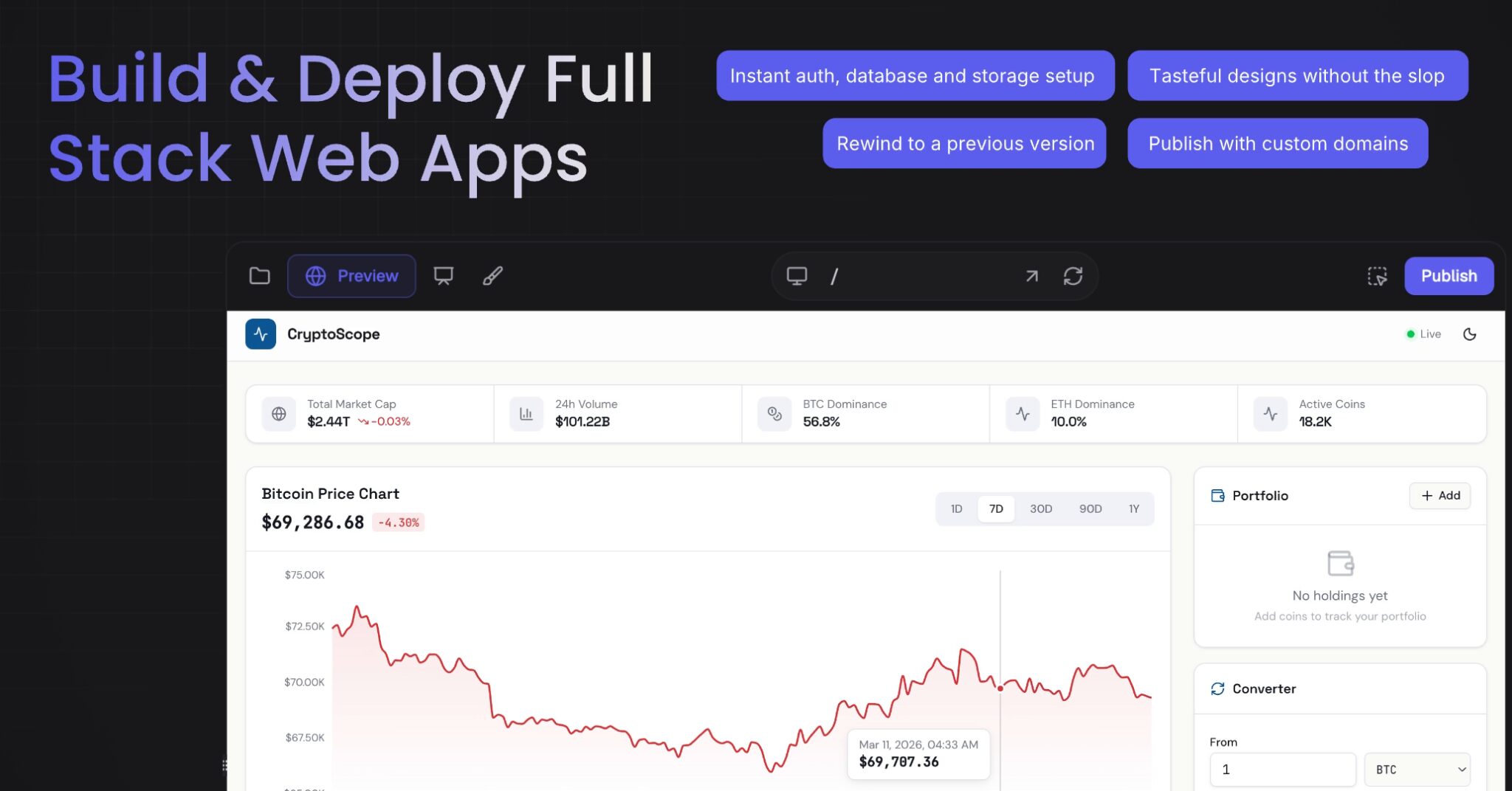
- Deployment of web apps, deep research, data analysis, and creation of pitch decks, videos, images, and documents
Security and Governance
Security and governance are top priorities for Raccoon AI. The platform uses OAuth or API keys with scoped permissions, ensuring that the agent can only access what the user has explicitly granted. Additionally, users can disconnect connectors at any time, and access is revoked immediately, with all related data deleted from the system.
Custom MCP servers are user-controlled, allowing users to define what tools are exposed and control the endpoint. Raccoon AI also provides a sandboxed environment, with each session getting its own isolated computer, ensuring that the agent cannot touch anything outside the sandbox unless explicitly connected.
Audit and Visibility
Raccoon AI provides real-time visibility into the agent’s actions, with every step preserved in the session history. This allows users to rewind and inspect any step, making Raccoon AI one of the most transparent AI agents available.
Content Workflows
Raccoon AI can be used for content workflows, pulling from Google Drive, writing a draft, and formatting it into a doc all in one go. The agent can remember context between sessions, allowing users to pick up where they left off.
Getting Started with Raccoon AI
To get started with Raccoon AI, users can connect any of the integrations they want, but only enable those that are actually needed for a given workflow. Custom MCP servers can be used for anything touching sensitive internal systems, allowing users to control the boundary.
Write tools can be disabled for sensitive connectors, and the agent can be set to come to the user with a proposal for why it needs a particular tool and how it will use it. Plan Mode can be used to review the agent’s proposed steps before it executes.
Conclusion
Raccoon AI is a powerful tool for collaborative workflow automation. With its impressive array of features, robust security and governance measures, and ability to remember context between sessions, Raccoon AI is poised to revolutionize the way we approach productivity and workflow automation.
Try Raccoon AI today and experience the power of collaborative AI agents for yourself.
Frequently Asked Questions
- What is Raccoon AI, and how does it work?
- Raccoon AI is a collaborative AI agent and workspace that allows users to describe what they need and build it together with an AI agent.
- How does Raccoon AI handle security and governance?
- Raccoon AI uses OAuth or API keys with scoped permissions, ensuring that the agent can only access what the user has explicitly granted.
- Can Raccoon AI be used for content workflows?
- Yes, Raccoon AI can be used for content workflows, pulling from Google Drive, writing a draft, and formatting it into a doc all in one go.
- Does Raccoon AI remember context between sessions?
- Yes, Raccoon AI can remember context between sessions, allowing users to pick up where they left off.
- How do I get started with Raccoon AI?
- To get started with Raccoon AI, users can connect any of the integrations they want, but only enable those that are actually needed for a given workflow.
- What is the focus keyword for this article?
- The focus keyword for this article is Collaborative AI Agents.








