
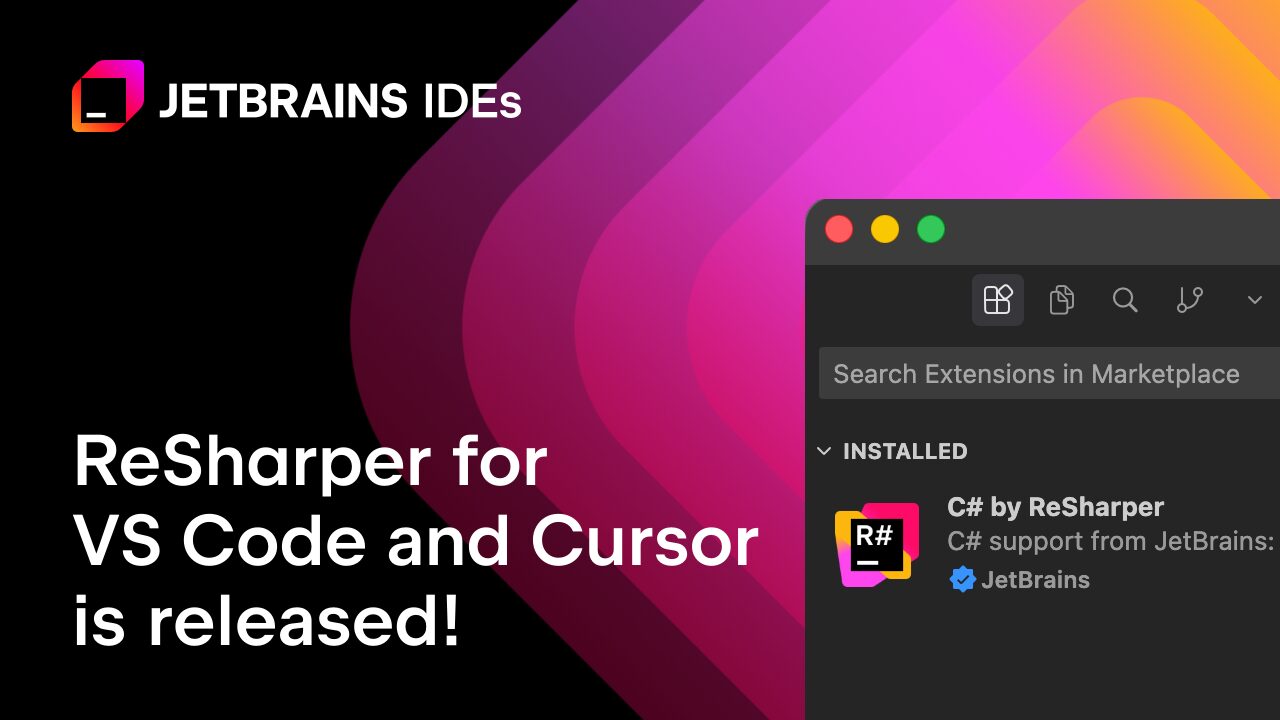
ReSharper for Visual Studio Code: A Game-Changer for C# Developers
ReSharper has long been a staple for C# developers in Visual Studio, but today marks a pivotal moment. JetBrains officially released ReSharper for Visual Studio Code, bringing its powerful code analysis and productivity tools to lightweight editors like VS Code, Cursor, and Google Antigravity. This update bridges the gap between professional-grade tooling and modern, AI-first coding environments.
Why ReSharper for VS Code and Compatible Editors?
Developers now demand flexibility without sacrificing quality. ReSharper addresses this by offering:
- Professional-grade C# code quality: Advanced inspections, quick-fixes, and refactoring for C#, Razor, Blazor, and XAML.
- AI-generated code refinement: Review and polish AI-assisted code to meet professional standards.
- Wide editor compatibility: Works seamlessly across VS Code, Cursor, and other compatible editors.
- Proven expertise: Built on two decades of .NET tooling experience.
- Free for non-commercial use: Ideal for learning, hobby projects, and open-source development.
How to Install ReSharper for VS Code
Getting started is simple:
- Open Visual Studio Code or a compatible editor.
- Navigate to the Extensions view.
- Search for ReSharper and click Install.
Alternatively, use the Command Palette (Ctrl+P / Cmd+P) and paste: ext install JetBrains.re.
Where to Get ReSharper
ReSharper is available via:
- Visual Studio Code Marketplace
- Open VSX Registry (for Cursor, Antigravity, and Windsurf)
Conclusion: Elevate Your C# Workflow
ReSharper for Visual Studio Code isn’t just an upgrade—it’s a revolution. Whether you’re refining AI-generated code or optimizing cross-editor workflows, this tool empowers developers to write cleaner, more maintainable C#. Ready to boost your productivity? Install ReSharper today and experience the difference.
Frequently Asked Questions
- What is ReSharper for Visual Studio Code?
- A C# productivity extension offering advanced code analysis, refactoring, and AI integration.
- Is ReSharper free to use?
- Yes, for non-commercial purposes like learning and hobby projects.
- Can I use ReSharper with AI-first editors?
- Absolutely. It works with Cursor, Google Antigravity, and other compatible editors.
- How does ReSharper improve code quality?
- Through real-time inspections, quick-fixes, and refactoring tools tailored for C# and related frameworks.
- Where can I download ReSharper?
- From the VS Code Marketplace or Open VSX Registry.








