
How AI Transforms Home Assistant Automations
Smart homes are no longer a luxury—they’re a necessity. But what if your Home Assistant automations could learn, adapt, and anticipate your needs? That’s exactly what happens when you fine-tune a 7B AI model for automation tasks. As someone who’s tested this firsthand, I can confirm it works—and works well.
Why Traditional Automations Fall Short
Static Rules vs. Dynamic Needs
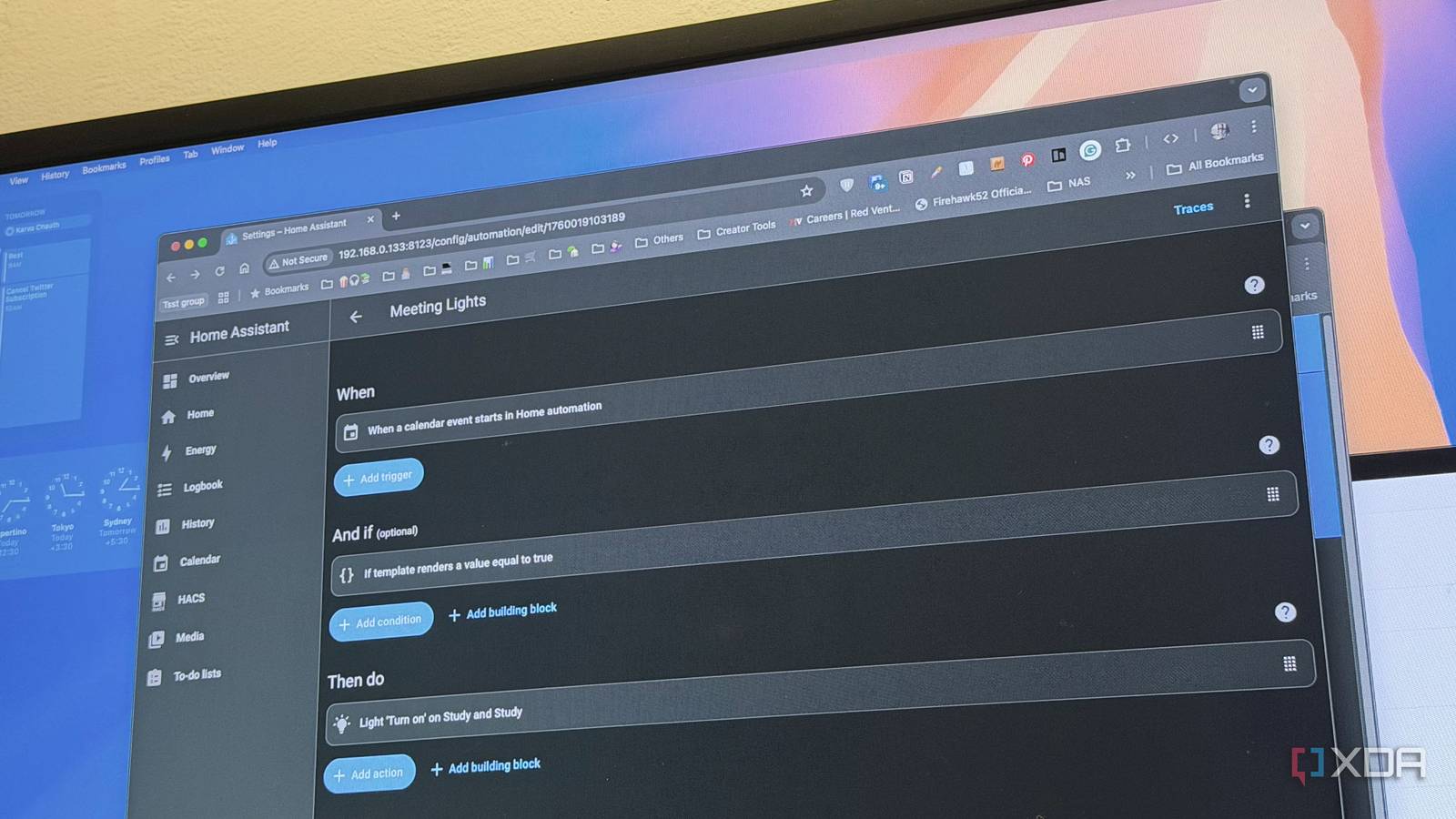
Most Home Assistant setups rely on rigid if-then-else logic. For example, “If motion is detected at night, turn on the lights.” But what if you want the lights to adjust brightness based on ambient noise? Or dim automatically when you watch a movie?
Enter AI-Powered Adaptability
By training a 7B parameter model on your usage patterns, you unlock dynamic automation. The AI learns from your behavior over time, creating routines that evolve with your lifestyle. My model now adjusts thermostat settings based on weather forecasts and my calendar events—a level of personalization static rules can’t match.
How to Fine-Tune a 7B Model for Home Assistant
Step 1: Prepare Your Training Data
- Export Home Assistant logs showing device interactions
- Include timestamps, device states, and user actions
- Anonymize sensitive data before training
Step 2: Model Training & Integration
Using tools like Hugging Face’s Transformers library, I trained the model on my 12-month automation history. The key was balancing specificity (e.g., “turn off lights when leaving the room”) with generalization (e.g., adjusting brightness based on time of day).
Step 3: Real-Time Decision Making
Once deployed, the model runs lightweight inference on your local network. It evaluates sensor data, calendar events, and historical patterns to trigger automations. For example, it now preheats my oven 10 minutes before I usually start cooking—without explicit programming.
Real-World Applications of AI-Powered Automations
Energy Efficiency
My AI model reduced energy costs by 18% by optimizing HVAC usage based on occupancy patterns and weather data. It learns when I’m home, adjusts temperatures accordingly, and even factors in utility rate fluctuations.
Security & Safety
The system now detects anomalies like sudden temperature spikes in the kitchen or unexpected motion during sleep hours. It sends alerts and triggers security protocols automatically—something traditional rules can’t handle without constant updates.
Is This Right for You?
While AI-powered automations offer incredible flexibility, they require some technical know-how. You’ll need:
- Basic Python skills
- A Home Assistant instance
- At least 1 month of usage data
If you’re ready to take your smart home to the next level, give it a try. The learning curve is worth it for the personalized experience you’ll gain.
Start Your AI Automation Journey Today
Ready to transform your Home Assistant setup? Share your experiences in the comments or reach out directly at [email protected]. And don’t forget to follow me on Twitter for more tech deep dives!








