
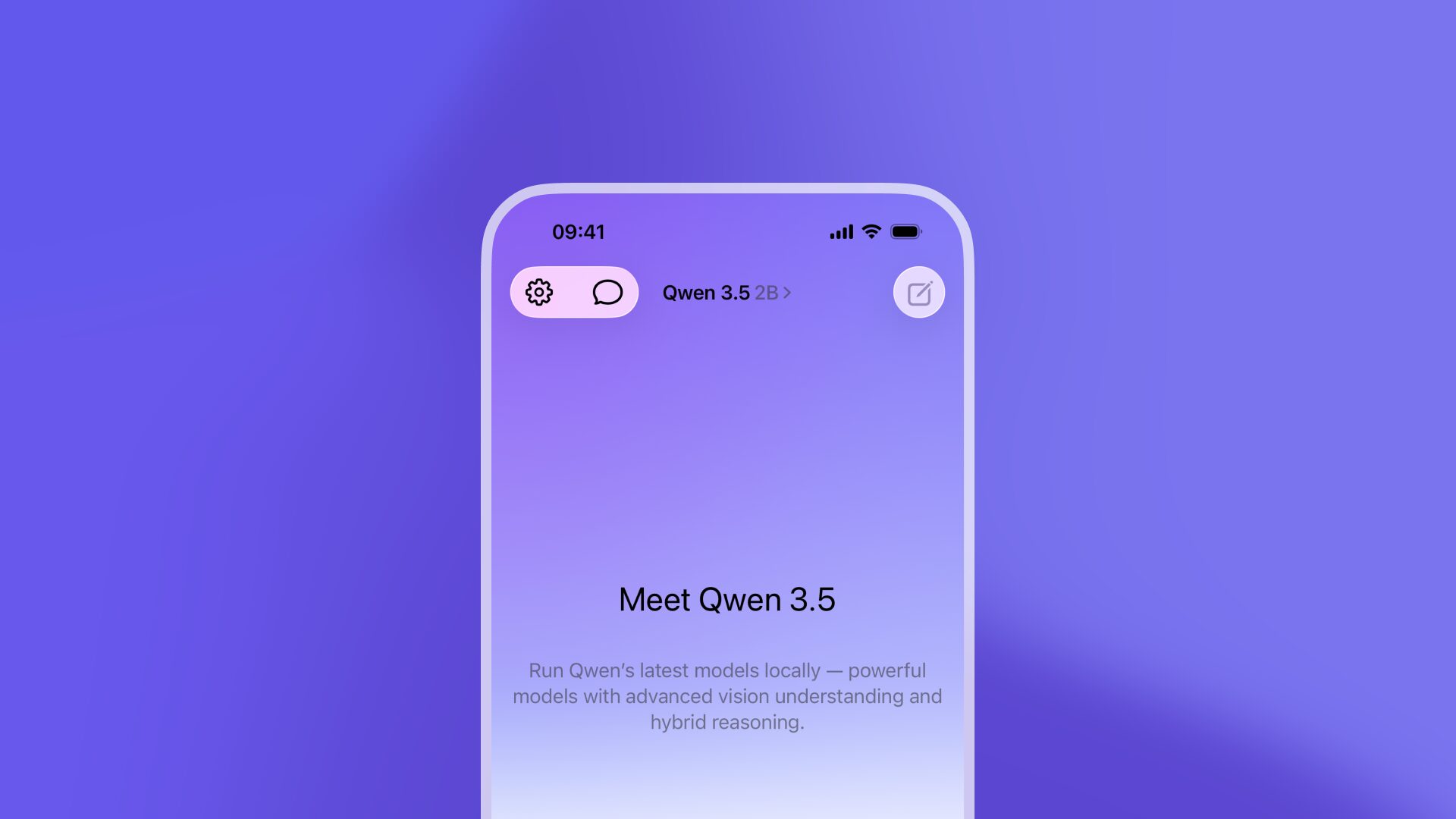
Run AI Models Locally on iPhone with Locally AI
Privacy-first AI is no longer a luxury—it’s a necessity. Locally AI lets you run powerful AI models like Qwen 3.5 directly on your iPhone, iPad, or Mac, without cloud dependency, login requirements, or data tracking. With models optimized for Apple Silicon and a focus on performance, this app redefines what’s possible with on-device AI.
Why Run AI Locally?
Cloud-based AI apps often sacrifice privacy for convenience. Locally AI flips this script by keeping all processing offline. Whether you’re analyzing documents, generating text, or using vision-enabled features, your data stays on your device. This approach not only protects privacy but also ensures reliability in low- or no-internet scenarios.
Key Features of Locally AI
- Model Variety: Choose from Qwen 3.5 models in four sizes (0.8B, 2B, 4B, 9B) to match your device’s capabilities.
- Vision & Reasoning Toggle: Switch between visual analysis and logical reasoning modes seamlessly.
- Apple Silicon Optimization: Native support for M1/M2 chips ensures fast, efficient performance.
- No Login Required: Jump into AI tasks instantly without account creation.
Performance & Device Compatibility
Locally AI adapts to your hardware. While newer iPhones and iPads handle larger models (like the 9B variant), older devices can still leverage smaller models like 0.8B for quick, responsive interactions. Battery usage remains efficient, with thermal throttling minimized through smart resource management.
Real-World Use Cases
From developers testing code locally to creatives editing media offline, Locally AI empowers users who demand control. For example, a designer could use the vision mode to analyze image content directly on an iPad during a flight—no Wi-Fi needed.
Get Started Today
Download Locally AI from the App Store and explore the future of device-first AI. Whether you’re a privacy advocate, a power user, or simply curious about on-device capabilities, this tool offers a compelling alternative to cloud-centric solutions.
Frequently Asked Questions
- How does Locally AI run AI models locally on iPhone?
- By leveraging Apple Silicon’s processing power and optimized model downloads, Locally AI ensures all computations happen on your device.
- Can I use vision features on older iPhones?
- Yes, though performance varies. Smaller models like 0.8B work best on older hardware.
- Is there a free version?
- Locally AI offers a free tier with limited model access; premium features require purchase.
- How much storage do models take?
- Model sizes range from 500MB (0.8B) to 5GB (9B), depending on the variant.
- Can I switch models mid-task?
- Currently, model selection requires restarting the app, but updates are planned for smoother transitions.








