
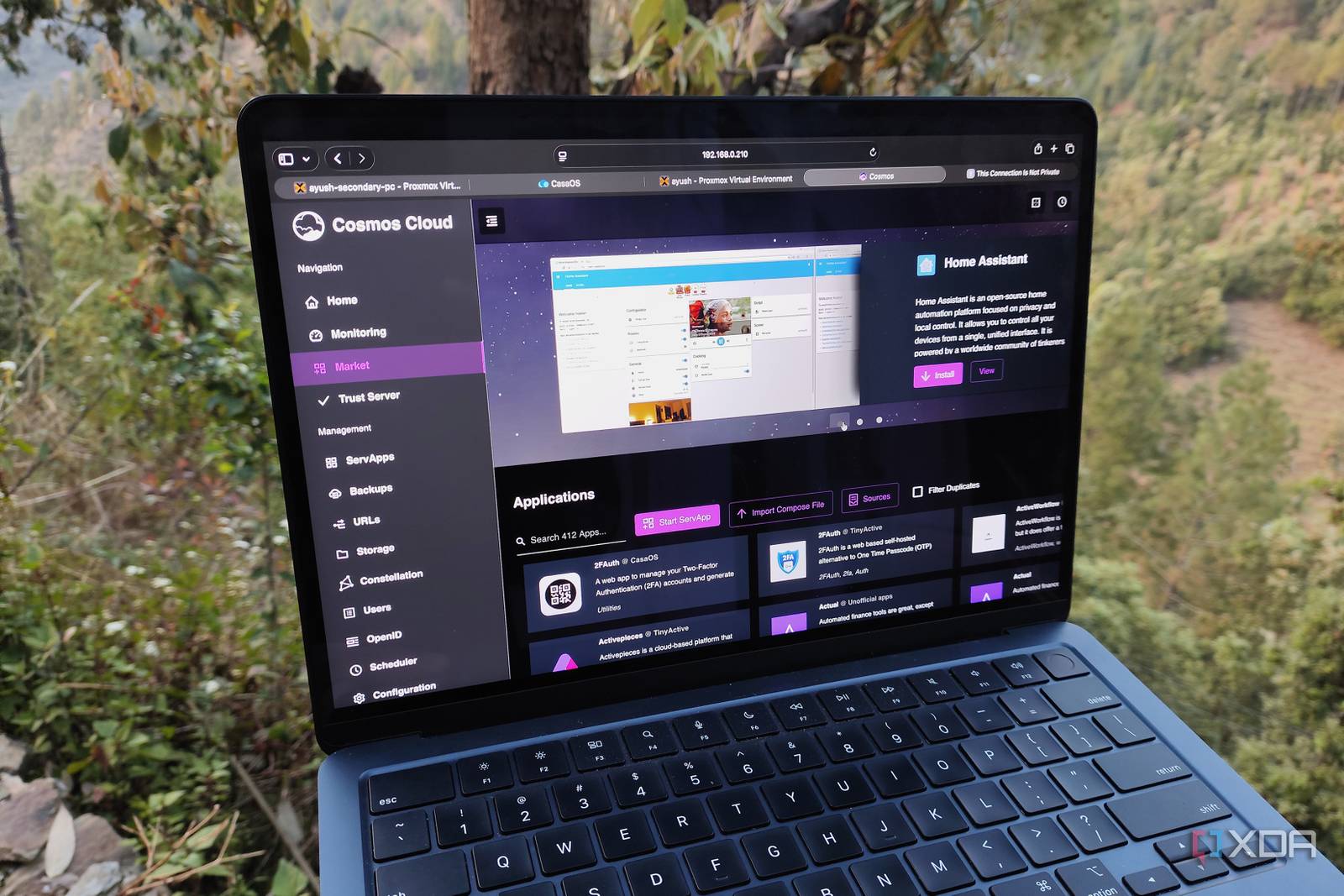
Self-Hosting OS: Break Free from OS Lock-In and Clutter
Imagine a world where your devices obey you, not the latest OS update or vendor-specific software. That’s the reality I’ve built with self-hosting. No more bloatware, no forced upgrades—just a clean, customizable system that adapts to your workflow. Let’s explore how self-hosting OS can transform your tech life.
What Is Self-Hosting OS and Why It Matters
Self-hosting OS means running your own operating system on your hardware, free from vendor lock-in. Unlike pre-packaged OSes like Windows or macOS, self-hosting gives you full control. You choose what runs, how it runs, and when it updates. It’s the ultimate solution for users tired of OS lock-in and device clutter.
3 Key Benefits of Self-Hosting OS
1. Escape OS Lock-In
Commercial OSes often tie you to ecosystems you didn’t ask for. Want to run Linux apps on Windows? Good luck. With self-hosting OS, you sidestep these barriers. For example, I run a lightweight Linux distro on my main machine, letting me access Docker containers, custom scripts, and open-source tools without compatibility hurdles.
2. Declutter Your Devices
Modern OSes come loaded with bloatware. Self-hosting strips away the noise. I’ve reduced my device’s startup time by 40% by removing unnecessary services and apps. Plus, with containerized apps, you only install what you need—no more bloated software suites.
3. Total Customization and Control
Want a dark mode that works perfectly? Need a custom keyboard shortcut? Self-hosting OS lets you tweak everything. I configured my system to auto-backup files to a NAS and even set up a local server for offline development. The freedom is unmatched.
Getting Started with Self-Hosting OS
Ready to break free? Here’s a quick roadmap:
- Choose your OS: Linux (Ubuntu, Arch), FreeBSD, or even custom builds like NixOS.
- Set up a minimal base: Install only core components, then add tools as needed.
- Automate with scripts: Use Bash or Python to streamline repetitive tasks.
Real-World Example: My Self-Hosting Setup
My workflow now looks like this:
- Boot into a lightweight Linux distro (Lubuntu).
- Run Docker containers for apps like Nextcloud and Jellyfin.
- Access all tools via a single terminal—no app clutter.
The result? A faster, cleaner system that works exactly how I want it to.
Is Self-Hosting OS Right for You?
Self-hosting isn’t for everyone—it requires some technical know-how. But if you’re tired of OS lock-in and device bloat, it’s worth the effort. Start small: try a dual-boot setup or a virtual machine. Once you see the benefits, you’ll wonder how you ever lived without it.
Ready to reclaim control? Dive into self-hosting OS today and build a system that works for you, not against you.








