
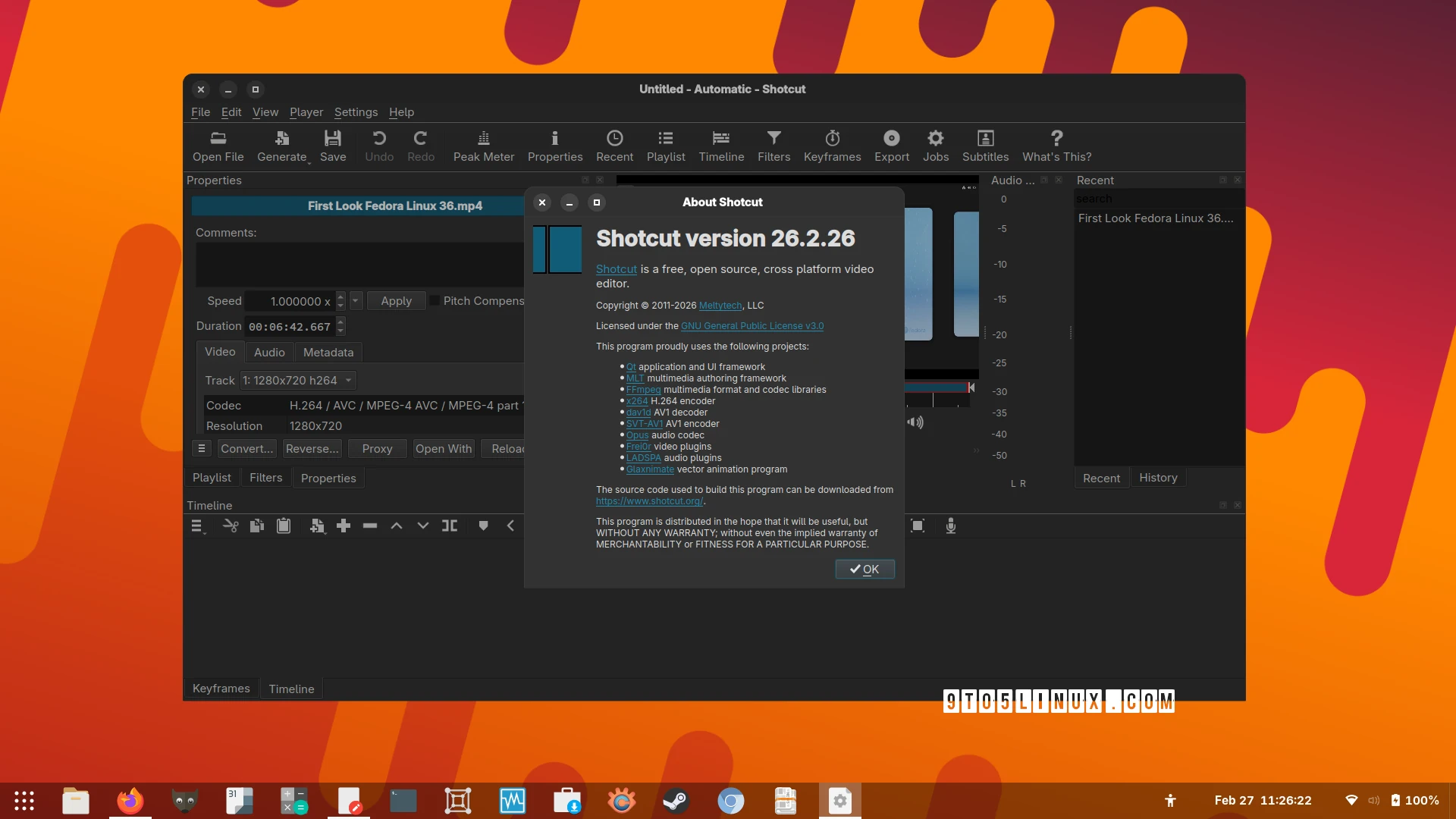
Shotcut 26.2: The Latest in Free Video Editing Software
Shotcut 26.2 has been released, bringing new features and improvements to this open-source, cross-platform video editing software. For example, a search field has been added to Subtitles, making it easier to find specific parts of your video.
Key Features of Shotcut 26.2
The latest version of Shotcut includes several notable updates, such as support for underline and strikethrough options in the Font dialog for text filters. Additionally, users can now toggle all other tracks by holding the Alt key while clicking Mute and Hide on the Timeline track.
Meanwhile, the new release also adds support for zooming the player by holding down the Shift key and using the mouse wheel. Furthermore, Playlist > Log Event allows users to append a 6-second clip at the current Source player time.
Performance Improvements
Shotcut 26.2 improves the performance of the Timeline and Keyframes waveforms rendering, making the video editing process smoother. However, the mouse wheel behavior for the Video Zoom video scope has been changed, and users can now scroll vertically without using a modifier key.
Moreover, the Generate option has been restored to the main toolbar with View > Show Text Under Icons, providing easier access to this feature. Therefore, users can now generate text under icons with just a few clicks.
Other Noteworthy Changes
Shotcut 26.2 removes the Linear Blend feature from Settings > Player > Deinterlacer, as it was removed in FFmpeg. Additionally, FLAC export has been improved, and the black or green bottom bar on Windows with HEVC video source and Hardware Decoder enabled with preview scaling has been fixed.
Several crashes have also been fixed, including a crash in the RGB Shift video filter and a crash when adding a long video to the timeline on systems using Qt 6.10. Meanwhile, the crash on various enabled playlist actions with nothing selected has been resolved.
Conclusion and Download
In conclusion, Shotcut 26.2 is a significant update that brings new features, performance improvements, and bug fixes to this free video editing software. Therefore, users can now enjoy a more seamless video editing experience. Finally, Shotcut 26.2 can be downloaded as binaries for Linux, macOS, and Windows systems from the official website.
For more information, users can check out the release notes on the project’s official website. Additionally, users can explore the following FAQs for more details about Shotcut 26.2:
- What are the new features in Shotcut 26.2?
- How do I download Shotcut 26.2?
- What are the system requirements for Shotcut 26.2?
- How do I use the search field in Subtitles?
- What are the improvements in FLAC export?








