
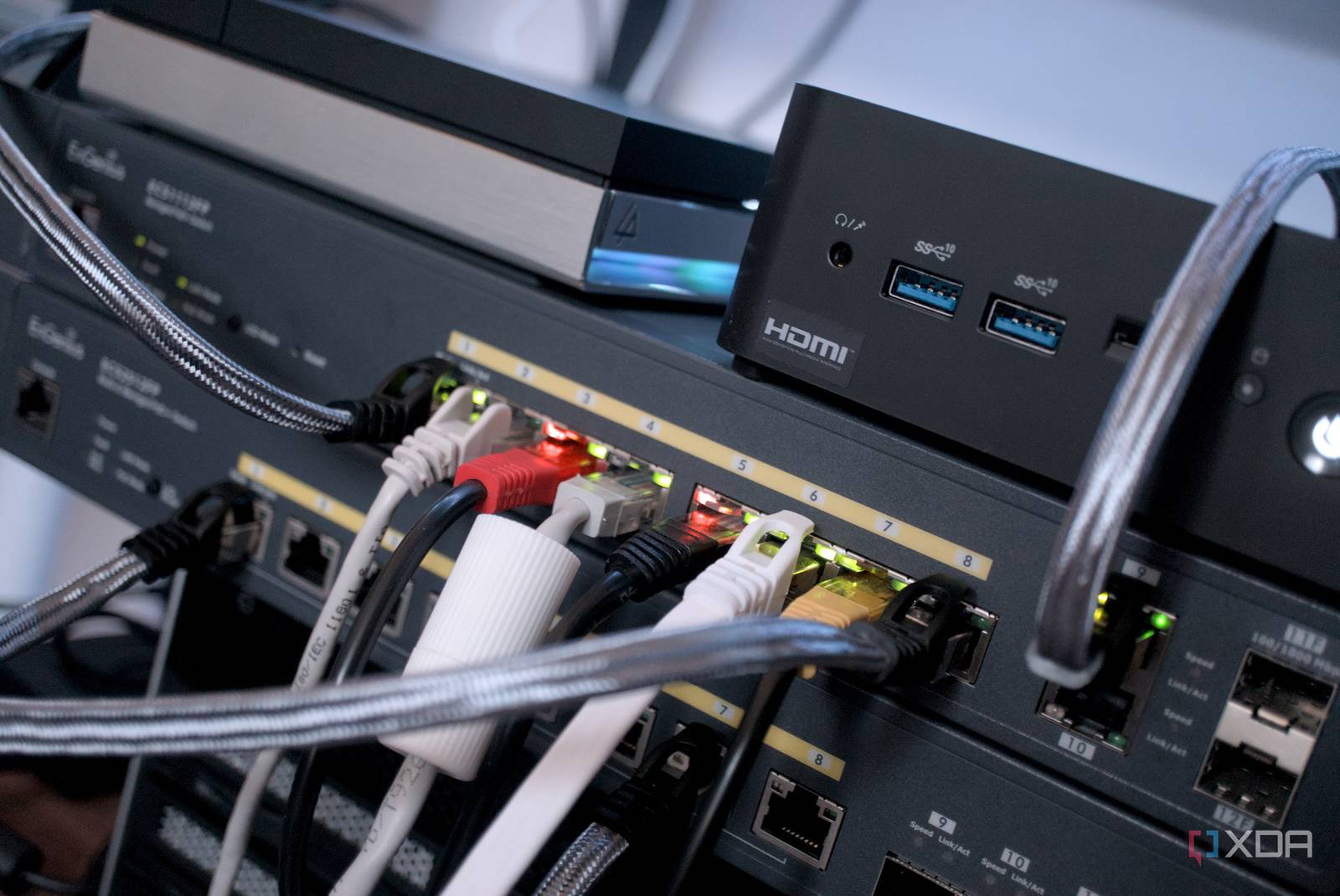
Introduction to Simplified Network Debugging
Assigning static IP addresses to devices can significantly simplify network debugging. By doing so, I’ve found that identifying and resolving network issues becomes much more straightforward. In this article, we’ll explore the benefits of using static IP addresses and how they can improve your network debugging experience.
What are Static IP Addresses?
A static IP address is a fixed IP address assigned to a device on a network. Unlike dynamic IP addresses, which can change over time, static IP addresses remain the same. This consistency makes it easier to manage and troubleshoot network issues. For example, if you have a device with a static IP address, you can easily access it remotely without worrying about the IP address changing.
Benefits of Static IP Addresses for Network Debugging
Using static IP addresses offers several benefits for network debugging. These include:
- Improved device management: With static IP addresses, you can easily manage and monitor devices on your network.
- Simplified troubleshooting: Static IP addresses make it easier to identify and resolve network issues, as you can quickly access devices and diagnose problems.
- Enhanced security: By assigning static IP addresses, you can better control access to your network and devices, reducing the risk of unauthorized access.
Assigning Static IP Addresses
Assigning static IP addresses is a relatively straightforward process. You can typically do this through your device’s network settings or by using a network management tool. For example, on a Windows device, you can assign a static IP address by going to the Network and Sharing Center and selecting the option to set a static IP address.
Best Practices for Using Static IP Addresses
To get the most out of static IP addresses, follow these best practices:
- Use a consistent naming convention: Assign static IP addresses in a logical and consistent manner to make it easier to manage devices.
- Document your network: Keep a record of the static IP addresses you’ve assigned, including the device name, IP address, and any other relevant information.
- Monitor your network: Regularly monitor your network to detect any issues or changes that may affect your static IP addresses.
Conclusion
In conclusion, using static IP addresses can significantly simplify network debugging. By assigning static IP addresses to devices, you can improve device management, simplify troubleshooting, and enhance security. By following the best practices outlined in this article, you can get the most out of static IP addresses and improve your overall network debugging experience. Therefore, consider implementing static IP addresses in your network today and start enjoying the benefits of simplified network debugging.








