
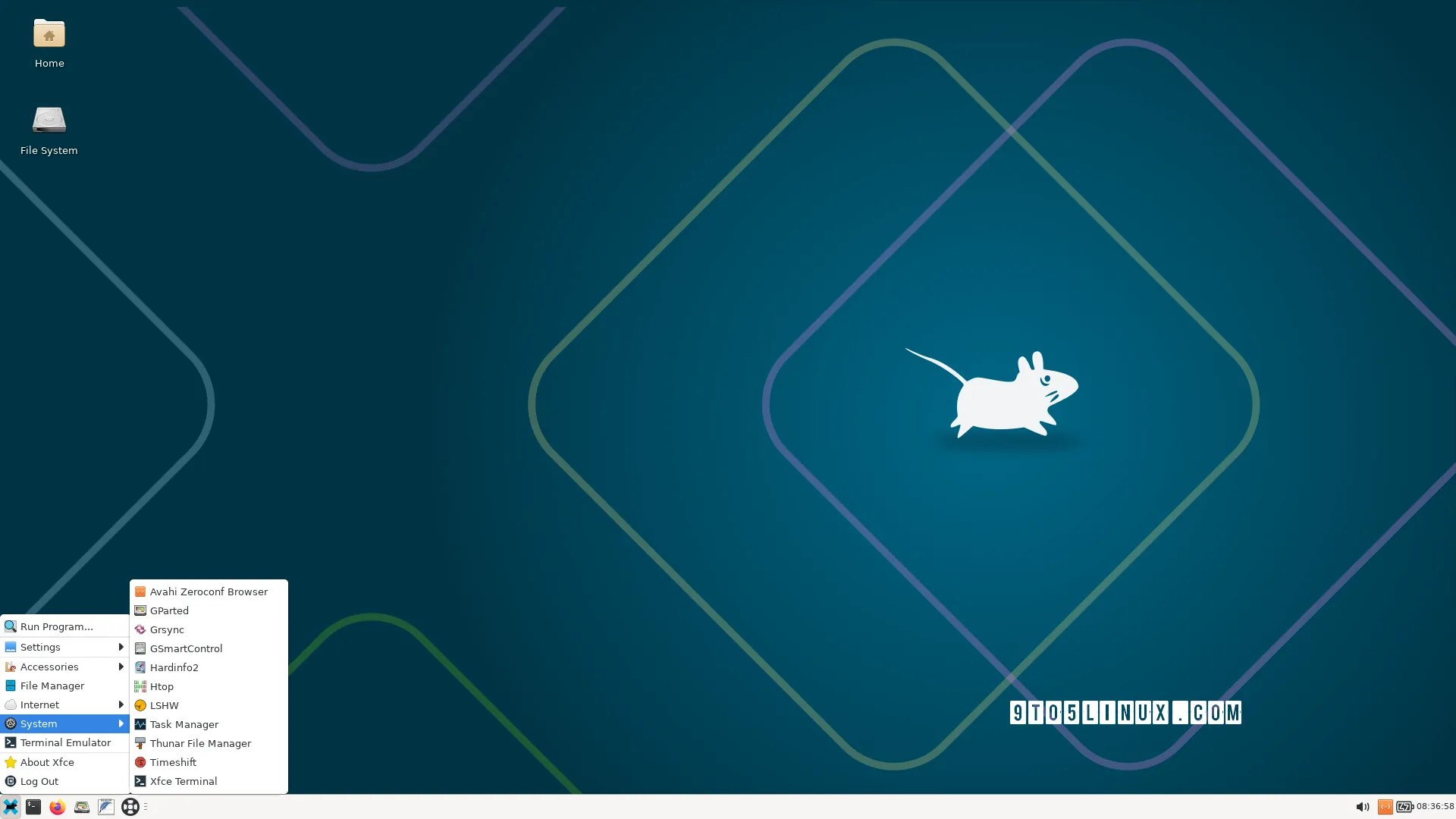
SystemRescue, a popular live Linux toolkit for system rescue and recovery tasks, has been updated to version 13. This release brings a brand-new kernel, new tools, and various improvements, making it an essential tool for any Linux user.
What’s New in SystemRescue 13?
SystemRescue 13 is powered by the long-term supported Linux 6.18 LTS kernel series, which provides a stable and secure foundation for the toolkit. One of the notable updates is the inclusion of the Bcachefs tools and kernel module, which offers improved performance and reliability.
Additionally, SystemRescue 13 introduces new tools, including FATSort, a utility for sorting FAT12, FAT16, FAT32, and exFAT partitions, and nss-mdns, a NSS plugin providing host name resolution via Multicast DNS. The release also adds the yq command-line utility for processing YAML, XML, and TOML files.
Other notable updates include the latest GParted 1.8.1 partition editor, the replacement of the Python version of iotop with iotop-c, an alternative re-implementation of iotop in C, and the update of the yay-prepare script to fix errors causing it to fail.
Improved User Experience
SystemRescue 13 also includes several improvements to the user experience. The release adds a script to change the scaling factor on HiDPI screens depending on configuration, and switches to a new default font from the kernel to avoid “tiny font” issues on HiDPI screens.
These updates demonstrate the commitment of the SystemRescue developers to providing a user-friendly and efficient live Linux toolkit for system rescue and recovery tasks.
Getting Started with SystemRescue 13
SystemRescue 13 is available for download right now from the official website for 64-bit systems. The toolkit doesn’t require installation, so you can use it directly from a bootable USB drive.
The SystemRescue devs recommend users to write the ISO image on a USB flash drive using the in-house built SystemRescue USB Writer utility, which is the recommended USB installation method on Linux systems.
SystemRescue uses the lightweight Xfce desktop environment by default for its live session. You can choose between a console environment or a graphical environment at first boot. SystemRescue is based on the Arch Linux distribution and uses the pacman package manager.
It aims to provide an easy way to carry out administration tasks on your computer, such as creating and editing disk partitions, backing up or restoring files and partitions, repairing boot partitions, and more.
Whether you’re a seasoned Linux user or just starting out, SystemRescue 13 is an essential tool to have in your toolkit. Its powerful features and user-friendly interface make it an ideal choice for any system rescue and recovery task.
Conclusion
In conclusion, SystemRescue 13 is a powerful live Linux toolkit that offers a wide range of features and tools for system rescue and recovery tasks. Its updated kernel, new tools, and improved user experience make it an essential tool for any Linux user.
So, what are you waiting for? Download SystemRescue 13 today and experience the power of a live Linux toolkit for yourself.








